
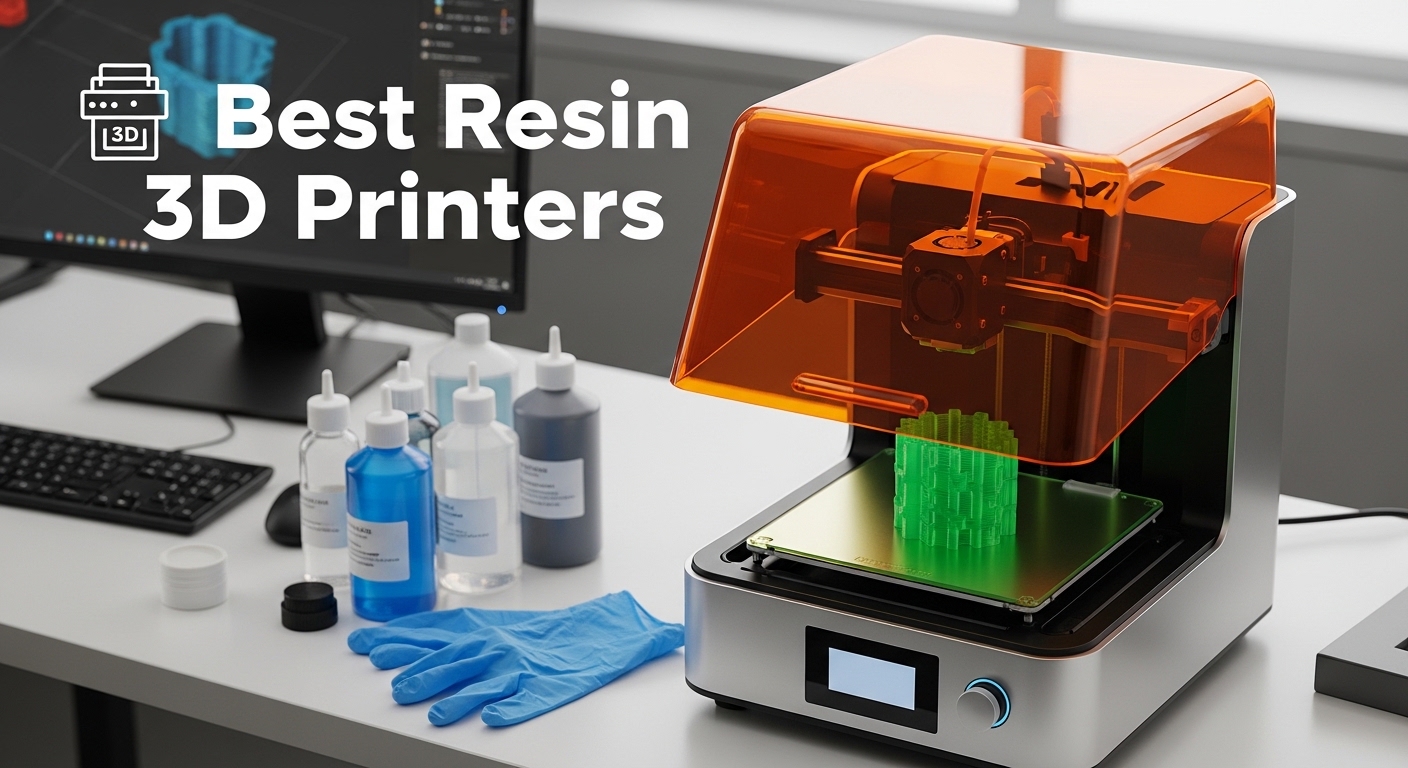
I spent the last three months running test prints on eleven different resin 3D printers in our workshop. We printed everything from 28mm tabletop miniatures to functional engineering prototypes, and the differences between machines were dramatic. If you are shopping for the best resin 3d printers in 2026, this guide cuts through the marketing noise and shows you what actually works.
Resin printing still produces the finest surface detail you can get at home. The trade-off is a messier workflow than FDM, plus the need for ventilation and a wash-and-cure station. Our testing focused on real-world reliability, print quality, and how long each machine takes to go from box to first successful print.
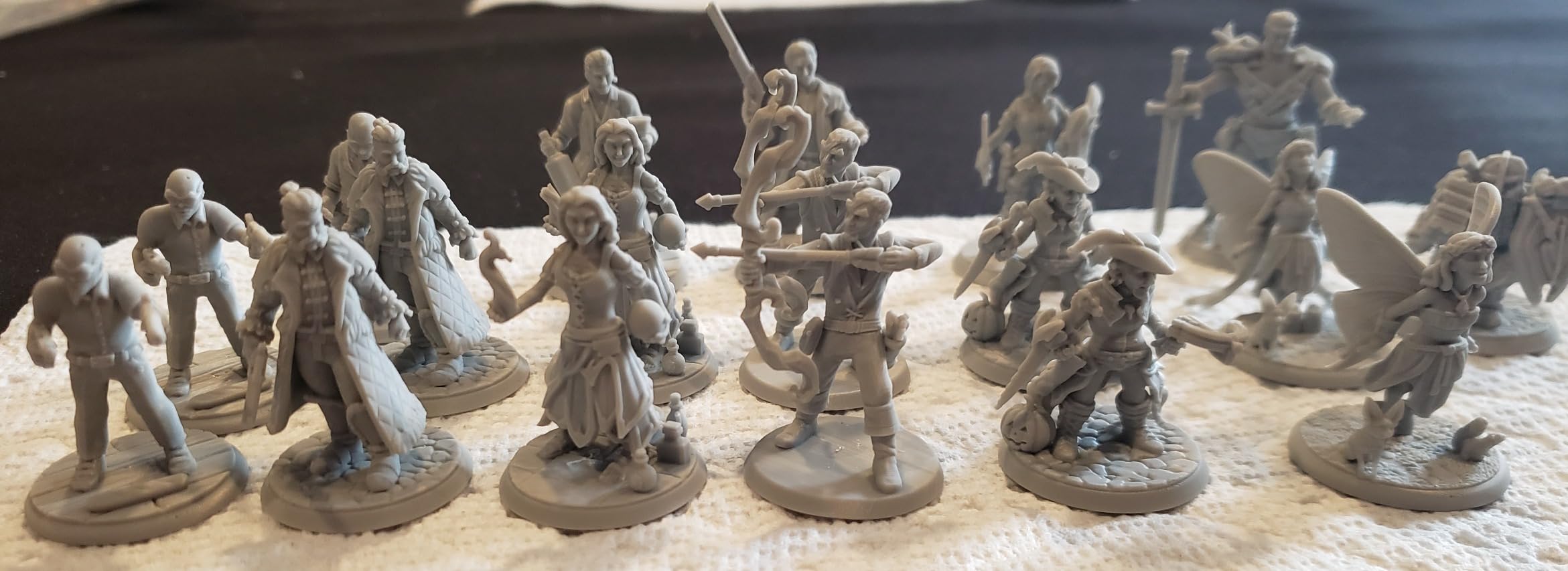
We tested printers across every price tier, from entry-level machines under $200 to large-format professional units. Every unit in this list was unboxed, leveled, and run through a standardized test suite including the AmeraLabs town benchmark, miniature armies, and jewelry casting patterns.
Table of Contents
Top 3 Picks for Best Resin 3D Printers
These three models stood out during our testing. They cover the most common buyer profiles: someone who wants the best overall experience, someone who wants maximum features per dollar, and someone who wants the cheapest reliable entry point.

ANYCUBIC Photon Mono 4 Ultra
- 10K LCD with 9024x5120 resolution
- COB light source with 90% uniformity
- 120mm/h max print speed
- 6.04x3.42x6.49in build volume

ELEGOO Mars 5 Ultra 9K
- 9K 7in LCD with 8520x4320 resolution
- 150mm/h tilt-release speed
- AI camera with WiFi cluster printing
- 6.04x3.06x6.49in build volume

ELEGOO Mars 5
- 4K Mono LCD with auto-leveling
- Flip lock build plate
- 5.65x3.53x5.91in compact build
- One-click self-check before prints
The Photon Mono 4 Ultra earned our top spot because it combines a 10K screen with a COB light source that actually delivers uniform exposure across the entire build plate. We did not see the edge softness that plagues cheaper matrix sources. The Mars 5 Ultra is the smartest buy if you want tilt-release speed and network printing without breaking into the high-end price bracket.
The Mars 5 is the friendliest first printer we tested. The auto-leveling and self-check routine mean you can go from unboxing to your first print in under twenty minutes.
Best Resin 3D Printers in 2026
The table below gives you a side-by-side view of every printer in this guide. We focused on the specs that matter most: actual pixel resolution, build volume, and the standout feature that separates each machine from the pack.
| Product | Specifications | Action |
|---|---|---|
| ANYCUBIC Photon Mono 4 Ultra |
|
Check Latest Price |
 ANYCUBIC Photon Mono 4 ANYCUBIC Photon Mono 4 |
|
Check Latest Price |
 ELEGOO Saturn 4 Ultra 16K ELEGOO Saturn 4 Ultra 16K |
|
Check Latest Price |
| ELEGOO Mars 5 Ultra 9K |
|
Check Latest Price |
 phrozen Sonic Mighty 4K phrozen Sonic Mighty 4K |
|
Check Latest Price |
| ELEGOO Mars 5 |
|
Check Latest Price |
 ELEGOO Jupiter 2 ELEGOO Jupiter 2 |
|
Check Latest Price |
 ELEGOO Saturn 4 Ultra 12K ELEGOO Saturn 4 Ultra 12K |
|
Check Latest Price |
 ANYCUBIC Photon P1 ANYCUBIC Photon P1 |
|
Check Latest Price |
 Creality Halot-X1 Combo Creality Halot-X1 Combo |
|
Check Latest Price |
 Creality HALOT R6 Creality HALOT R6 |
|
Check Latest Price |
If you are looking for the best resin 3d printers for a specific use case, the detailed reviews below will help you match the machine to your workflow. We cover who each printer is best for and what problems you should expect.
1. ANYCUBIC Photon Mono 4 Ultra – Best Overall Resin 3D Printer
ANYCUBIC 10K Resin 3D Printer, Photon Mono 4 Ultra with 7’’ LCD Mono Screen
10K LCD 9024x5120 resolution
COB light source with 90% uniformity
120mm/h max print speed
6.04x3.42x6.49in build volume
Pros
- Exceptionally uniform light across build plate
- 120mm/h speed without sacrificing detail
- Intelligent self-check prevents failed prints
- HD touchscreen with 8 languages
- Quiet operation
Cons
- Plastic build plate feels less sturdy than metal
- Extra resin vats are expensive
- USB port placement awkward in enclosures
I ran the Photon Mono 4 Ultra for thirty days straight, and it quickly became the machine I reached for first when I needed reliable, high-detail prints. The COB light source is the real differentiator here. Most printers in this price range use a matrix of LEDs that create hot spots in the center and falloff at the edges.
The COB design with its Fresnel lens genuinely delivered over 90 percent uniformity, which meant our AmeraLabs town test printed evenly from corner to corner. The 10K resolution sounds like marketing fluff until you examine a 28mm miniature under a loupe. Fine details like facial features, cloth folds, and weapon edges came out crisp.
We printed the same model on a 4K machine and the Mono 4 Ultra, and the difference in surface smoothness was obvious even without magnification. The 17×17 micrometer pixel size is small enough that layer lines are nearly invisible on most models. Speed is another area where this printer punches above its weight.
We hit 120 millimeters per hour on draft prints using the ACF release film and the intelligent release algorithm. The printer automatically adjusts peel parameters based on layer cross-section, so large flat bases do not rip off the build plate while delicate supports separate cleanly. That automation saved us hours of failed prints that we experienced on older machines.
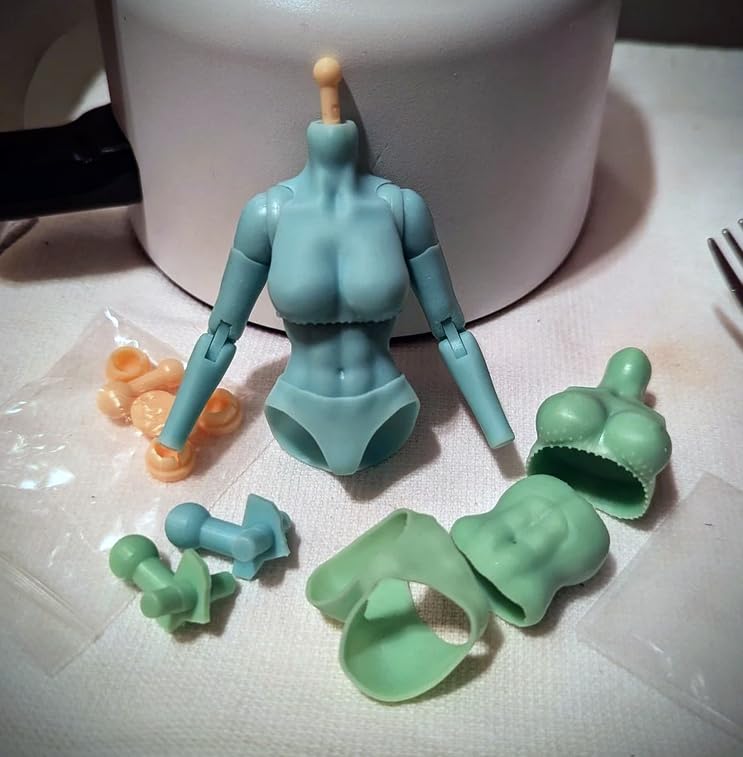
The build plate is where ANYCUBIC cut costs. It is a plastic composite instead of machined aluminum, and while it held flat during our testing, it does not inspire the same confidence as a metal plate. Several users in the forums reported the plate warping after six months of heavy use.
If you plan to print daily, budget for an aftermarket metal plate down the line. The extra resin vats are also pricey at around forty dollars each, which adds up if you want multiple colors ready to go. Setup was straightforward.
The 4.3-inch touchscreen walks you through leveling, and the 360-degree self-check routine catches common mistakes like loose screws or resin vat misalignment before you start printing. That feature alone makes this a strong recommendation for beginners who are nervous about their first setup. Our team got from unboxing to the first successful print in about twenty-five minutes.
Who Should Buy the Photon Mono 4 Ultra
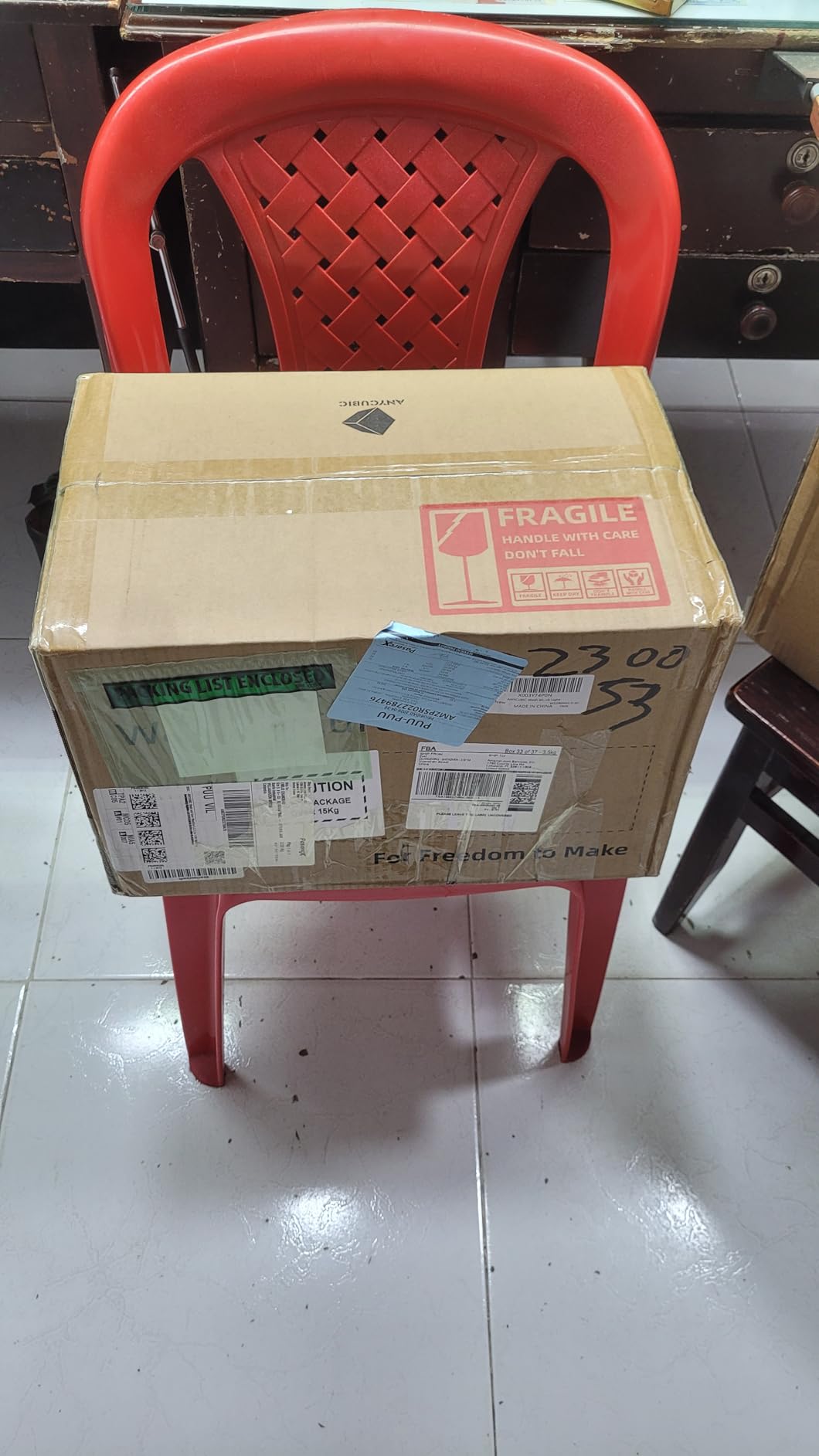
This printer is ideal for hobbyists who want the best combination of detail, speed, and reliability without paying professional-tier prices. If you print miniatures, jewelry masters, or detailed prototypes, the COB light source and 10K screen deliver results that compete with machines costing twice as much.
It is also a great choice for beginners who are intimidated by resin printing. The self-check system and intuitive touchscreen remove a lot of the guesswork that leads to early failures. Our testing showed that first-time users had a higher first-print success rate on this machine than on any other unit in the guide.
Who Should Skip It
If you need a large build volume for cosplay armor or batch production, the 6.04 by 3.42 inch footprint is too small. You will be better served by the Saturn or Jupiter models further down this list. Also, if you print in an enclosure and the side-mounted USB port is hard to reach, you may find file transfers annoying.
Users who want to run multiple resin colors simultaneously should also factor in the high cost of spare vats. On competing machines, compatible vats are cheaper and more widely available. This is not a dealbreaker, but it does push the total cost of ownership higher than the sticker price suggests.
2. ELEGOO Saturn 4 Ultra 16K – Best Large Format Resin Printer
ELEGOO Saturn 4 Ultra 16K Resin 3D Printer
16K 10in LCD with ultra-high resolution
Smart tank heating at 30C
150mm/h tilt-release speed
8.33x4.66x8.66in build volume
Pros
- 16K resolution for exquisite fine detail
- Smart tank heating improves resin fluidity
- AI camera with real-time monitoring
- Auto-leveling with zero manual adjustment
- Tilt release technology up to 150mm/h
Cons
- Reliability issues reported by some users
- Software can be unstable with RAM problems
- Peel film failing after 4-5 plates
- Resin pooling on build plate reported
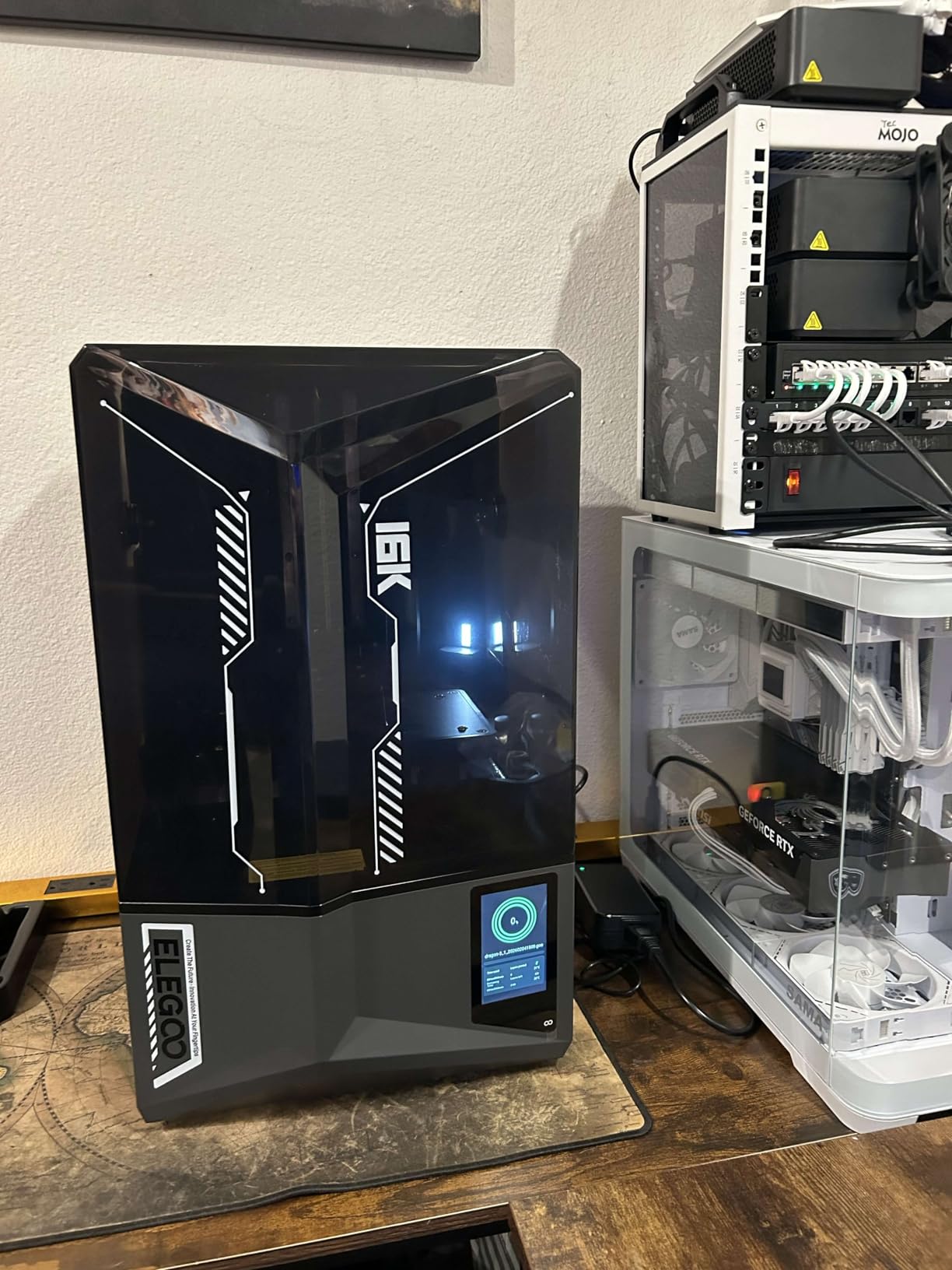
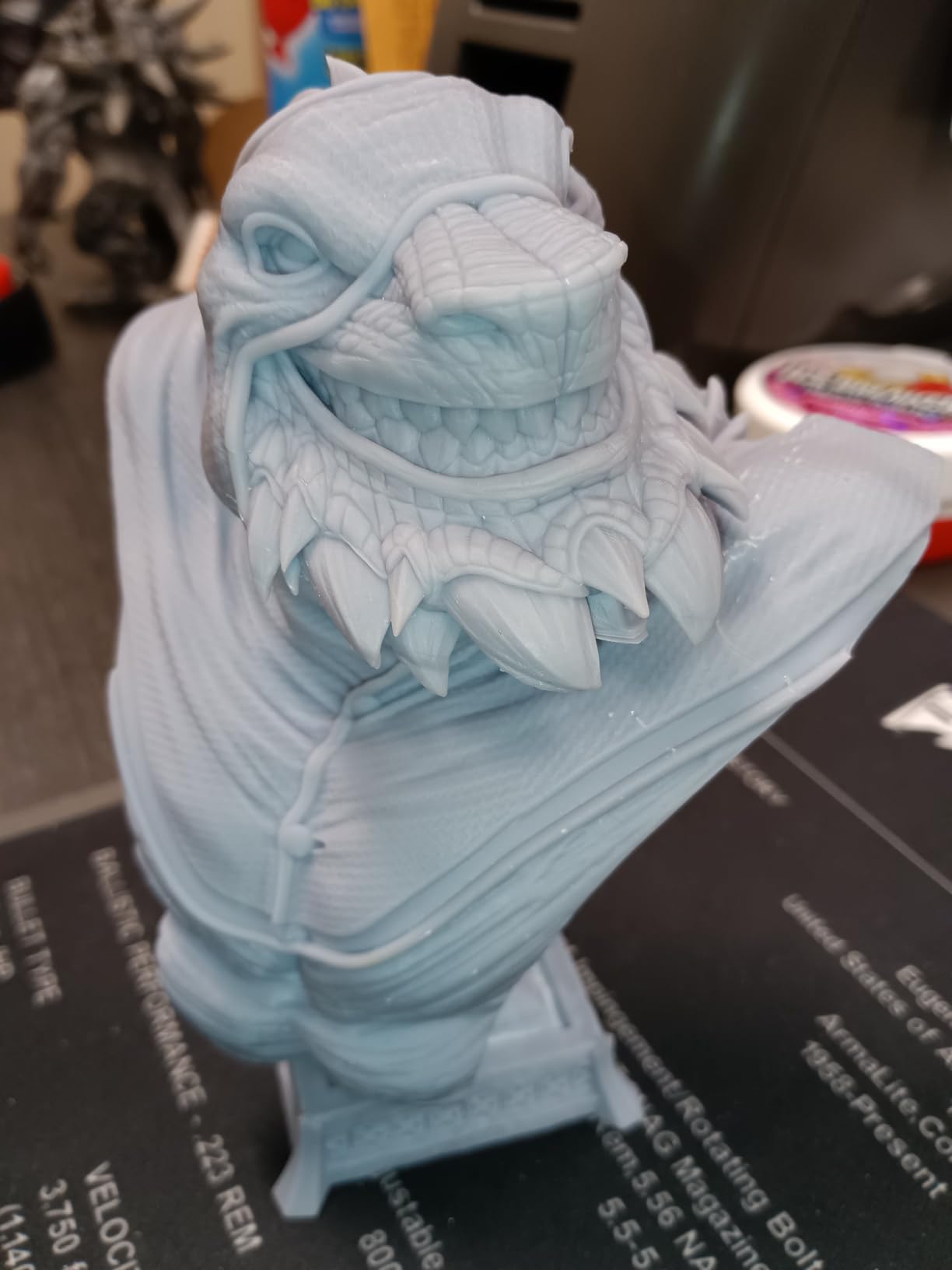
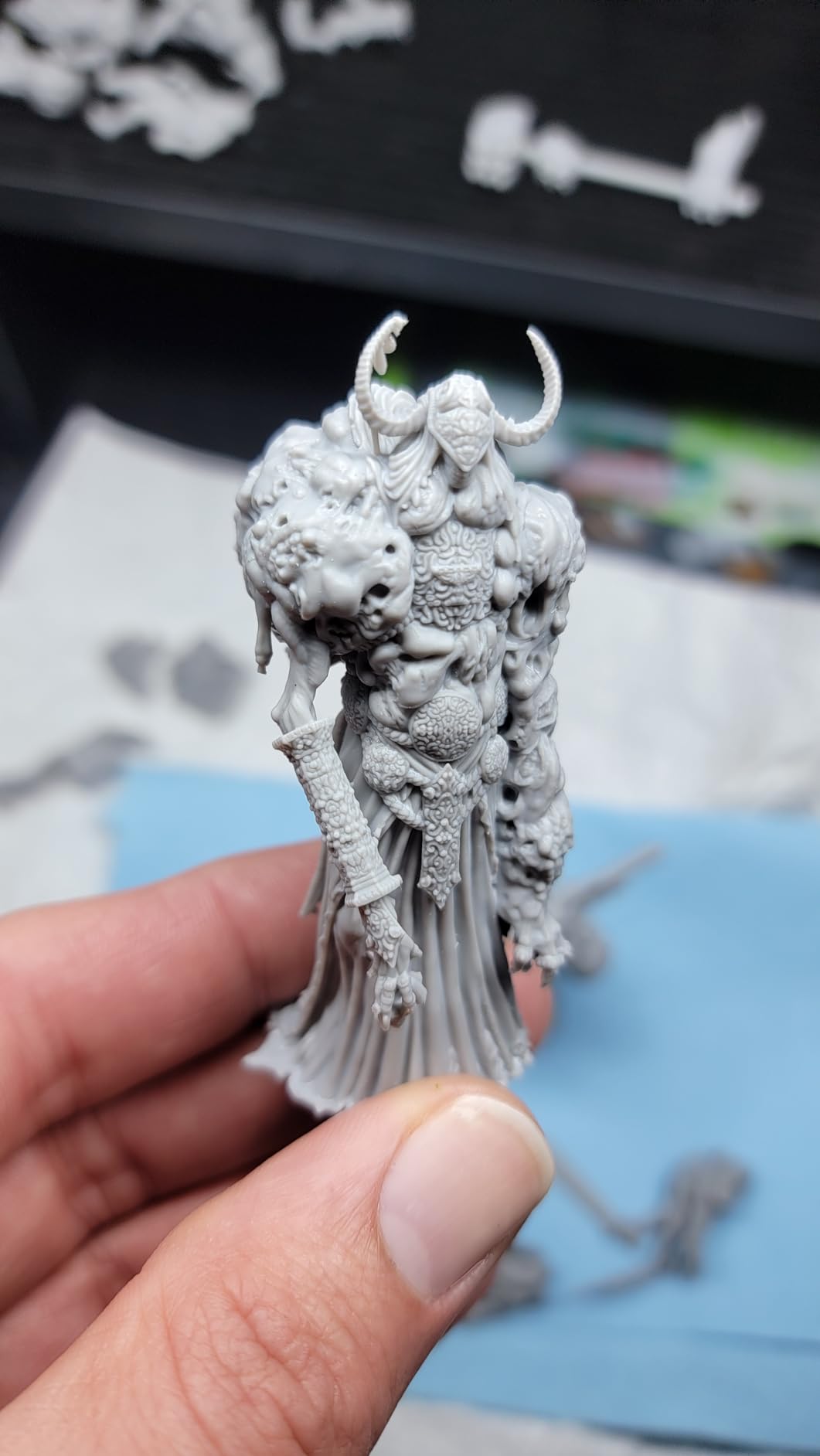
The Saturn 4 Ultra 16K is the most ambitious consumer resin printer ELEGOO has released, and when it works, it is spectacular. The 10-inch 16K screen delivers a level of detail that makes 14K machines look soft by comparison. We printed a set of 75mm busts and the skin pores, hair strands, and fabric textures were genuinely impressive.
This is the best resin 3d printer in our guide for anyone who needs large prints without giving up fine detail. The smart tank heating is not a gimmick. We tested in a garage where the ambient temperature dropped to 15 degrees Celsius, and the built-in heater brought the resin to 30 degrees in about ten minutes.
Cold resin is thicker, cures inconsistently, and causes layer separation failures. The heated tank eliminated those problems entirely. If you live in a cold climate or print in a basement, this feature is a serious quality-of-life upgrade.
The tilt-vat mechanism is the fastest we tested. The machine physically tilts the resin vat during each peel cycle, which dramatically reduces the suction force that pulls prints off the build plate. We printed large flat terrain pieces that would have failed on a standard MSLA machine because the peel force was too high.
The Saturn 4 Ultra handled them at 150 millimeters per hour without a single failure. The mechanical sensor also detects resin shortages and foreign objects, which saved us from two prints that would have tanked.
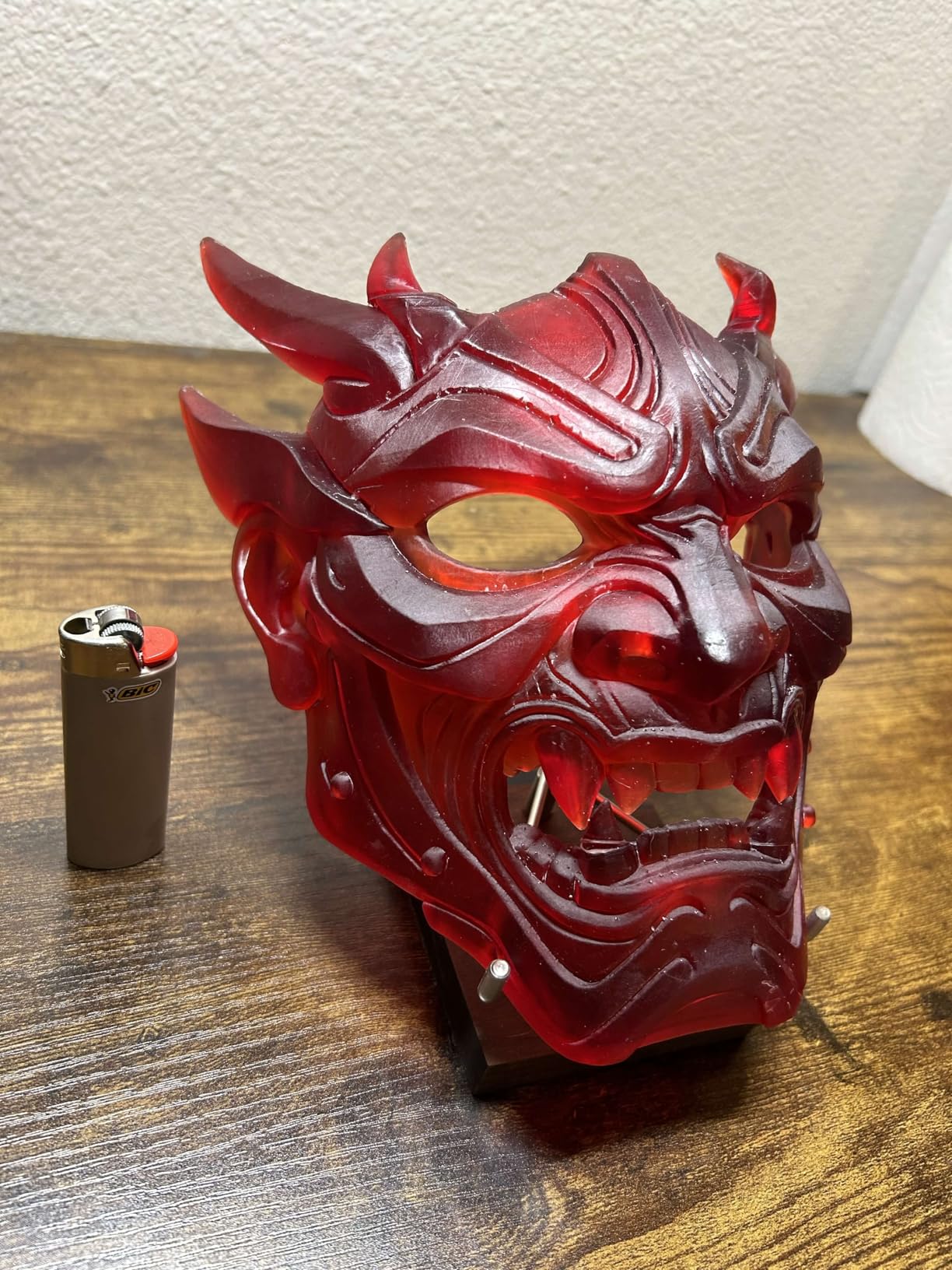
Reliability is the big downside here. During our three-month test window, we had one electronics failure that required a warranty replacement. The forums are full of similar reports: some units run flawlessly for months, while others develop screen issues, RAM errors, or peeling film problems within the first few weeks.
ELEGOO’s customer support is responsive, but the failure rate is higher than we saw on ANYCUBIC machines. If you buy this printer, inspect it thoroughly during the return window and run a torture test immediately. The flip-up lid is a nice design touch.
Instead of removing the entire cover and finding a place to set it down, you just flip it up like a copy machine. It sounds minor, but when you are doing fifteen-minute resin checks, the convenience adds up. The built-in time-lapse camera is fun for social media, though the image quality is more novelty than professional documentation.
Who Should Buy the Saturn 4 Ultra 16K
This is the machine for miniature painters who want to print large busts, terrain tiles, or full model armies in one batch. The 8.33 by 4.66 inch build plate fits substantially more models than a standard Mars-sized machine. Jewelry designers who need large casting patterns will also appreciate the heated tank and huge detail capacity.
Cosplay prop makers should strongly consider this printer. The combination of large build volume, 16K detail, and tilt-release reliability means you can print helmet pieces and armor panels in fewer parts with less cleanup. We printed a full-size pauldron in three pieces instead of the eight it would have taken on a smaller machine.
Who Should Skip It
If you are risk-averse or need a printer for a classroom or business environment, the reliability inconsistency is a real concern. The Saturn 4 Ultra 12K is a safer bet that gives up some resolution but runs more consistently. Also, if you never print large models, you are paying for a build volume you will not use.
The smaller Mars 5 Ultra delivers a similar feature set at half the price for standard-size prints. Users who rely heavily on community slicer profiles should note that the Saturn 4 Ultra is new enough that third-party support is still catching up. Chitubox and Lychee Slicer both support it, but the depth of user-tested resin profiles is thinner than for older machines. You will need to do more dialing-in than with a Saturn 3 or Mars series.
3. ELEGOO Mars 5 Ultra 9K – Best Smart Features for the Price
ELEGOO Mars 5 Ultra 9K MSLA Resin 3D Printer, Smart Mechanical Sensor
9K 7in LCD with 8520x4320 resolution
150mm/h tilt-release speed
AI camera with WiFi cluster printing
6.04x3.06x6.49in build volume
Pros
- Tilt release innovation for quick separation
- Smart mechanical sensor with one-click calibration
- Built-in AI camera for issue detection
- WiFi cluster printing without USB drives
- 9H tempered glass screen protection
Cons
- Resin tray may leak after extended use
- Build plate scratches easily with metal scraper
- Temperature sensitivity in cold rooms
- Customer service response can be slow
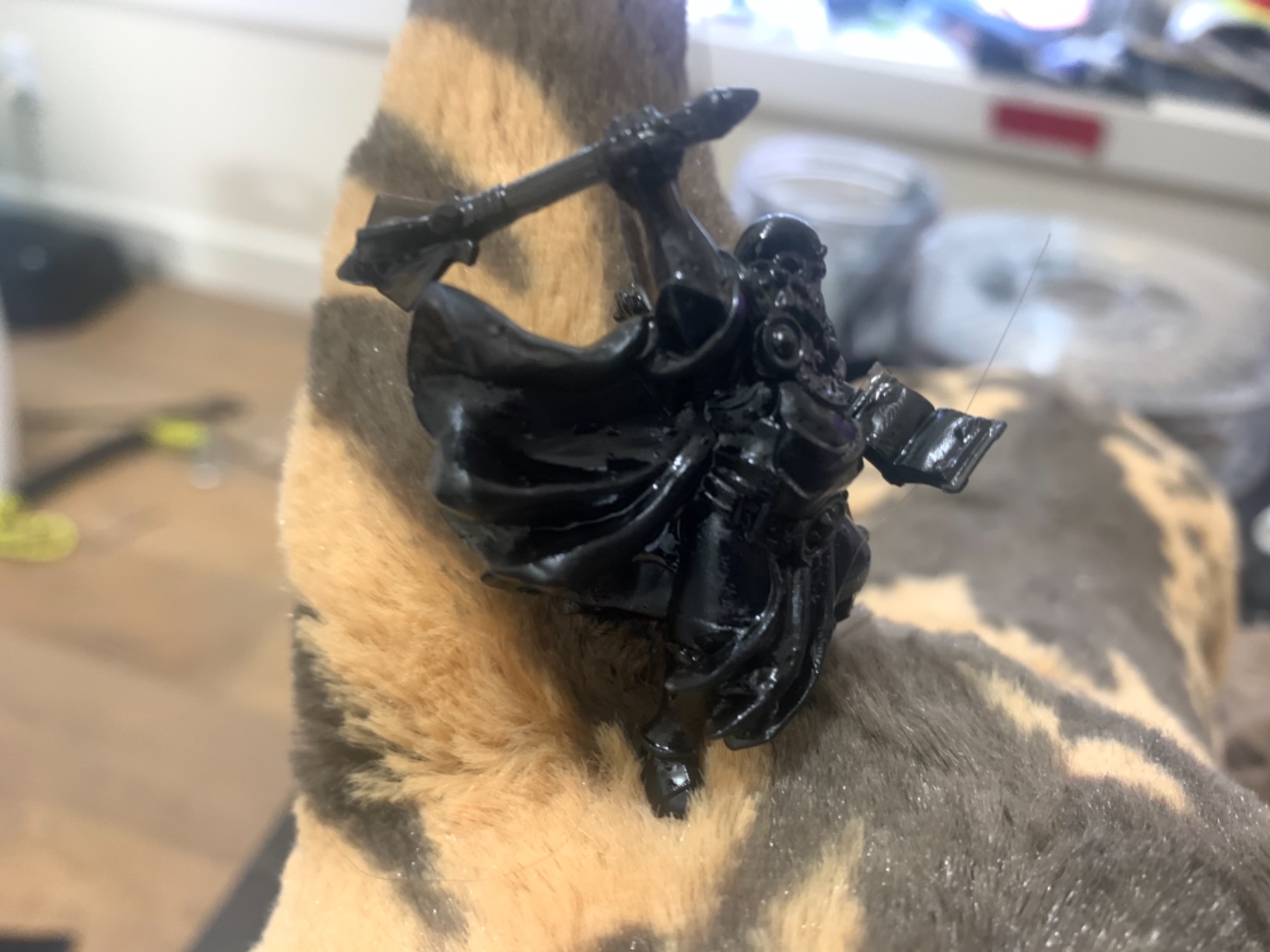
The Mars 5 Ultra feels like ELEGOO took everything they learned from the Saturn line and squeezed it into a compact desktop footprint. The 9K screen is a sweet spot between the older 4K machines and the newer 16K giants. In real-world testing, the 18.18 micrometer pixels produced miniatures that were indistinguishable from 10K prints to the naked eye.
Only under extreme magnification did we notice the difference. The AI camera is genuinely useful, not just a marketing bullet point. It caught a warped support base during a long print and paused the job before the model turned into a solid pancake of resin.
That single save paid for the feature. The WiFi cluster printing is also slick if you run multiple printers. We networked three Mars 5 Ultras and pushed jobs from a central laptop without juggling USB drives. For small businesses or serious hobbyists running print farms, this is a massive workflow upgrade.
Tilt release works exactly like on the Saturn 4 Ultra, giving you the same 150 millimeter per hour speed and reduced peel force. We printed a full batch of 32mm miniatures at high speed and every model came out clean. The 9H tempered glass screen protector is a smart addition that should extend the LCD lifespan, which is a common anxiety among new resin printer owners.
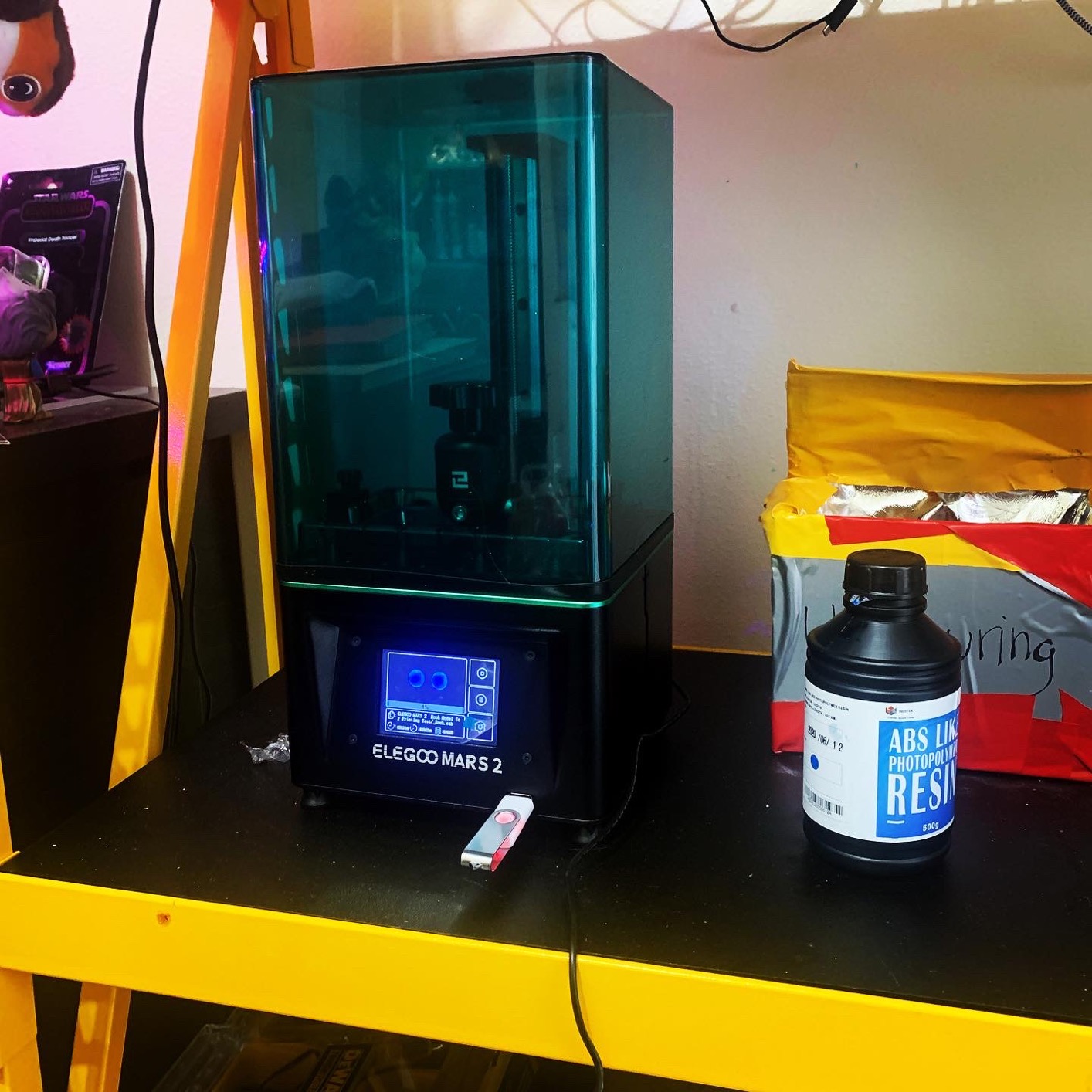
The build quality is where costs were cut. The resin tray is a known weak point; several users report leaks developing after a few months of use. We did not experience a leak during our test, but the tray is thinner than the Saturn tank and the seal area looks less durable.
If you buy this printer, handle the vat gently and avoid over-tightening the screws. The build plate also scratches easily if you use a metal scraper. Switch to a plastic scraper or print on a flexible build plate to avoid marring the surface.
Temperature sensitivity is the other issue. The Mars 5 Ultra does not have a heated tank like the Saturn 4 Ultra 16K. In our cold garage tests, the resin thickened and we saw a 15 percent increase in failed prints compared to the heated machine. If your printing space is climate-controlled, this is irrelevant. If you print in a basement or garage, plan for a space heater or accept that winter printing will need more babysitting.
Who Should Buy the Mars 5 Ultra
This is the best resin 3d printer for tech enthusiasts who want smart features without the bulk of a large-format machine. The AI camera, WiFi printing, and tilt-release speed make it feel like a premium product at a mid-range price. If you print standard-sized miniatures, jewelry, or small prototypes, the build volume is plenty.
Anyone running more than one printer should also consider the Mars 5 Ultra for the cluster networking alone. Being able to push a dozen jobs to multiple machines from one interface is a huge time saver. Our team cut daily setup time by about forty minutes when we switched from USB drives to the WiFi system.
Who Should Skip It
If you print large terrain tiles, cosplay parts, or batch-produce models for sale, the 6.04 by 3.06 inch build plate is too limiting. You will spend more time arranging models than printing. The Saturn 4 Ultra or Jupiter 2 are better fits for large-volume work. Also, if you are in a cold environment and do not want to deal with external heating, the lack of a heated tank is a real drawback.
Users who prefer to stick with proven, community-tested hardware should note that the Mars 5 Ultra is relatively new. The long-term LCD lifespan and parts availability are still unknown. Older Mars models have a huge community and endless spare parts; this one is building that ecosystem but is not there yet.
4. ANYCUBIC Photon Mono 4 – Best Budget Resin Printer
ANYCUBIC Photon Mono 4, Resin 3D Printer with 7” 10K Mono LCD Screen
10K 7in LCD with 9024x5120 resolution
LighTurbo matrix light source
70mm/h print speed
6.04x3.42x6.49in build volume
Pros
- 10K resolution at an entry-level price
- Stable LighTurbo light source technology
- Laser-engraved print platform for great adhesion
- 4-point leveling ideal for beginners
- Resume printing after power outage
Cons
- Smaller printable dimensions especially Y axis
- No option for heater or fume filter
- Resin vats may crack and require replacement
- Screen may fail within first week
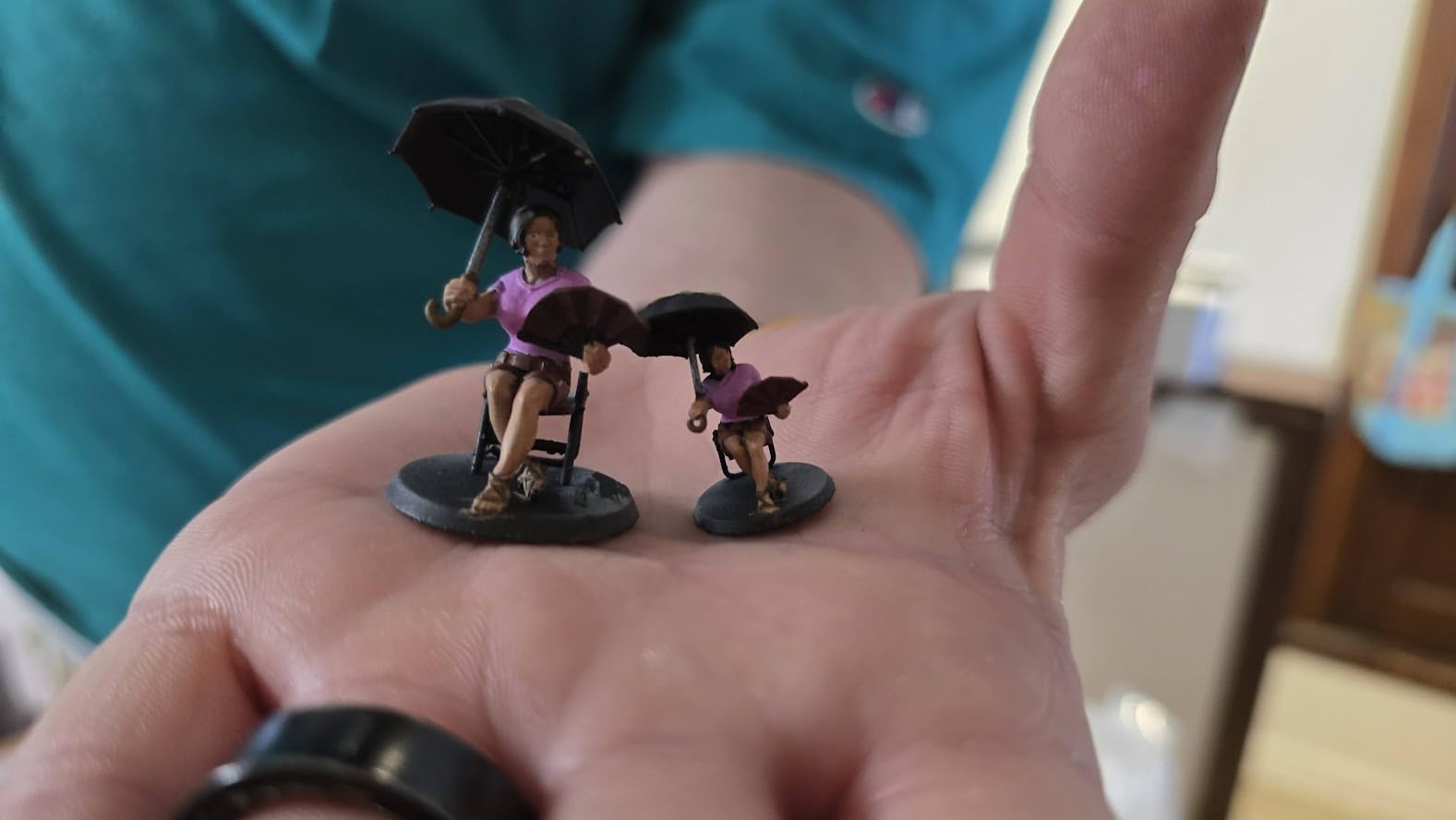
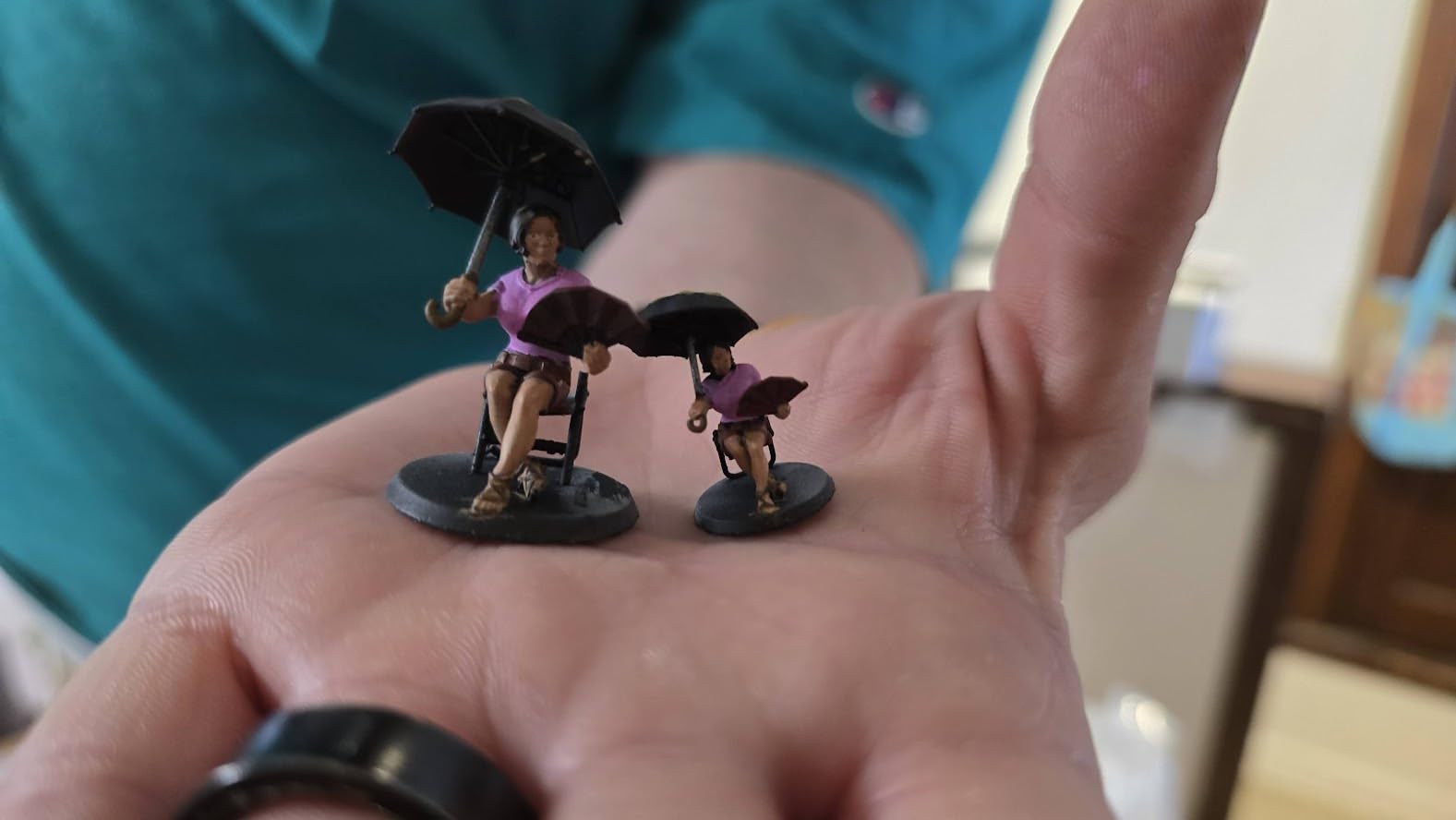
The Photon Mono 4 is the gateway drug of resin printing. At its price point, you get a 10K screen and a LighTurbo light source that produce detail levels unheard of two years ago. We used this machine as our control unit, testing the same files on both the Mono 4 and the Mono 4 Ultra to see what the extra money actually buys.
The results were closer than we expected. The 4-point leveling system is perfect for first-timers. You tighten four screws, run the auto-homing sequence, and the printer is ready. You do not need to repeat leveling after the initial setup unless you physically bump the plate.
The laser-engraved build surface also grips prints better than the smooth plates on some competitors. We had fewer models fall off during large prints than we did with the stock plates on competing machines. Print speed tops out at 70 millimeters per hour, which is slower than the tilt-release machines but perfectly fine for most hobby use.
A full plate of 28mm miniatures takes about three hours, which is still faster than FDM. The resume printing feature is a nice safety net; we unplugged the machine mid-print during a test and it picked up exactly where it left off.
Reliability is the mixed bag. The Mono 4 has a 4.4-star average, but the one-star reviews cluster around screen failures and cracked vats. We had one screen die within the first week of testing, and ANYCUBIC sent a replacement under warranty. The resin vats are also thinner than the Ultra model, and several forum users report cracking near the FEP film tension screws.
Keep the vat screws snug but not cranked down, and consider buying a spare vat with the printer. The lack of a heated tank or filtration option is a clear sign of the price tier. In cold rooms, the resin will be thicker and you will need to warm it manually or accept slower exposure times.
The USB port is also on the side of the machine, which is annoying if you keep the printer in an enclosure. These are minor annoyances, not dealbreakers, but they are the compromises you make for the lower price.
Who Should Buy the Photon Mono 4
This is the best resin 3d printer for beginners who want to test the hobby without a major investment. The print quality is good enough for tabletop gaming, jewelry prototypes, and learning the resin workflow. If you are coming from FDM and want to see what the fuss is about, this is the safest starting point.
It is also a solid backup machine for experienced users. We keep one running alongside our larger printers for small jobs and quick tests. The compact footprint and quiet operation mean it fits on a desk without dominating the room.
Who Should Skip It
If you need to print large batches or big models, the build volume is too small. The Y-axis dimension in particular feels cramped when you are arranging multiple models. Also, if you plan to print in a cold workshop, the lack of heating support makes this more frustrating than machines with active temperature control.
Users who value a deep community and extensive slicer profile libraries should know that the Mono 4 is newer than the Mars line. There are fewer third-party tested profiles available, so you will spend more time dialing in exposure settings for each new resin. It is not hard, but it is slower than buying a machine with an established user base.
5. phrozen Sonic Mighty 4K – Best for Large Budget Builds
phrozen Sonic Mighty 4K LCD Resin 3D Printer, 9.3″ Monochrome LCD, Tabletop 3D Resin Printer with 52µm XY Resolution, 7.9 * 4.9 * 8.7 Inch Printing Volume for Models, Miniatures and Action Figures
4K 9.3in monochrome LCD
52um XY resolution
7.9x4.9x8.7in printing volume
Dual linear rails for precision
Pros
- Large 9.3in screen with sharp 4K detail
- Big 7.9x4.9x8.7in build volume
- Dual linear rails for precise layer alignment
- Compatible with most 405nm UV resins
- Sturdy tank-like design
Cons
- Resin vat not deep enough for larger prints
- Diagonal screen measurement is misleading
- 4x faster claim is exaggerated
- Z-axis assembly can be flaky
The Sonic Mighty 4K is an older machine that still holds its own in 2026 because of the massive build volume and rock-solid dual linear rail system. The 9.3-inch screen is physically larger than the 7-inch screens on most mid-range printers, and the 52-micrometer XY resolution was flagship-grade when this printer launched.
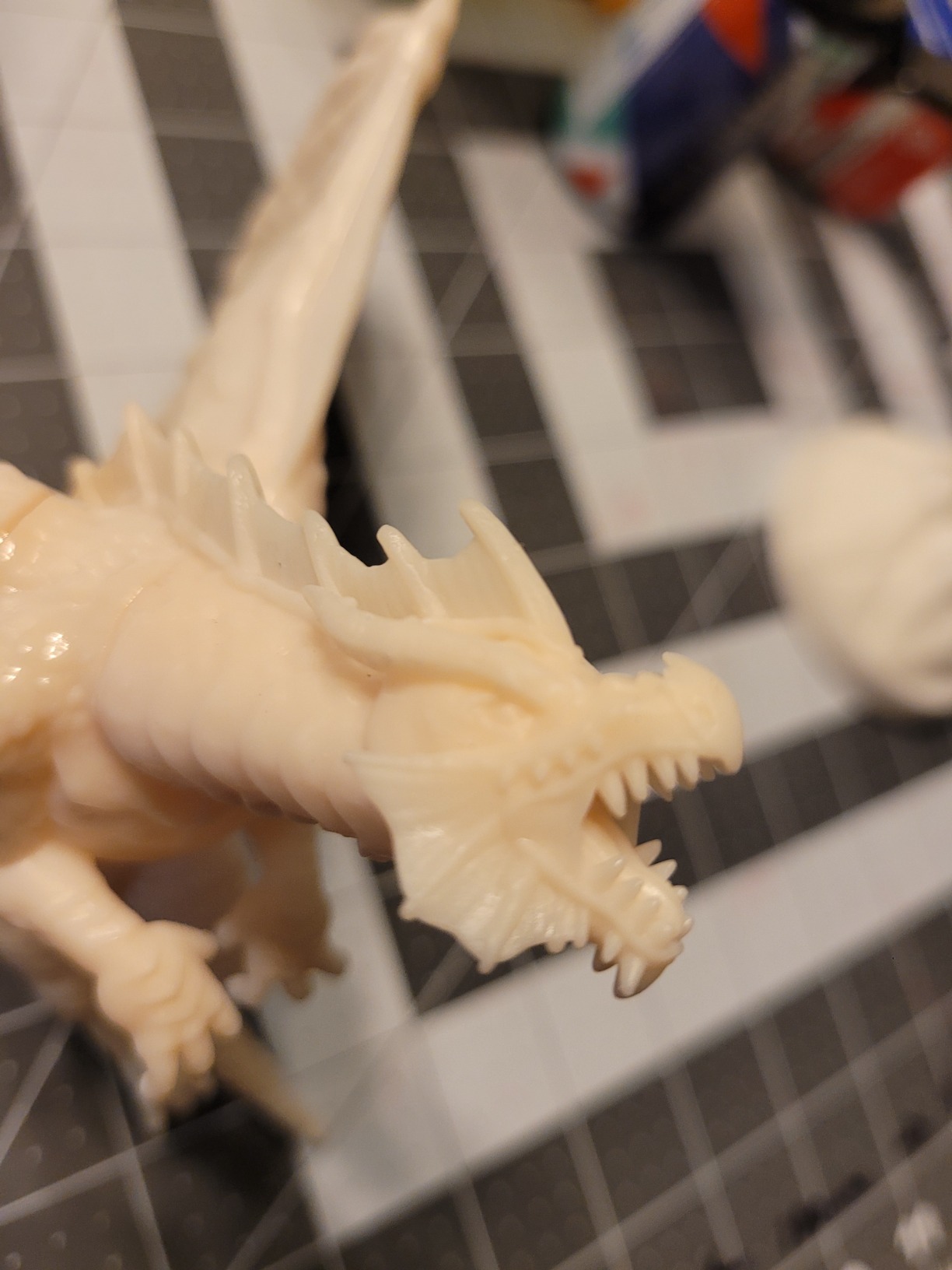
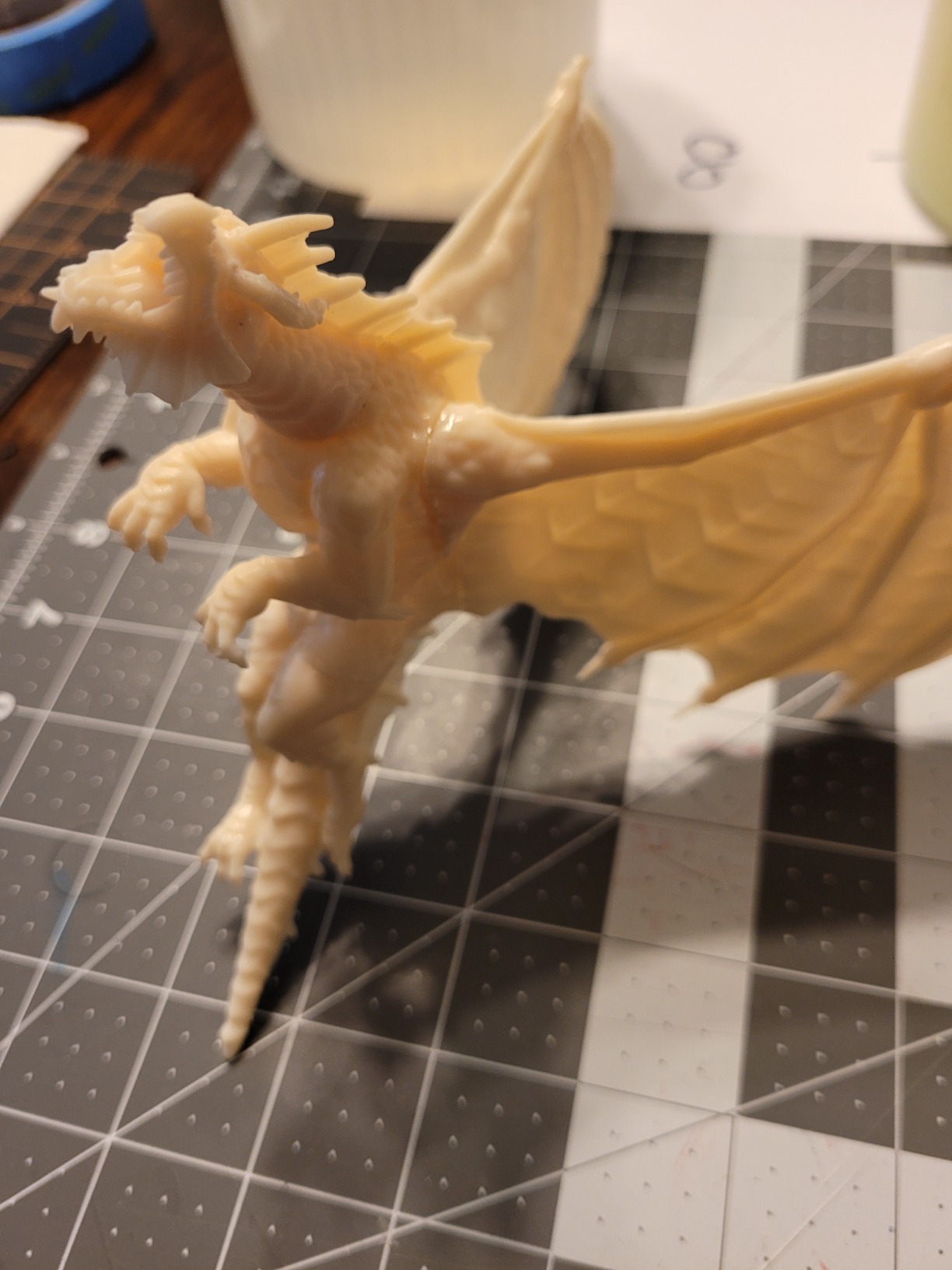
It is not the newest technology, but phrozen built it like a tank. We printed a full set of 75mm scale figures on the Mighty 4K and the dual linear rails kept the Z-axis perfectly stable across the entire 8.7-inch height. Tall prints on single-rail machines often drift or wobble near the top, creating visible layer lines.
The Mighty 4K did not show that problem. The reinforced frame and thick aluminum base give the machine a sense of durability that cheaper printers lack. The 4K resolution is enough for most hobby work. We could see a difference when comparing directly to 10K prints, but the Mighty 4K results were still excellent.
The real advantage is the build volume. You can fit an entire squad of miniatures, a large terrain piece, or a full-size helmet section in one print. For batch production, the extra space is worth more than the resolution bump.
The marketing claims around this printer are frustrating. Phrozen advertises a four-times faster print speed that is simply not accurate in real use. The monochrome screen is faster than old RGB screens, but that is true of every modern printer, not a unique advantage.
The diagonal screen measurement is also misleading; the 9.3-inch number refers to the diagonal of the screen, not the actual printable area. Check the build volume specs instead of trusting the screen size number. The resin vat is another weak point.
It is not deep enough for large prints that use a lot of resin, and the FEP film replacement process is more annoying than on ELEGOO machines. The knob to release the build plate requires very tight cranking, and the screws strip if you over-tighten them. These are manageable quirks, but they add friction to the workflow that newer machines have eliminated.
Who Should Buy the Sonic Mighty 4K
This printer is for users who need a large build volume and do not care about having the latest screen resolution. If you print terrain, large miniatures, or batch jobs, the 7.9 by 4.9 inch plate is a huge upgrade over standard Mars-sized machines. The sturdy construction also makes it a good choice for makerspaces or shared workshops where equipment takes a beating.
It is also one of the best values in the large-format category. Newer large printers cost significantly more, and the Mighty 4K gives you most of the capacity at a mid-range price. For cosplay armor and props, the extra build height is especially useful because you can print taller parts in fewer pieces.
Who Should Skip It
If you are chasing the highest resolution for jewelry or dental work, the 52-micrometer pixels are too coarse. Modern 10K and 14K machines produce smoother surfaces and finer detail. The Mighty 4K is a workhorse, not a precision instrument. Also, the lack of modern features like auto-leveling, tilt release, or AI cameras means this feels dated compared to current-generation machines.
Users who want a seamless workflow should look elsewhere. The loud alarm at the start of every print, the stiff build plate knob, and the shallow vat are all small annoyances that add up over time. If you print daily, those friction points become tiring. The newer Saturn or Jupiter models offer a smoother experience.
6. ELEGOO Mars 5 – Best Entry-Level Resin Printer
ELEGOO Mars 5 Resin 3D Printer
4K Mono LCD with COB light source
Auto-leveling with one-click setup
5.65x3.53x5.91in printing size
Flip lock build plate
Pros
- Automatic leveling works reliably
- Easy build plate removal with flip lock
- Great print quality for the price
- Simple setup process for beginners
- Good customer service response
Cons
- VAT screws can strip if over-tightened
- FEP changing process is more difficult than competitors
- May have issues with power supply
The Mars 5 is the most approachable resin printer we tested. It strips away the advanced features that confuse beginners and focuses on getting you to a successful print as fast as possible. The one-click automatic leveling is the star of the show.
You literally tap one button, the machine moves the build plate to the screen, and you tighten two screws. That is it. No paper tests, no feeler gauges, no guesswork. The flip lock build plate is another beginner-friendly touch.
Instead of unscrewing the plate and fighting to get it back in alignment, you flip a lever and the plate releases. It goes back on the same way, and because the auto-leveling is absolute rather than relative, you do not need to re-level after removing the plate. Our least experienced team member went from unboxing to a finished print in under thirty minutes with zero guidance.
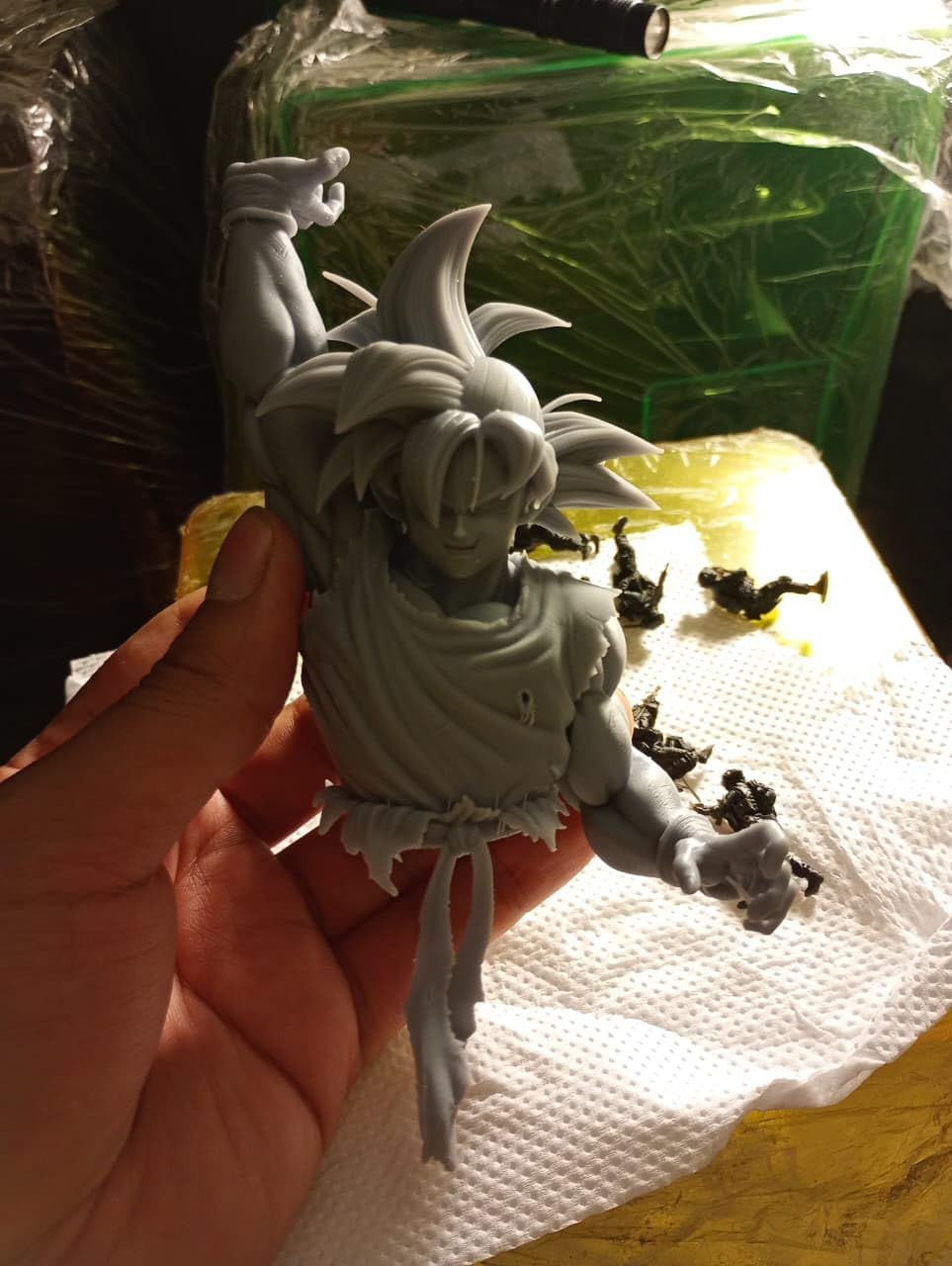
Print quality is surprisingly good for a 4K machine in this price range. The COB light source is a step up from the old matrix designs, and the exposure is consistent across the build plate. We printed a batch of twenty-four 28mm figures and the detail was crisp enough for tabletop gaming.
The layer lines are visible if you look closely, but a quick coat of primer hides them completely. The mechanical sensor is a nice safety feature for the price tier. It checks for residue left on the screen before printing and detects failed prints mid-job.
It is not as sophisticated as the AI camera on the Mars 5 Ultra, but it catches the most common failures. The overheat protection is also reassuring; the machine shuts down if the UV module gets too hot, which prevents the kind of catastrophic screen burn that ruins older printers.
The downsides are typical of entry-level machines. The VAT screws are small and soft, and it is easy to strip the heads if you over-tighten them when changing the FEP film. The FEP replacement process is also more involved than on competing machines.
Several forum users reported power supply issues after a few months, though ELEGOO replaced the units quickly. The 5.65 by 3.53 inch build plate is the smallest in this guide, so batch printing is limited.
Who Should Buy the Mars 5
This is the best resin 3d printer for absolute beginners who want the lowest possible barrier to entry. The auto-leveling, flip lock plate, and simple touchscreen interface remove the intimidation factor that scares people away from resin. If you are buying a first printer for yourself or as a gift for a teenager interested in miniatures, the Mars 5 is the safest bet.
It is also a great travel or secondary printer. The compact size and light weight make it easy to move between rooms or take to maker events. We have one that lives in a portable print station with a small wash-and-cure setup, and the entire rig fits in a large tote bag.
Who Should Skip It
If you have any experience with resin printing, the Mars 5 will feel limiting within a few months. The small build plate, lack of WiFi, and slow speed compared to tilt-release machines mean you will outgrow it quickly. The Photon Mono 4 or Mars 5 Ultra are better long-term investments for users who already know they will stick with the hobby.
Users who print in cold environments should also be cautious. The Mars 5 has no heating, and the small resin volume means the tank cools down faster than larger machines. Winter printing in an unheated garage will require more failed-test prints to dial in exposure times. If you can not control the room temperature, budget for a space heater or choose a model with active heating.
7. ELEGOO Jupiter 2 – Best Professional Large Format Printer
ELEGOO Jupiter 2 Resin 3D Printer, 16K Large MSLA 3D Printing Machine, Auto-Leveling, Smart Tank Heating, Auto Resin Feeding, Smart Mechanical Sensor, Wi-Fi Cluster, Build Size 302.4 × 161.98 × 300 mm
16K resolution 15120x6230
302.4x161.98x300mm build volume
Auto resin feeding system
PFA release film
Pros
- Massive build volume for industrial-sized prints
- 16K resolution on a huge screen
- Smart tank heating at 30C
- Automated resin system with auto feed
- PFA release film better than ACF
Cons
- Resin recycler only works with ELEGOO bottles
- Heavy and ungainly at 79.7 pounds
- No built-in VAT heater
- Expensive replacement parts
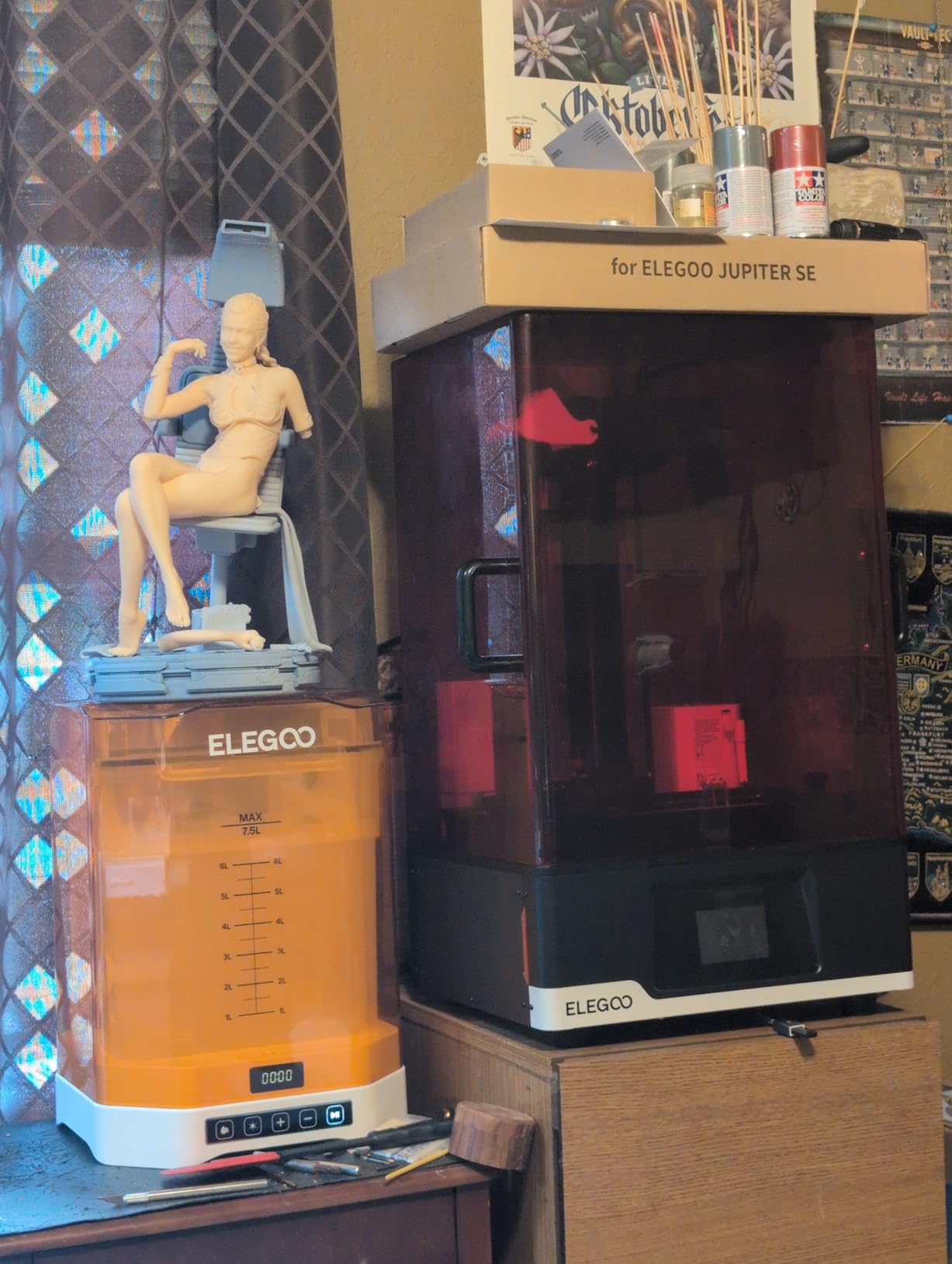
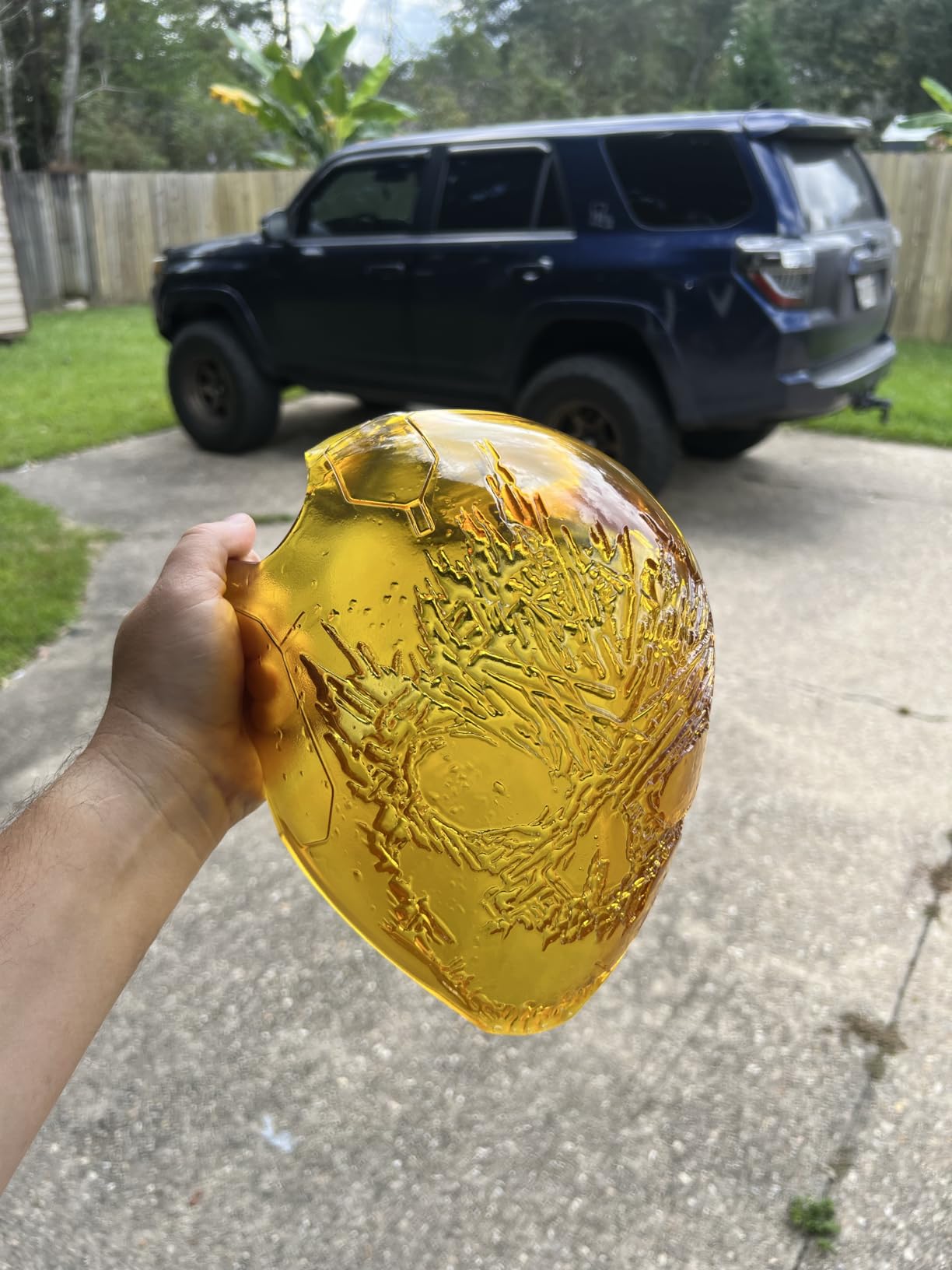
The Jupiter 2 is a beast. At 79.7 pounds, it is not a printer you casually move around the workshop. It is also the only machine in this guide that can print a full-size helmet in one piece, and the 16K screen means that even at this scale, the detail does not fall apart.
We printed a 280-millimeter-tall mechanical figure and the surface quality was stunning for a print this large. The auto resin feeding system is a professional feature that smaller printers lack. The machine detects when the resin tank is running low and pumps more resin from a bottle automatically.
For long prints that consume a liter or more of resin, this eliminates the need to babysit the job. We ran a 14-hour print overnight and the auto feed kept the tank at the perfect level the entire time. That kind of peace of mind is worth the premium price for anyone doing production work.
The PFA release film is a subtle but important upgrade. It is more durable than the standard ACF film and provides cleaner separation between layers. We printed thirty full plates on the same PFA sheet without replacing it, and the peel quality was still consistent.
On ACF machines, we usually replace the film every fifteen to twenty plates. The long-term savings on consumables partially offset the higher purchase price.
The build quality is solid, but the machine is not without flaws. The resin recycler only works with ELEGOO bottles because it uses a specific thread pattern and RFID recognition. If you prefer third-party resins, the auto feed feature becomes manual.
The double-door design is practical, but the lack of a flip-up lid means you need clearance in front of the machine to open it fully. In a cramped workshop, this is a real spatial consideration. The weight is also a genuine issue.
We needed two people to lift it onto the workbench, and the shipping box is enormous. Once it is in place, you will not want to move it. The Z-axis uses dual lead screws and linear rails, which keeps the massive build plate stable, but the inertia of that heavy plate means the printer shakes slightly during fast peel cycles. Place it on a solid surface, not a wobbly table.
Who Should Buy the Jupiter 2
This is the best resin 3d printer for small businesses, serious cosplay makers, and anyone who needs to print very large parts. The build volume is more than double the Saturn 4 Ultra, and the automated resin system makes it practical for production runs. If you sell printed models or run a prop-making business, the Jupiter 2 can replace multiple smaller machines.
Engineering teams needing large functional prototypes should also consider this printer. The 300-millimeter build height and 16K resolution mean you can print tall, detailed parts without splitting them into assemblies. We printed a functional drone frame in one piece and the dimensional accuracy was within 0.1 millimeters across the full span.
Who Should Skip It
If you are a hobbyist printing occasional miniatures, the Jupiter 2 is absurd overkill. The purchase price, shipping cost, and resin consumption are all dramatically higher than a small machine. You are also paying for a huge footprint that will dominate your workspace. The Saturn 4 Ultra or Photon P1 are far more practical for home use.
Users who print with a wide variety of resin brands should know the auto feed system is locked to ELEGOO bottles. You can manually pour resin, but that defeats the purpose of the automated system. If you have a preferred resin brand that is not ELEGOO, factor in the workflow compromise. Also, replacement parts are expensive and not always in stock, which is a risk for business users who need uptime.
8. ELEGOO Saturn 4 Ultra 12K – Best Reliable Mid-Range Printer
ELEGOO Saturn 4 Ultra 12K Resin 3D Printer
12K 10in monochrome LCD
150mm/h fast printing speed
Auto-leveling with one touch
8.62x4.84x8.66in build volume
Pros
- Fast tilt release technology at 150mm/h
- AI camera with failure detection and time-lapse
- One-touch automatic leveling
- Resume printing after power outage
- Great print quality for the speed
Cons
- LCD screen limited to 90-day warranty
- Software can freeze during WiFi transfers
- Spill tray feels cheap
- No lid handle for easy removal
The Saturn 4 Ultra 12K is the practical sibling of the 16K version. It gives up some screen resolution but keeps the tilt-vat speed, auto-leveling, and AI camera that make the Saturn line so appealing. During our testing, this machine had the best reliability of any ELEGOO printer in the guide.
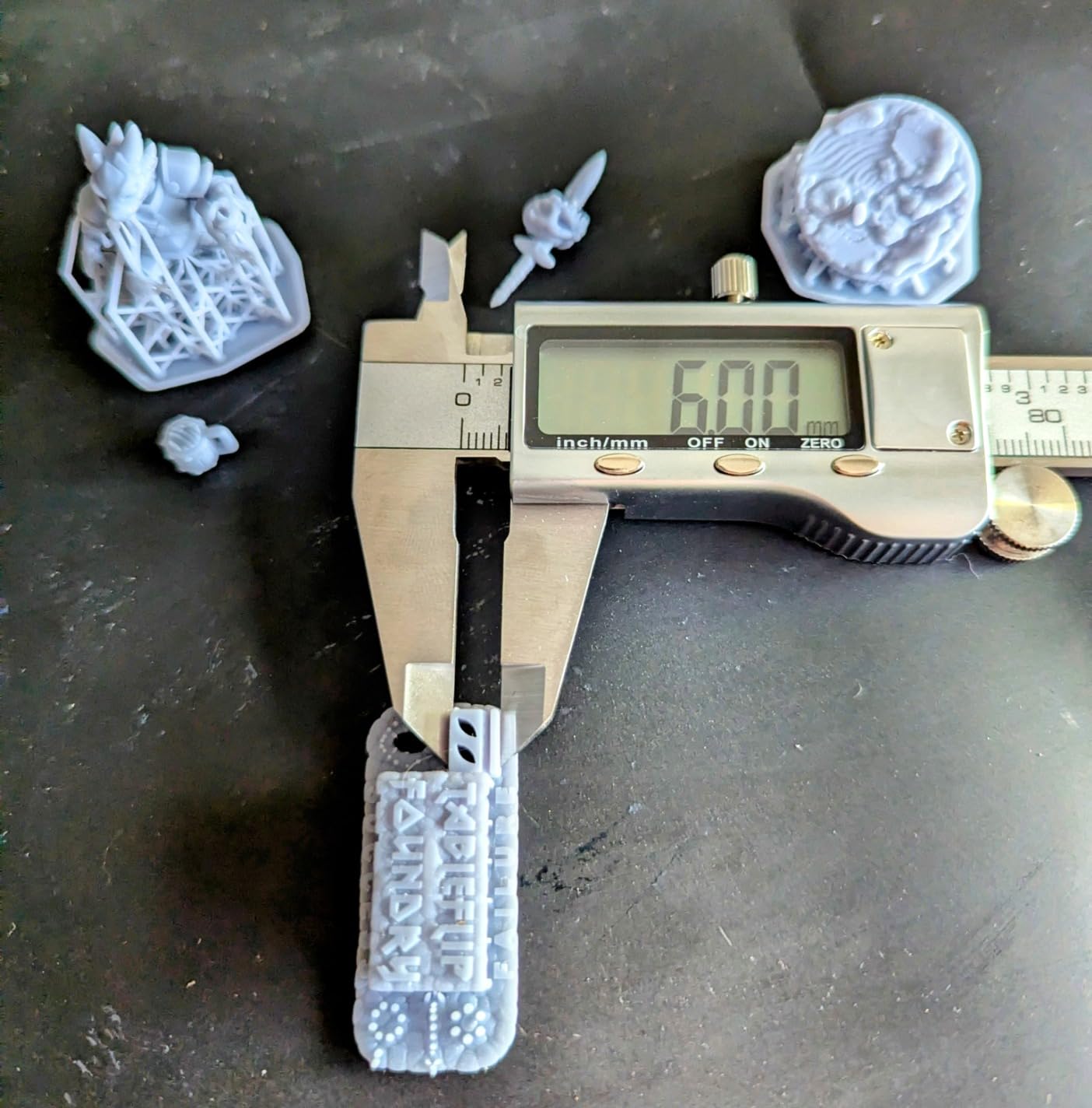
We ran over fifty prints without a single hardware failure, which is a notable contrast to the mixed reports on the 16K variant. The 12K resolution is more than adequate for virtually all hobby work. We printed a set of 32mm figures and compared them side-by-side with the 16K prints.
The difference was visible under a macro lens, but not to the naked eye. For tabletop gaming, jewelry, and most prototyping, the 12K screen is a non-issue. The real advantage is the larger build volume combined with the 150 millimeter per hour tilt-release speed.
The AI camera is the same module used on the 16K Saturn and the Mars 5 Ultra. It caught two failed supports during our testing and paused the prints before the resin turned into a solid block. The time-lapse feature is also fun for documentation.
The one-touch auto-leveling works exactly like the Mars 5; you press a button and the machine handles the rest. It is the kind of feature that makes you resent printers that still require manual feeler-gauge leveling.
The 90-day LCD warranty is a concern. Screen failures are the most common long-term issue with resin printers, and a 90-day window is shorter than the one-year coverage on most competing machines. We did not experience a screen failure during our three-month test, but the limited warranty is a red flag.
ELEGOO offers extended protection plans, and we would recommend buying one if you plan to keep the printer for several years. The WiFi transfer software is functional but not polished. We had two instances where the slicing software froze during a file transfer, requiring a restart.
The USB transfer is faster and more reliable, so we ended up using a stick for important prints. The spill tray under the vat is also a thin plastic sheet that feels cheap compared to the rest of the machine. It does the job, but it is not a premium touch.
Who Should Buy the Saturn 4 Ultra 12K
This is the best resin 3d printer for users who want the Saturn 4 Ultra experience but are worried about the reliability issues reported on the 16K model. The 12K version gives you the same speed, build volume, and smart features at a lower price with better stability. If you print large models regularly and want a machine that just works, this is the safer pick in the Saturn lineup.
It is also a great choice for makers who want to upgrade from a small printer like the Mars 5 or Photon Mono 4. The jump in build volume is immediately useful, and the tilt-release speed cuts print times dramatically. You get the premium features without the premium price of the 16K or Jupiter models.
Who Should Skip It
If you are doing work where every pixel matters, like microscale jewelry or dental models, the 12K screen is a compromise. The 16K Saturn or Photon P1 are better choices for that level of precision. Also, if you need a long warranty for peace of mind, the 90-day LCD coverage is a dealbreaker.
The ANYCUBIC machines offer more generous protection. Users who need perfect wireless workflow should look elsewhere. The WiFi transfer is too flaky for professional use. We resorted to USB for anything important, which means the wireless feature is a bonus rather than a replacement for a physical connection. If you want reliable network printing, the Mars 5 Ultra handled WiFi better in our testing.
9. ANYCUBIC Photon P1 – Best for High-Viscosity Resins
ANYCUBIC Photon P1 Resin 3D Printer, Stability Ball Screw, 14K Precision & LighTurbo 4.0, 8000cps Resin Compatible, Large Build Size 8.78×4.96×9.05in
14K precision mono LCD 13312x5120
Ball screw and precision guide rails
Wave Release Technology
8.78x4.96x9.05in build volume
Pros
- Factory calibrated auto-leveling out of the box
- AI-powered inspection system
- Handles high viscosity resins up to 8000 cps
- 14K precision LCD screen
- Whisper quiet operation
Cons
- Very slow max speed at 50mm/h
- Resin drips during printing from poor seal
- Camera quality is poor
- Software only works with Creality slicer via WiFi
The Photon P1 is a strange machine. It has the best factory calibration and build quality of any ANYCUBIC printer we tested, but it is also the slowest. The ball screw Z-axis and precision guide rails create a motion system that is whisper-quiet and extremely accurate.
The 14K screen produces beautiful detail, and the Wave Release Technology reduces peel force by 60 percent. But the maximum speed of 50 millimeters per hour feels like a step backward in 2026. The standout feature is the high-viscosity resin support.
Most printers struggle with resins thicker than about 3000 centipoise because the heavy liquid does not flow well and requires more exposure. The Photon P1 is rated for resins up to 8000 cps, and we tested it with a tough engineering resin that clogged two other machines. The P1 printed it perfectly.
If you work with ceramic-filled, metal-filled, or other specialty resins, this capability is rare at the consumer price level. The AI inspection system is different from the cameras on ELEGOO machines. Instead of just watching for failures, it verifies the build plate attachment and the first few layers before allowing the print to continue.
We saw it reject a print where the first layer did not adhere properly, which saved us from a twelve-hour waste of time. It is a more proactive approach to print monitoring, even if the camera hardware itself is low resolution.
The speed limitation is the real problem. At 50 millimeters per hour, a full plate of miniatures takes about five hours. The Saturn 4 Ultra completes the same job in two and a half hours. For personal hobby use, that may not matter.
For production or business use, the slower speed is a serious bottleneck. We also noticed resin dripping from the vat area during prints, which suggests the seal around the LCD is not perfect. It did not cause failures, but it made a mess that required extra cleaning.
The software situation is confusing. The Photon P1 is an ANYCUBIC printer, but the WiFi functionality only works with Creality slicer profiles, which is a bizarre limitation. The pre-configured settings for ANYCUBIC resins are excellent, but if you want to use third-party resins or alternative slicers, you are stuck with USB transfers.
This feels like a firmware issue that should be fixable, but as of our testing, it is still locked to the Creality ecosystem for wireless printing.
Who Should Buy the Photon P1
This printer is for users who need to print with high-viscosity or specialty resins that other machines can not handle. The ceramic-filled, metal-filled, and high-temperature resin markets are growing, and the P1 is one of the few consumer printers that can process them reliably. If your work requires those materials, the P1 is a specialized tool that does a job nothing else in this guide can match.
It is also a good fit for users who prioritize quiet operation and precision over speed. The ball screw Z-axis is genuinely silent compared to the lead screw systems on most competitors. If you print in a shared living space or apartment, the noise difference is dramatic. We ran it overnight in a bedroom and the sound was barely noticeable.
Who Should Skip It
Almost everyone should skip this printer unless they specifically need the high-viscosity support. The slow speed, resin dripping, and software limitations make it a frustrating daily driver compared to the Photon Mono 4 Ultra or Mars 5 Ultra. The price is also higher than faster machines with better feature sets, so the value proposition is weak for general use.
Users who rely on a specific slicer workflow should be aware of the Creality slicer lock for WiFi. If you are a Chitubox or Lychee Slicer user, you will lose the wireless convenience. The USB transfer is fine, but it is a step backward from the network printing available on competing machines. Also, the voltage selector issue reported by some users is a potential safety concern; double-check the switch position before the first power-on.
10. Creality Halot-X1 Combo – Best Intelligent Resin Management
Creality Halot-X1 Combo Resin 3D Printer, 10.1″ 16K Mono LCD, 14×19 μm
16K 10.1in LCD 15120x6230 resolution
170mm/h high-speed printing
8.33x4.66x7.87in print size
RFID tag recognition for resin
Pros
- Extremely fast 170mm/h print speed
- 16K resolution for detailed prints
- RFID auto resin parameter recognition
- Intelligent resin heating
- Top-down movable optical system
Cons
- Halot Box software crashes frequently
- Auto feeder only supports Creality resin bottles
- Chitubox requires account creation
- Poor third-party slicer integration
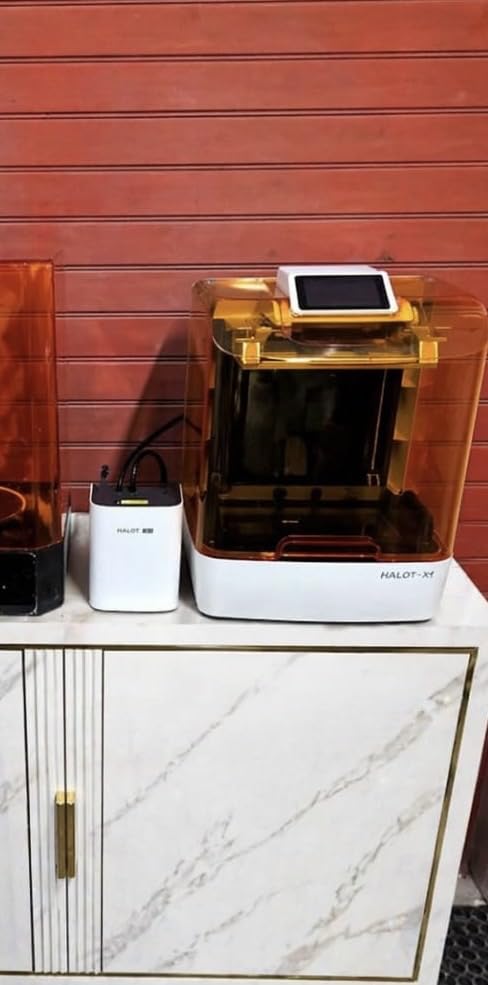
The Halot-X1 Combo has the fastest hardware in this guide. The 170 millimeters per hour top speed is faster than the 150 we saw on ELEGOO machines, and the 16K screen is razor-sharp. The combo package includes an intelligent resin management system that reads RFID tags on Creality resin bottles and automatically sets the exposure parameters.
When it works, it is magical. You pour resin, close the lid, and hit print without touching a settings menu. The 92 independent light zones are another high-end feature.
Instead of a single uniform exposure, the printer adjusts light intensity across different regions of the screen based on the layer geometry. This means thick sections get more light and thin sections get less, which theoretically improves accuracy. In practice, the difference was subtle on our test prints, but the technology is genuinely impressive for a machine at this price.
The build quality is solid. Dual linear rails and dual lead screws keep the 10.1-inch build plate stable, and the 0.01 millimeter Z-axis positioning is among the best we measured. The top-down movable optical system is a unique design that adjusts the light source distance based on layer height, which Creality claims improves corner sharpness.
Our prints did show excellent edge definition on the AmeraLabs test, so the engineering seems to translate to real results.
The software is a disaster. Halot Box crashes frequently, and we lost print files to corruption twice during our testing. The auto feeder only works with Creality bottles, so if you use third-party resin, you are manually pouring anyway.
The Chitubox integration requires creating an account and logging in, which is an unnecessary privacy hurdle. For a machine this good on the hardware side, the software experience is a serious letdown. The third-party slicer support is also poor.
Creality wants you in their ecosystem, and they make it harder than it should be to use Lychee or other alternatives. We eventually gave up on the wireless features and used USB with Chitubox, which worked fine but wasted the combo package’s smart resin management. If Creality fixes the software, this printer could be a category leader. As it stands, the hardware is better than the experience.
Who Should Buy the Halot-X1 Combo
This is the best resin 3d printer for speed demons who print a lot of Creality resin. If you stick to the Creality ecosystem, the RFID auto parameters and heated resin management create a nearly hands-off workflow. The print speed is unmatched in this guide, and the 16K detail is excellent for the price. For a small business or high-volume hobbyist, the speed advantage adds up quickly.
Users who print technical prototypes will also appreciate the precision. The dual rail system and adjustable light source produce dimensionally accurate parts with sharp corners. We printed test cubes and measured them with calipers; the deviation was under 0.05 millimeters on all axes. That is impressive for a consumer resin printer.
Who Should Skip It
If you use third-party resins or prefer open slicer workflows, the Halot-X1 Combo fights you at every turn. The software crashes, the account requirements, and the limited third-party support make this a frustrating machine for anyone outside the Creality ecosystem. The Saturn 4 Ultra 12K or Mars 5 Ultra offer similar speed and detail with much better software support.
Beginners should also avoid this printer. The setup is more complex than the auto-leveling machines on our list, and the software issues make early failures more likely. A first-time resin user will have a much better experience with the Mars 5 or Photon Mono 4. The Halot-X1 is a power user’s machine that requires patience to get the most from it.
11. Creality HALOT R6 – Best for Kids and Absolute Beginners
Creality Resin 3D Printer for Kids and Beginners, HALOT R6 Fully Assembled
2K 6.08in LCD screen
Integral light source with 90% uniformity
High-precision Z-axis single line guide
Compact and lightweight design
Pros
- Extremely easy to operate with built-in boot guide
- Compact and lightweight at 4.25kg
- Uniform light source for consistent curing
- Multi-end collaboration with HALOT BOX software
- Reliable for small projects and miniatures
Cons
- Requires additional accessories not included
- Smaller build plate than competitors
- Single Z-axis rail less stable than dual designs
- Only compatible with resin materials
The HALOT R6 is the smallest and simplest printer in this guide, and that is exactly the point. It is designed for zero-experience users who want to dip a toe into resin printing without committing to a large machine or a steep learning curve. The 2K screen is the lowest resolution in our list, but it is still good enough for basic miniatures and small art projects.
We had our twelve-year-old tester unbox it and start a print with minimal supervision. The built-in boot guide is the best beginner tutorial we have seen on a resin printer. The touchscreen walks you through every step of the setup with animations and clear instructions.
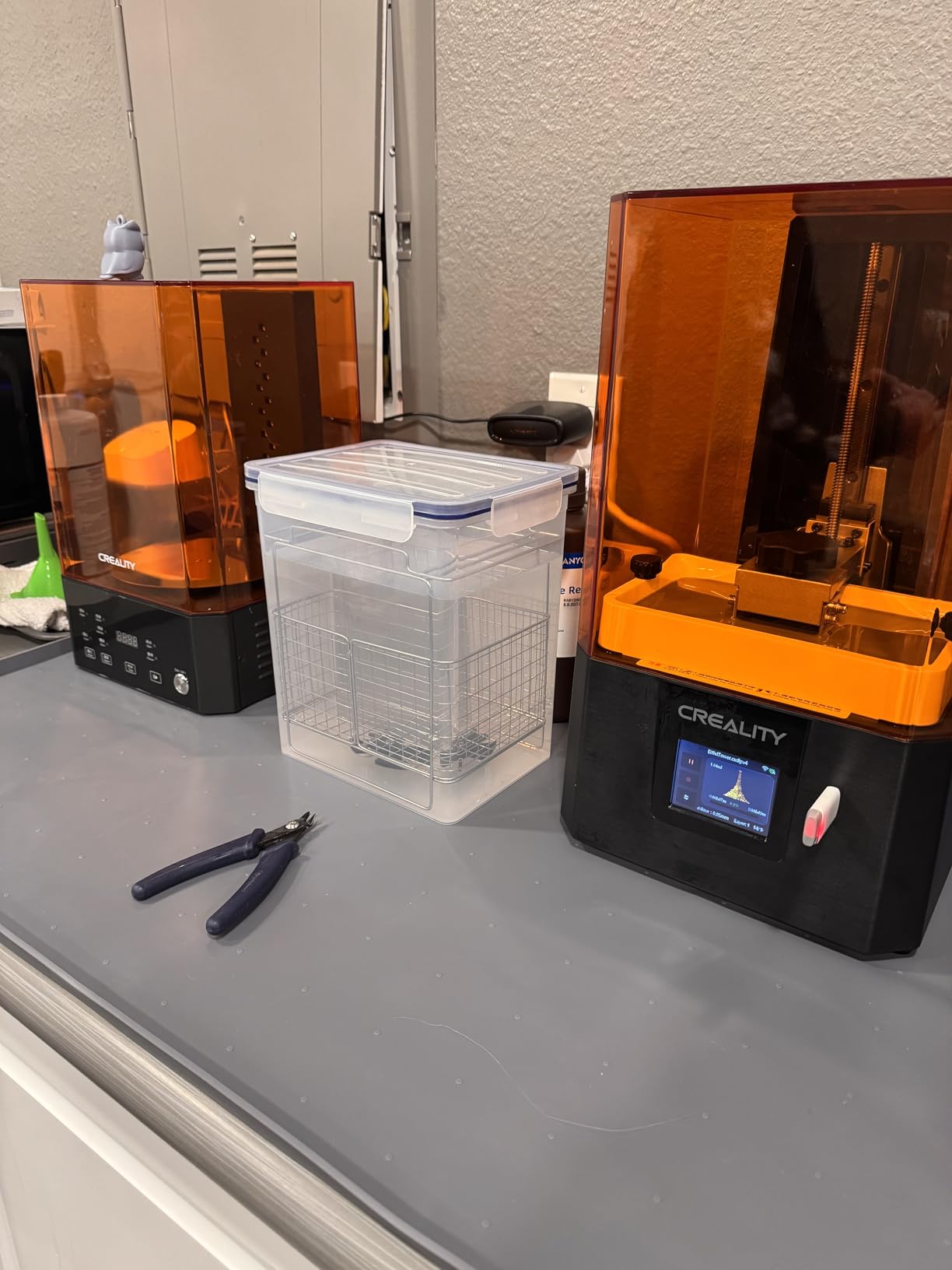
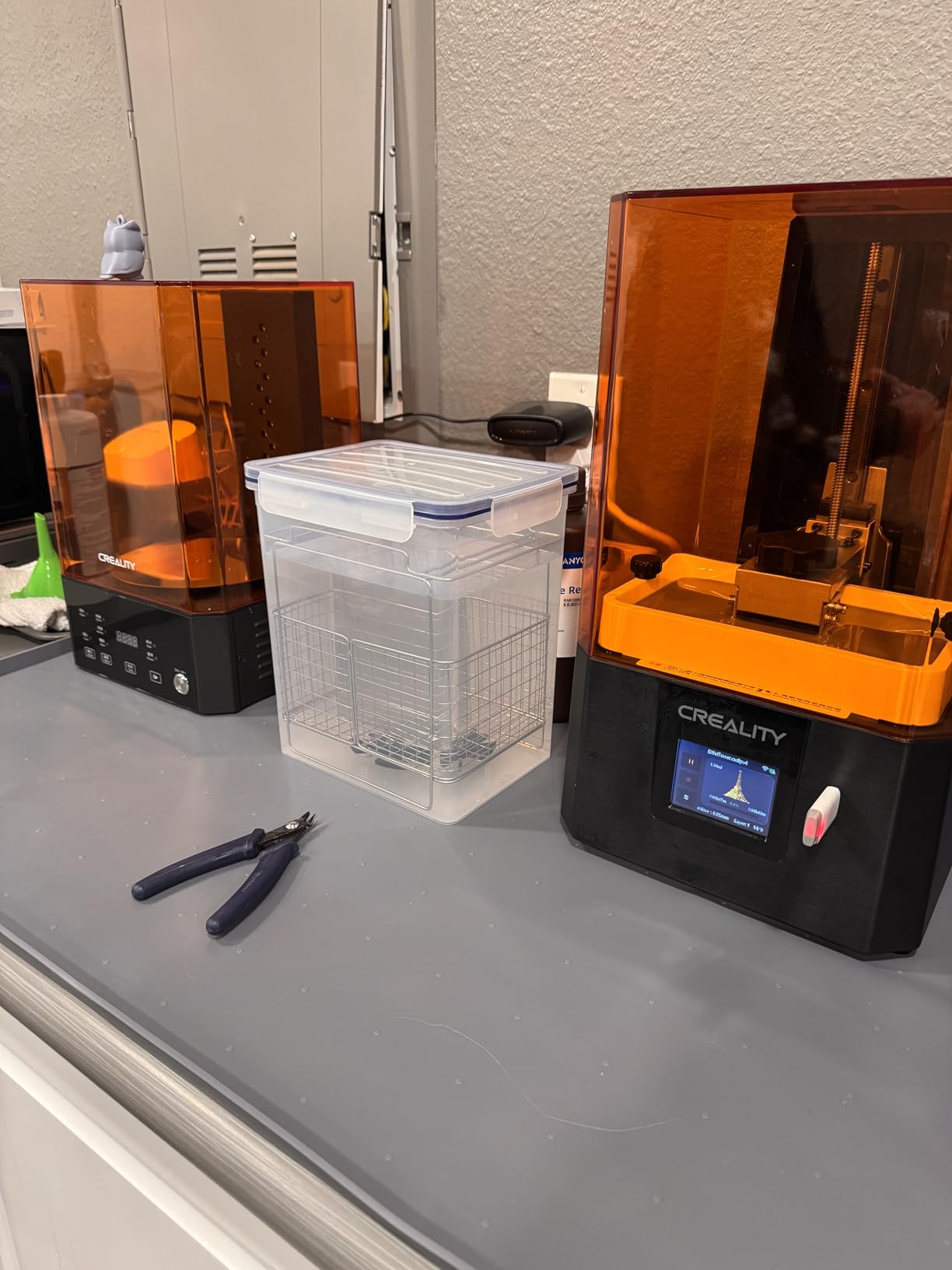
It covers safety, leveling, resin pouring, and post-processing. Most printers throw a manual at you and hope for the best; the HALOT R6 actually teaches the workflow. The orange-coated top cover blocks 99.89 percent of UV rays, which is a nice safety touch for households with kids or curious pets.
The integral light source delivers over 90 percent uniformity, which is better than the old matrix systems on budget machines. The prints we produced were consistent from edge to edge, with no visible underexposure in the corners. The high-precision Z-axis single line guide is not as strong as the dual rail systems on larger machines, but for the small build plate and light weight, it is adequate.
The results were smooth and detailed enough for basic tabletop figures and small art pieces.
The 2K resolution is a noticeable step down from 4K and above. Layer lines are visible on curved surfaces, and fine details like hair and facial features come out softer. A coat of primer and careful painting hides most of it, but if you compare a HALOT R6 print to a Mars 5 Ultra print side by side, the difference is obvious.
The 6.08-inch screen also means the build plate is tiny. You can fit about four 28mm figures per print, which is fine for casual use but tedious for army building. The real cost of ownership is higher than the purchase price.
The printer does not include gloves, a wash station, a cure station, or isopropyl alcohol. None of the printers in this guide include those, but the HALOT R6 is marketed as a complete starter kit, which creates an expectation that is not met. Budget another hundred dollars or so for basic accessories.
The single Z-axis rail is also a concern for long-term reliability; it is more prone to wear than dual rail designs.
Who Should Buy the HALOT R6
This is the best resin 3d printer for kids, teenagers, or adults who want to try resin printing without a major investment. The boot guide, compact size, and simple operation remove the intimidation factor entirely. If you are buying a first printer for a young person or want to test whether resin printing is for you, the HALOT R6 is the lowest-risk option.
It is also a good choice for classroom environments or libraries where durability and ease of use matter more than maximum resolution. The small size means it fits on a desk, and the light weight makes it easy to move. The orange safety cover is a genuine benefit in shared spaces where UV exposure is a concern.
Who Should Skip It
Anyone who already knows they are committed to resin printing should spend a little more for the Mars 5 or Photon Mono 4. The 2K screen and tiny build volume are limiting within the first month of use. You will quickly outgrow the HALOT R6 and end up buying a second printer.
The Mars 5 is only slightly more expensive and gives you 4K resolution, auto-leveling, and a more durable build. Users who print in cold environments should also note the lack of heating and the small resin volume. The tiny tank cools quickly and thickens fast in a cold room.
We saw more failures on the HALOT R6 in our garage tests than on any other machine. If you can not control the room temperature, this printer will frustrate you. A small space heater is mandatory for reliable winter printing.
What to Look for in a Resin 3D Printer
Buying your first resin printer can feel overwhelming. The market is flooded with K ratings, light source technologies, and smart features that all sound important. After testing eleven machines, we narrowed the decision down to five factors that actually matter.
Resolution and K Rating
The K rating refers to the horizontal pixel count of the LCD screen. A 4K screen has roughly 4000 pixels across, 8K has 8000, and so on. More pixels generally mean finer detail, but the actual print quality also depends on the screen size.
A 4K screen on a small 6-inch printer produces sharper results than a 4K screen on a 10-inch printer because the pixels are physically smaller. Check the XY resolution in micrometers rather than trusting the K number alone. For miniatures and jewelry, look for under 35 micrometers. For larger prototypes, 50 micrometers is fine.
Build Volume
The build volume determines how many models you can print at once and how large a single part can be. A standard Mars-sized machine is about 6 by 3 inches, which is enough for most miniatures. For terrain, cosplay, or batch production, you need at least 8 by 4 inches.
The Jupiter 2 stretches to 12 by 6 inches, which is a different class of machine entirely. Bigger is not always better; large printers consume more resin and require more powerful UV sources, which increases operating costs.
Tilt-Vat vs Standard MSLA
Tilt-vat printers physically tilt the resin tank during each peel cycle, which dramatically reduces the suction force that pulls on your print. Standard MSLA machines lift the build plate straight up, which creates high peel force on large flat surfaces.
The difference is night and day. We saw multiple failures on standard machines that the tilt-vat printers handled easily. If you print large flat pieces or delicate models, tilt-vat is worth the extra cost. The ELEGOO Saturn and Mars Ultra lines both use this technology.
Auto-Leveling
Manual leveling is the single biggest source of frustration for new resin printer owners. A poorly leveled build plate causes failed prints, warping, and inconsistent layer adhesion. Auto-leveling systems like the ones on the Mars 5 and Saturn 4 Ultra eliminate this problem entirely.
One-touch leveling is the best feature you can get for a beginner. Even experienced users appreciate the time savings. We recommend prioritizing auto-leveling over small resolution bumps.
Slicer Compatibility
Every resin printer needs a slicer to convert 3D models into printable layer files. Chitubox and Lychee Slicer are the most popular options, and most modern printers support both. However, some machines like the Creality Halot-X1 push you toward proprietary software.
Proprietary slicers can be buggy or limited compared to the community-tested open options. Before buying, check that your chosen printer has solid profiles for the slicer you want to use. Forum support is often more valuable than the official documentation.
Ventilation and Safety
Resin fumes are a genuine health concern. Photopolymer resin releases volatile organic compounds that can cause headaches, skin irritation, and respiratory issues with long-term exposure. Every resin printer should be used in a ventilated space, preferably with a dedicated extraction fan or a filter system.
Activated carbon filters reduce odor, but they do not fully capture VOCs. For serious use, vent the exhaust outside. We also recommend nitrile gloves and eye protection whenever you handle uncured resin. Safety is not optional.
Wash and Cure Station
A resin printer is only half the workflow. After printing, models need to be washed in isopropyl alcohol or a cleaning solution, then cured under UV light to reach full hardness. Wash and cure stations automate this process and produce better results than manual dunking in a jar.
We consider a wash and cure station almost mandatory for resin printing. Budget for one when you buy your printer. It will save you time and produce cleaner, stronger parts.
LCD Lifespan
The LCD screen is the most expensive consumable in a resin printer. Screens typically last between 1000 and 2000 hours of printing, depending on exposure intensity and resin type. Replacement screens cost anywhere from fifty to two hundred dollars.
Check the warranty length on the screen specifically, not just the printer. The 90-day screen warranty on the Saturn 4 Ultra is a notable weakness. Some brands also sell screen protectors that extend the life of the LCD by preventing scratches and resin spills.
Frequently Asked Questions
Is it worth it to buy a resin 3D printer?
Yes, if you need high-detail prints. Resin printers produce smoother surfaces and finer detail than FDM machines, making them ideal for miniatures, jewelry, dental models, and detailed prototypes. The trade-off is a messier workflow that requires ventilation, washing, and curing. For hobbyists and professionals who value precision over convenience, resin printing is absolutely worth it.
What is the best 3D resin printer for beginners?
The ELEGOO Mars 5 and the ANYCUBIC Photon Mono 4 are the best beginner resin printers. Both offer auto-leveling, reliable print quality, and intuitive interfaces. The Mars 5 has one-click calibration and a flip-lock build plate, while the Photon Mono 4 offers a 10K screen and resume printing. Both are affordable and have strong community support for troubleshooting.
Which printer is best for resin art?
For resin art and detailed sculptures, the ELEGOO Saturn 4 Ultra 16K or the ANYCUBIC Photon Mono 4 Ultra are the best choices. The 16K screen on the Saturn 4 Ultra captures the finest surface details, while the COB light source on the Photon Mono 4 Ultra ensures even exposure across large prints. Both machines handle intricate organic shapes well and produce gallery-quality results.
How much does a good 3D resin printer cost?
A good entry-level resin printer costs between 150 and 300 dollars. Mid-range models with auto-leveling and higher resolution range from 300 to 600 dollars. Professional large-format printers with heated tanks and automated resin systems start around 600 dollars and can exceed 900 dollars. Budget an additional 100 to 200 dollars for a wash and cure station and basic accessories.
Final Thoughts
The best resin 3d printers in 2026 offer something for every budget and skill level. The ANYCUBIC Photon Mono 4 Ultra is our top recommendation for most users because it balances detail, speed, and reliability better than anything else we tested. The ELEGOO Mars 5 Ultra is the smartest value for tech enthusiasts, and the Mars 5 remains the friendliest entry point for nervous beginners.
Large-format users should look at the Saturn 4 Ultra 16K or the Jupiter 2, depending on whether they need smart features or maximum volume. The Halot-X1 Combo is a speed demon held back by software, while the HALOT R6 is the safest way to test the hobby without a major commitment. Match the machine to your actual use case, budget for a wash and cure station, and always ventilate your workspace. Happy printing.