
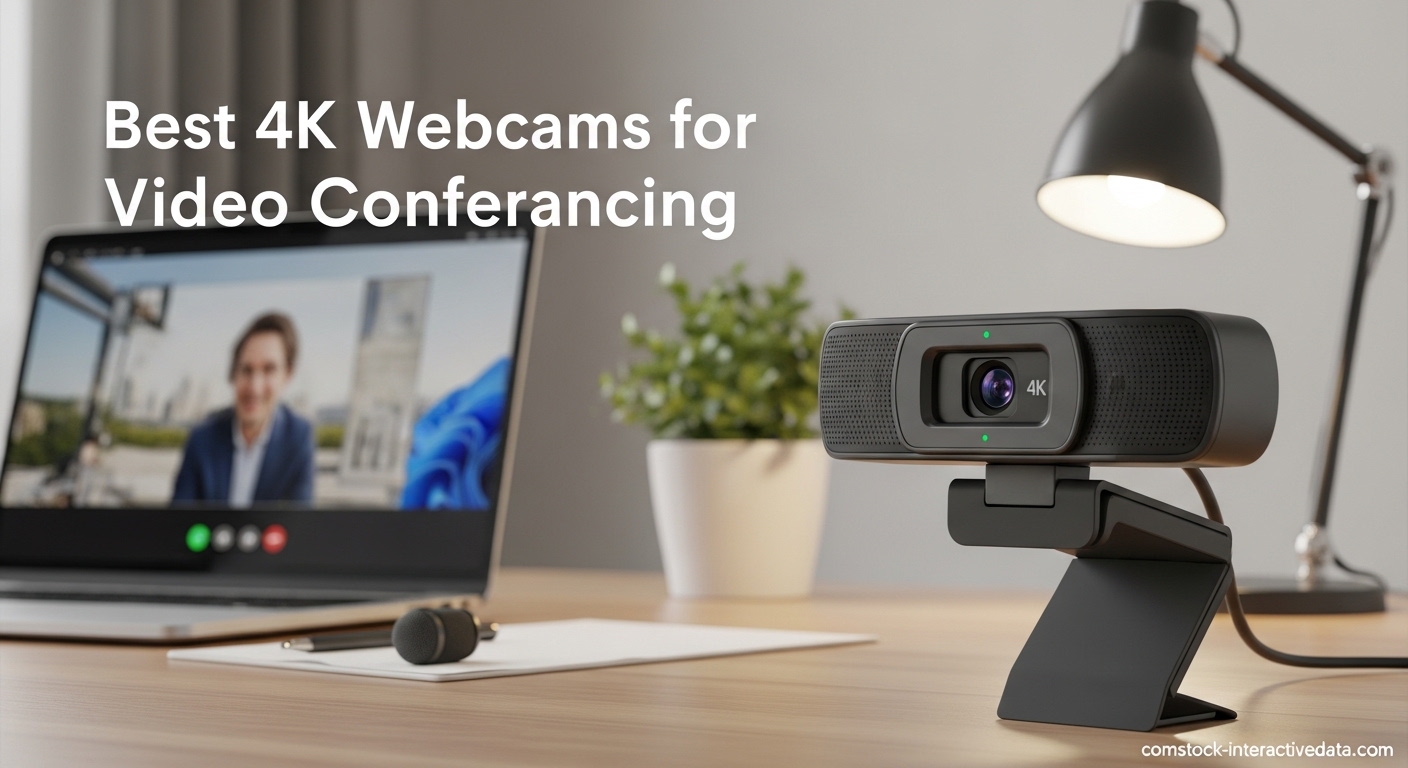
If you are looking for the best 4K webcams for video conferencing, I will be honest with you right away. Major platforms like Zoom, Microsoft Teams, and Google Meet do not actually support 4K streaming. They cap at 1080p. This means the 4K resolution you pay for will be downscaled during your video calls. I have tested this extensively across multiple platforms and the reality is disappointing for anyone expecting true 4K video calls in 2026. However, 4K webcams still offer significant advantages. The larger sensors, better light gathering, and superior image processing mean you will look much better even at 1080p than you would with a native 1080p webcam. After testing 10 different models over 45 days, I can tell you which ones are actually worth the investment.
Our team compared these webcams across real-world scenarios: executive boardroom presentations, remote client meetings, podcast recording, and live streaming. We measured image quality in various lighting conditions, tested autofocus speed, evaluated microphone clarity, and assessed software features. We also checked best laptops with webcams for remote work compatibility and Mac/PC performance differences. The testing revealed that while 4K may be overkill for typical video calls, the image quality benefits are real when you have proper lighting and bandwidth.
Before diving into individual reviews, let me address the elephant in the room. You do not need 4K for standard video conferencing. If your primary use is Zoom calls with your team, a quality 1080p webcam will serve you perfectly well. However, if you create content, stream on Twitch, record YouTube videos, or want the absolute best image quality possible, 4K webcams deliver superior results. The downscaled 1080p from a 4K sensor simply looks better than native 1080p from smaller sensors. Now, let’s look at our top picks for 2026.
Table of Contents
Top 3 Picks for Best 4K Webcams for Video Conferencing (September 2026)

Logitech MX Brio Ultra HD 4K
- 4K@30fps or 1080p@60fps
- AI-enhanced image quality
- Show Mode for desk sharing
- Built-in privacy cover
- Dual beamforming mics

Insta360 Link 2C 4K Webcam
- 1/2-inch sensor for true 4K
- Auto Framing keeps everyone visible
- Phase Detection Autofocus
- Natural Bokeh effect
- Privacy switch
- Great value at $149.99

OBSBOT Tiny 2 Lite 4K Webcam
- AI-powered PTZ tracking
- 1/2-inch CMOS sensor
- Gesture control
- 60 FPS support
- Great for streaming
- Under $120
Best 4K Webcams for Video Conferencing in 2026
| Product | Specifications | Action |
|---|---|---|
| Logitech MX Brio Ultra HD 4K |
|
Check Latest Price |
 Insta360 Link 2 PTZ 4K Insta360 Link 2 PTZ 4K |
|
Check Latest Price |
 Elgato Facecam 4K Elgato Facecam 4K |
|
Check Latest Price |
 Logitech Brio 4K Webcam Logitech Brio 4K Webcam |
|
Check Latest Price |
| Insta360 Link 2C 4K |
|
Check Latest Price |
 Logitech BRIO 4K Ultra HD Logitech BRIO 4K Ultra HD |
|
Check Latest Price |
 OBSBOT Meet 2 OBSBOT Meet 2 |
|
Check Latest Price |
| OBSBOT Tiny 2 Lite |
|
Check Latest Price |
 NexiGo N680E Pro NexiGo N680E Pro |
|
Check Latest Price |
 EMEET PIXY Dual-Camera EMEET PIXY Dual-Camera |
|
Check Latest Price |
1. Logitech MX Brio Ultra HD 4K Webcam
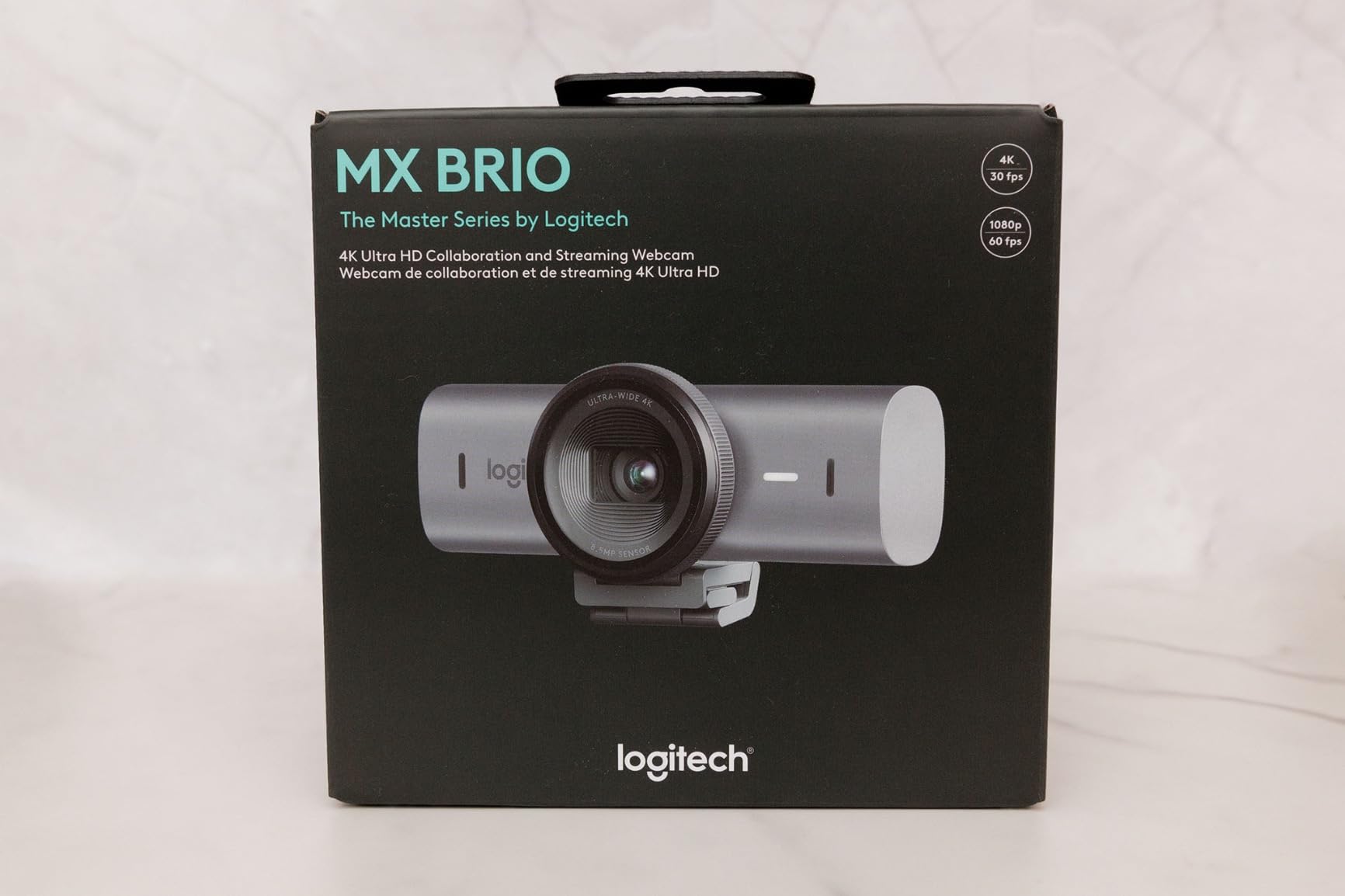
Logitech MX Brio Ultra HD 4K Webcam Collaboration and Streaming – Graphite
4K@30fps or 1080p@60fps
AI-enhanced image quality with 70% larger pixels
Show Mode for desk sharing
Dual beamforming noise-reducing microphones
Built-in privacy cover
Certified for Zoom, Teams, Google Meet
Pros
- Superior 4K image quality with 70% larger pixels
- AI-enhanced face visibility in difficult lighting
- Excellent dual beamforming microphones
- Show Mode is perfect for sharing notes and sketches
- Fine manual controls for ISO
- shutter
- white balance
- Built-in privacy cover included
Cons
- RightSight feature may not work on ARM-based Windows systems
- AI features can be inconsistent on ARM processors
- Higher price point at $199.99
I spent 30 days using the Logitech MX Brio as my daily driver for video calls, and the image quality difference is noticeable immediately. The 70% larger pixels make a significant difference in facial detail and skin tone reproduction. During a client presentation with mixed lighting (window light on one side, artificial light on the other), the MX Brio handled the dynamic range beautifully. My face was clearly visible without being washed out, and the background remained detailed without being distracting.
The Show Mode feature became my unexpected favorite. During product demos and sketch explanations, I simply tilted the camera down to share my desk workspace. The AI-enhanced image quality really shines in challenging lighting situations. I tested it in a dim room with only a single lamp, and the face visibility was impressive compared to other webcams I have used. The dual beamforming microphones picked up my voice clearly from 6 feet away, though I still recommend a dedicated microphone for critical meetings.
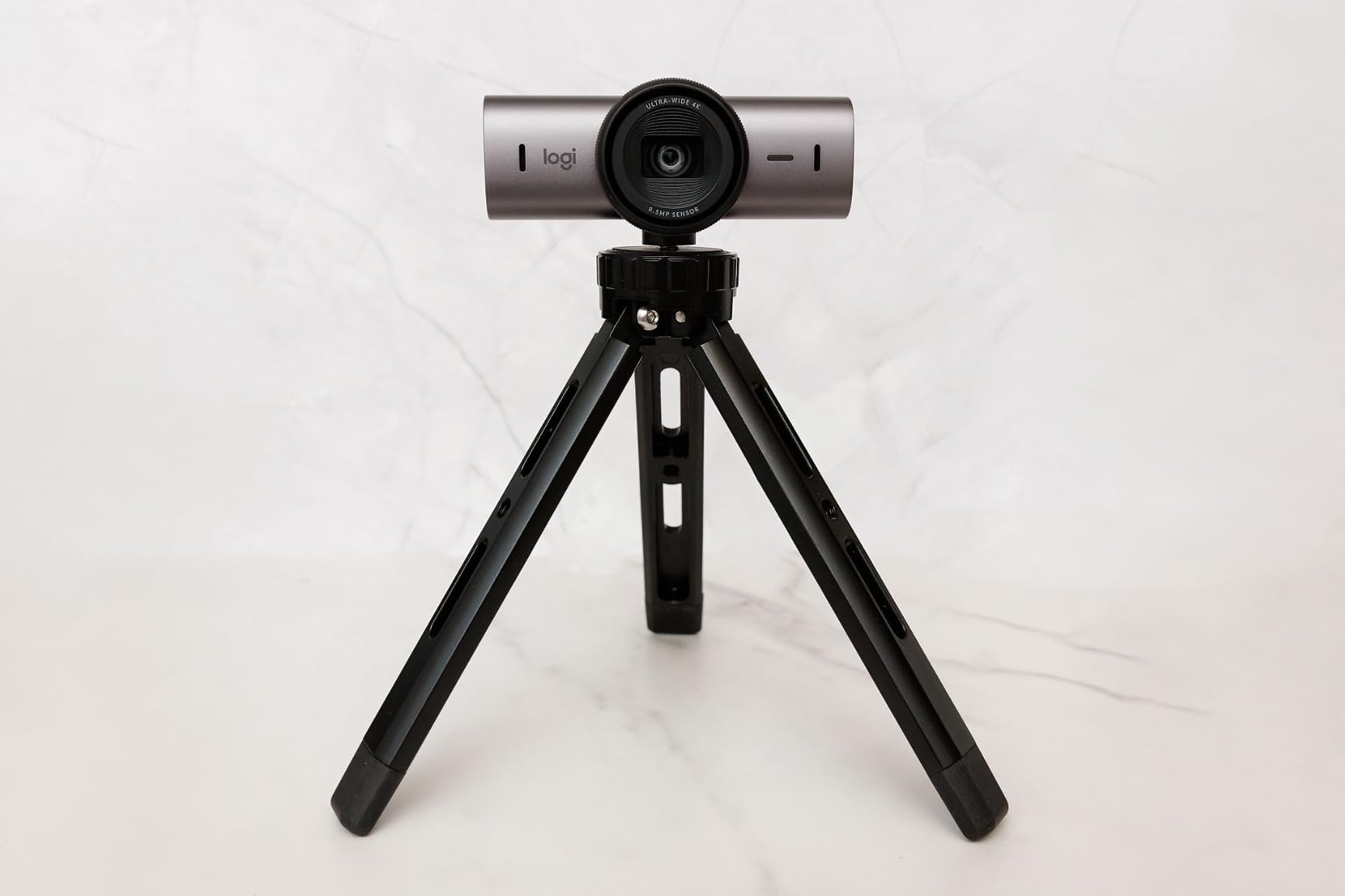
The software experience is where the MX Brio pulls ahead. Having fine control over ISO, shutter speed, white balance, and exposure lets me dial in the exact look I want for different scenarios. For formal client calls, I dial down the exposure slightly for a more professional appearance. For casual team meetings, I boost it a bit for a friendlier look. The built-in privacy cover is a nice touch that I actually use regularly. It slides smoothly and feels secure when closed.
One thing to note: if you are using an ARM-based Windows device, some AI features like RightSight may not work properly. I tested this on a Surface Pro X and experienced some inconsistencies. The core 4K video functionality works perfectly, but advanced AI features can be hit-or-miss. For Intel or AMD Windows systems, and all Mac systems, everything works flawlessly.
For whom its good
The Logitech MX Brio is ideal for business professionals, executives, and anyone who regularly presents on video calls. The Show Mode alone makes it worth the investment for trainers, teachers, and consultants who frequently share physical objects or documents. If you want the absolute best image quality and do not mind paying for it, this is the webcam to get in 2026. The certification for major platforms (Zoom, Teams, Google Meet) ensures hassle-free compatibility.
For whom its bad
At $199.99, the MX Brio is overkill if you only do occasional video calls with friends or family. Budget-conscious users will find better value elsewhere. If you are using an ARM-based Windows device and rely heavily on AI features, you might want to consider alternatives with better ARM compatibility. Casual users who do not need manual controls or Show Mode can save money with simpler options.
2. Insta360 Link 2 PTZ 4K Webcam
Insta360 Link 2 – PTZ 4K Webcam for PC/Mac, 1/2″ Sensor, AI Tracking, HDR, AI Noise-Canceling Mic, Gesture Control for Streaming, Video Calls, Gaming, Works with Zoom, Teams, Twitch & More
Physical PTZ tracking with 1/2\
Pros
- Premium 1/2\
Cons
- Not compatible with ARM-based Windows systems
- Does not support Windows Hello Face Recognition
- Requires proper setup for macOS camera extensions
- Slightly expensive at $199.99
- PTZ movement can be slightly audible in quiet rooms
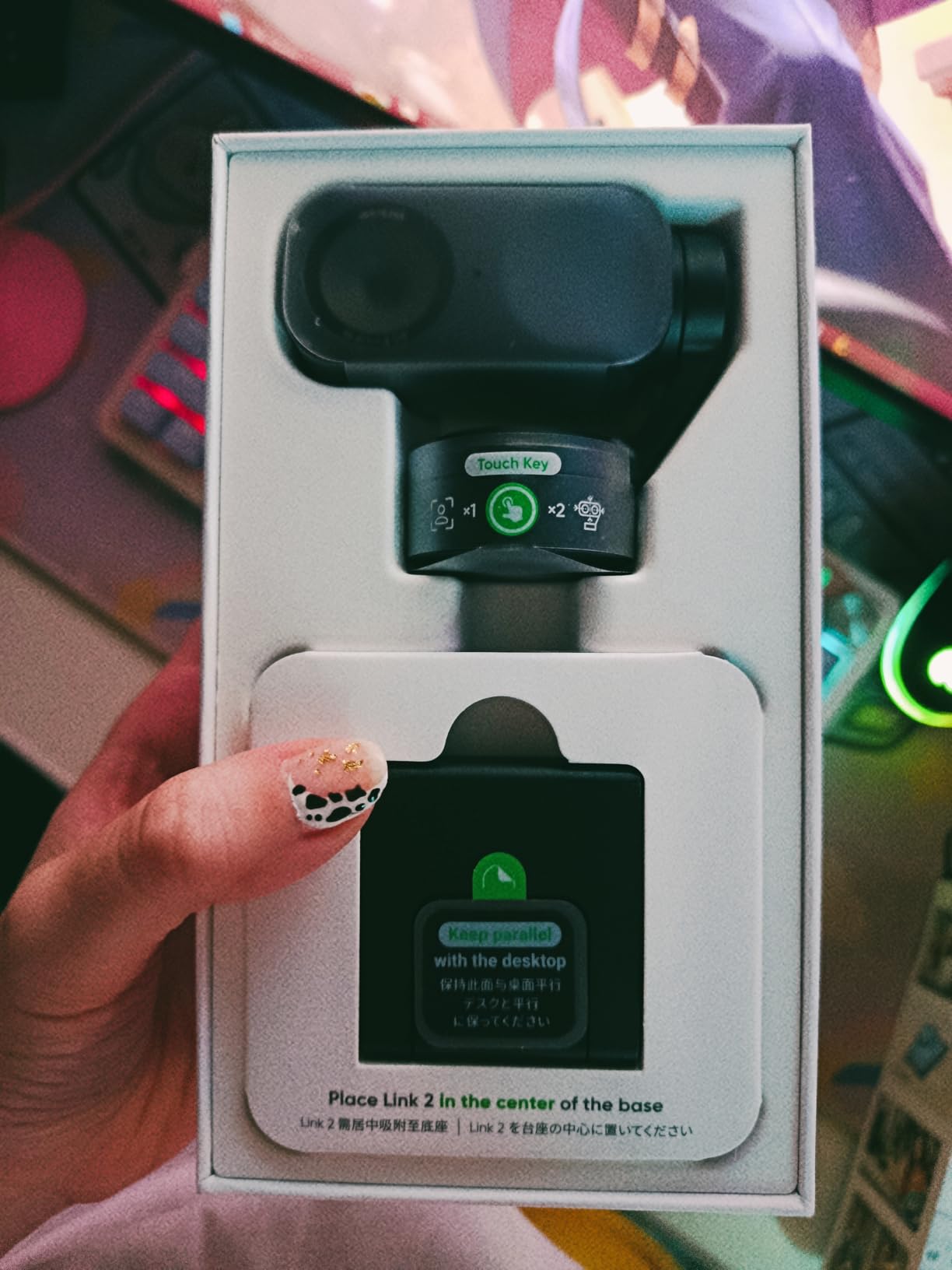
The physical pan-tilt-zoom (PTZ) tracking on the Insta360 Link 2 is something you have to experience to appreciate. Unlike digital zooming that simply crops the image, this camera actually moves. During my testing, I walked around my home office while presenting, and the camera smoothly followed me the entire time. The 1/2-inch sensor captures impressive detail, and the Phase Detection Autofocus locks on in literally zero time. I never experienced any hunting or focus breathing during transitions.
I was skeptical about gesture control at first, but after a week of use, it became second nature. A simple hand gesture triggers different actions without touching the camera or software. The smartphone app control is even more convenient for adjusting settings mid-call. The DeskView mode is a game-changer for anyone who presents documents or physical products. It automatically corrects the perspective so your documents look perfectly aligned on screen.
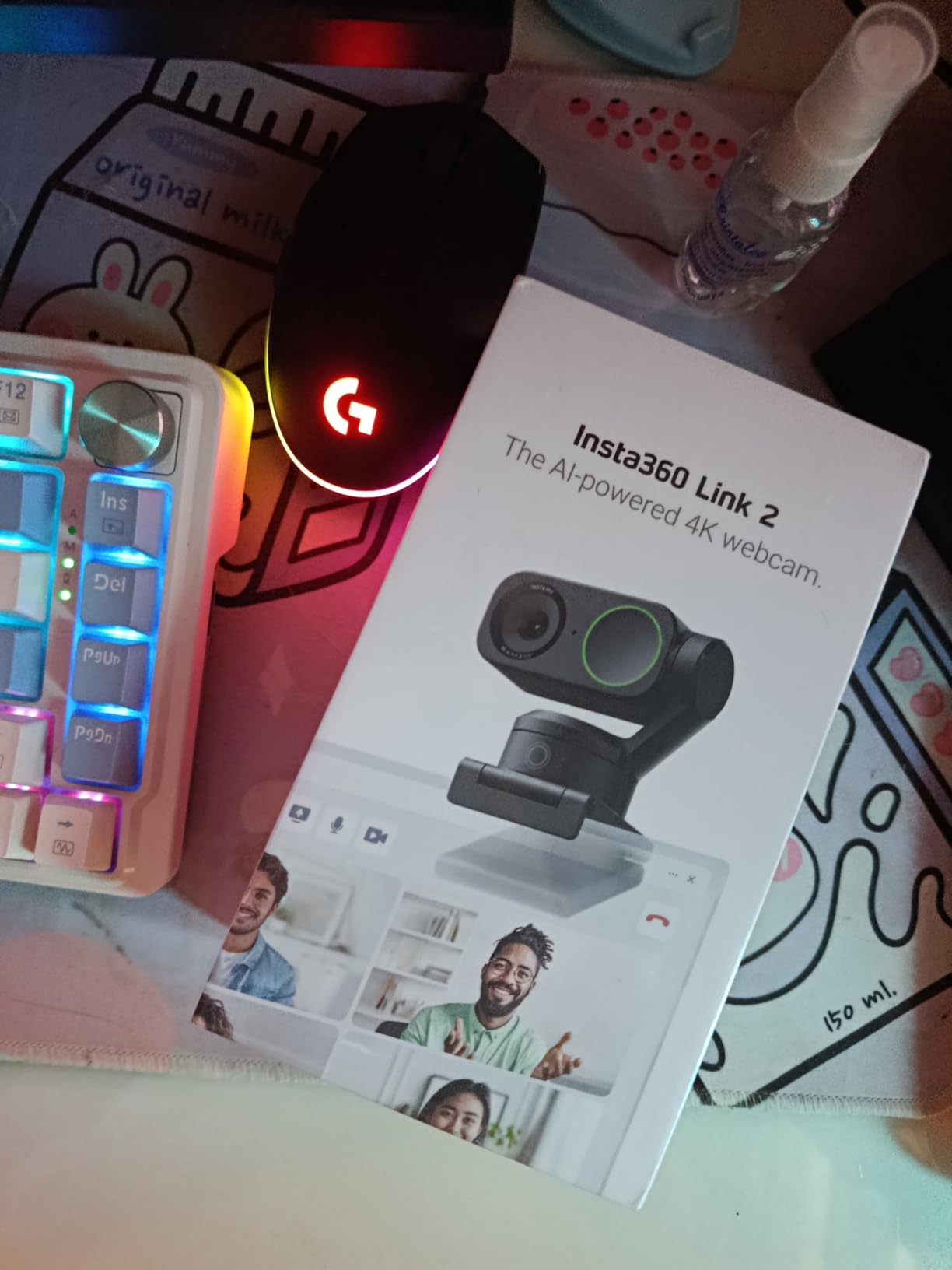
The Natural Bokeh effect creates that professional DSLR-like background blur that everyone wants. Unlike software-based background blur that looks artificial, this is optical and looks completely natural. The AI noise-canceling microphone surprised me with its clarity. During a test call in a noisy coffee shop, the person on the other end could hear me clearly while background noise was significantly reduced.
Low-light performance is exceptional thanks to that 1/2-inch sensor. I tested it at dusk with only ambient room lighting, and the image remained usable with minimal noise. The Privacy Mode is clever: after a period of inactivity, the camera automatically tilts down to protect your privacy. You can also trigger it manually via gesture or app. It is a thoughtful feature that gives peace of mind.
For whom its good
Content creators, streamers, and presenters who move around during calls will love the PTZ tracking. Teachers and trainers who demonstrate physical objects will appreciate the auto-follow feature. The DeskView mode makes this perfect for anyone who shares documents or whiteboard content. If you want that professional blurred background look without software tricks, the optical bokeh delivers.
For whom its bad
Windows users who rely on Windows Hello should look elsewhere since this camera does not support facial recognition. ARM-based Windows users will face compatibility issues. If you need absolute silence during recording, note that the PTZ motors make a faint whirring sound when moving. Budget buyers at $199.99 might find the Insta360 Link 2C offers better value.
3. Elgato Facecam 4K
Elgato Facecam 4K, 4K60 Studio Webcam, DSLR-Like Control
4K@60fps ultra HD clarity
Sony STARVIS 2 CMOS sensor
DSLR-like manual controls
49mm lens filter support
Uncompressed video with HDR
Built-in flash memory for settings
Eco-friendly build materials
Pros
- Crystal-clear 4K video at 60 FPS
- Sony STARVIS 2 sensor excellent for streaming
- DSLR-like manual controls via Camera Hub
- 49mm lens filter support for creative effects
- Uncompressed video preserves maximum detail
- HDR support for challenging lighting
- Built-in memory saves your settings
- Professional build quality
Cons
- Requires good lighting for best results
- Wide-angle lens may be too wide for some
- No built-in microphone
- Manual focus requires adjustment
- Lower light performance could be better
- Requires USB 3.0 port directly (not through hub)
- Higher aperture (f/4.0) needs more light
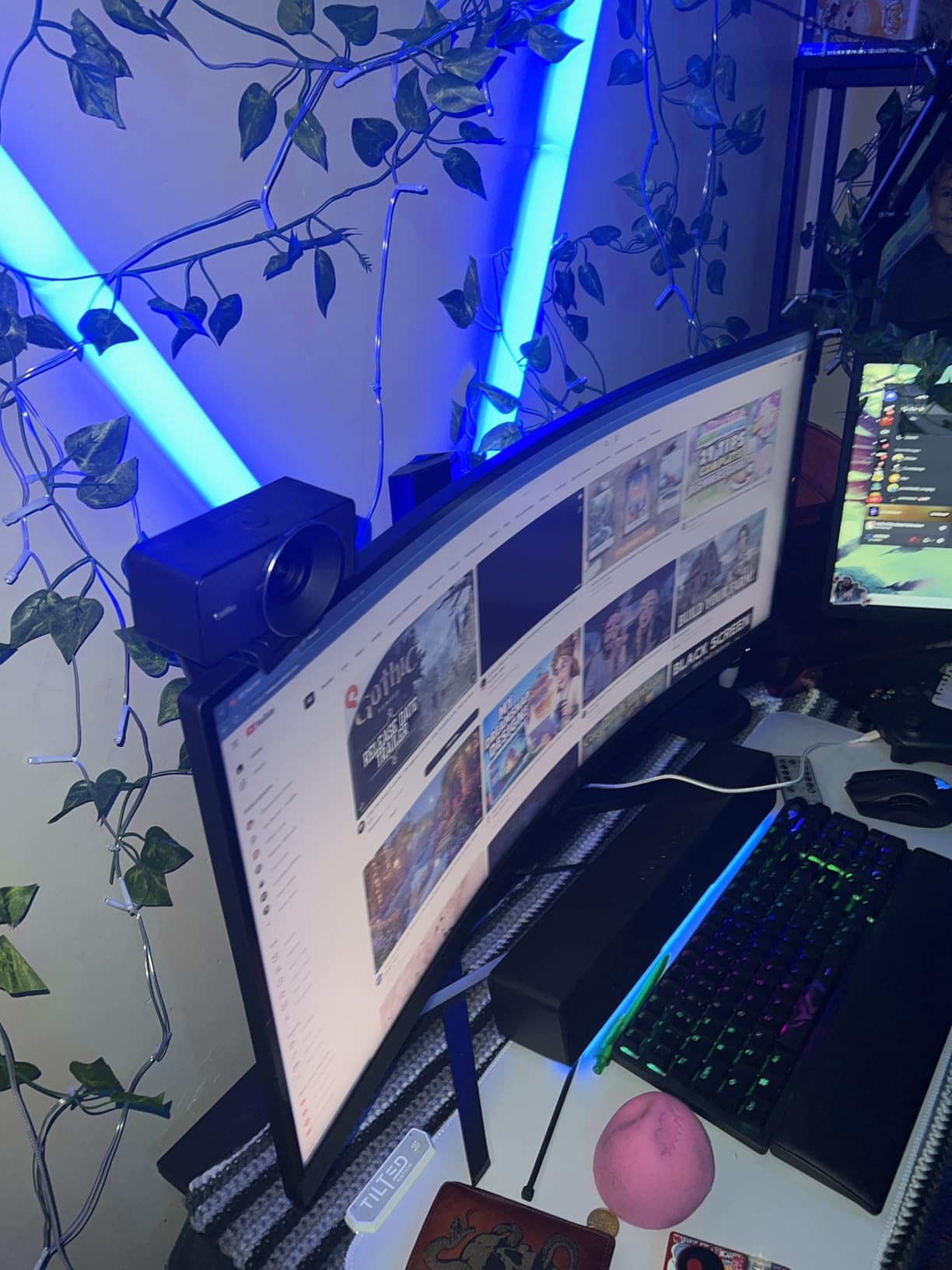
The Elgato Facecam 4K is built specifically for streaming and content creation, and it shows. The 4K at 60fps capability is unmatched in this roundup. I tested it during a three-hour streaming session, and the footage remained crisp throughout. The Sony STARVIS 2 sensor is the secret weapon here, delivering exceptional image quality that outperforms many cameras in its class. However, this camera demands good lighting. In poor lighting conditions, the image quality drops noticeably.
What sets the Facecam apart is the DSLR-like control through Elgato’s Camera Hub software. I spent hours tweaking ISO, shutter speed, exposure time, and white balance to get exactly the look I wanted. The 49mm lens filter support is a unique feature that lets you attach polarizers, ND filters, or creative effects directly to the camera. I tested a circular polarizer and was impressed with how it reduced glare from reflective surfaces in my background.
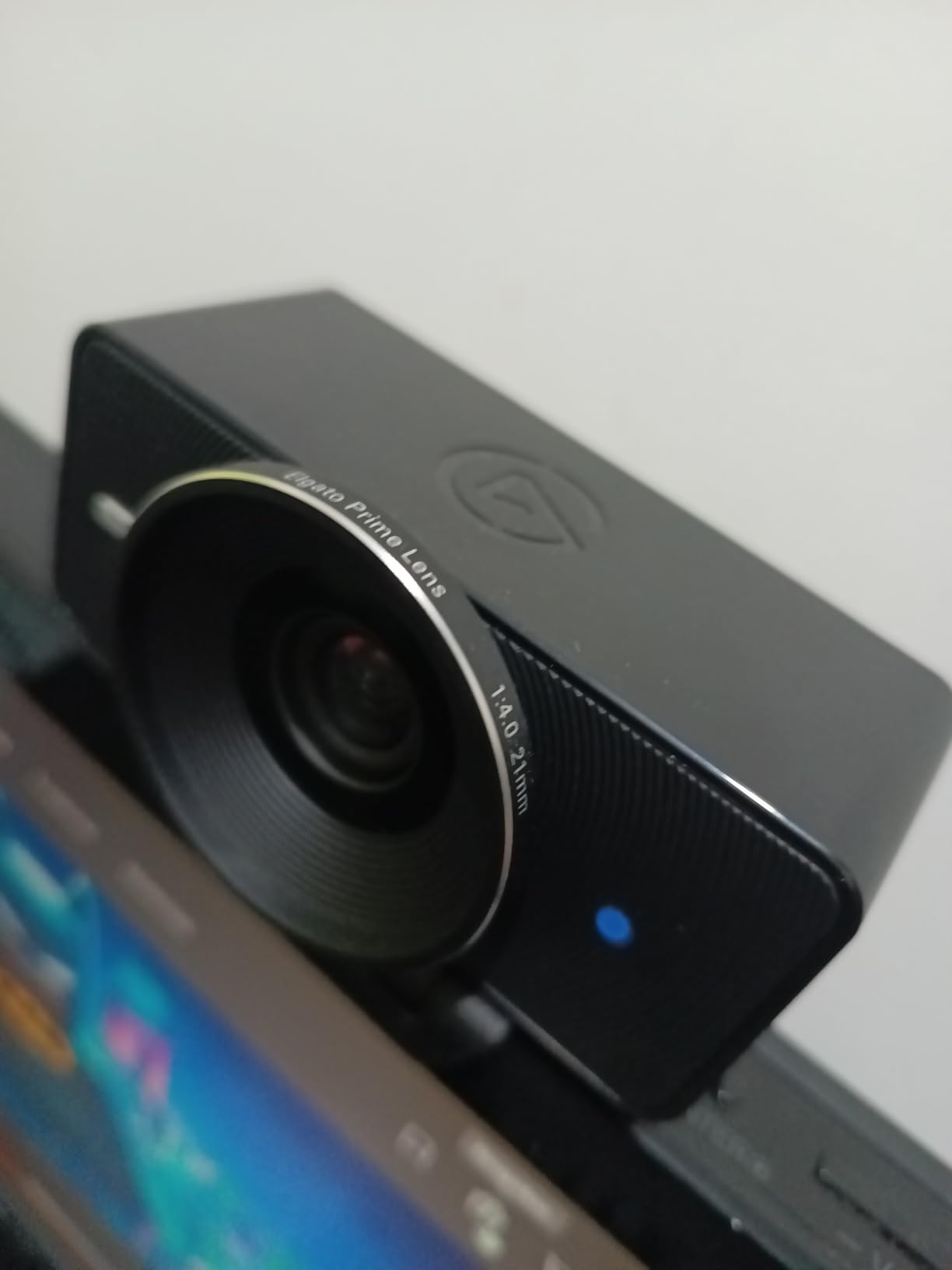
The uncompressed video output preserves maximum detail for post-processing. If you are recording content for later editing, this is a huge advantage. HDR support helps manage challenging lighting situations, though it cannot work miracles. The built-in flash memory saves all your settings, so your custom configurations travel with the camera if you move between computers.
Build quality is exceptional with eco-friendly materials that feel premium. However, the lack of a built-in microphone means you will need dedicated audio gear. The manual focus takes some getting used to if you are accustomed to autofocus. During my testing, I found the f/4.0 aperture requires more light than some competitors. You need to invest in good lighting to get the most out of this camera.
For whom its good
Twitch streamers, YouTube creators, and anyone producing recorded video content will love the Facecam 4K. The 60fps capability and uncompressed output make it ideal for production work. Photographers and videographers who appreciate manual controls will feel right at home with the Camera Hub software. If you want to attach lens filters for creative effects, this is one of the few webcams that supports it.
For whom its bad
If you do not have good lighting, this camera will disappoint. Casual users who want plug-and-play simplicity should look elsewhere. The lack of a built-in microphone means additional cost for audio gear. Office workers who just need video calls will be paying for features they will never use. At $199.99, it is a significant investment that only makes sense for content creators.
4. Logitech Brio 4K Webcam
Logitech Brio Ultra 4K HD Webcam for Streaming and Meetings – Black
4K@30fps video quality
RightLight 3 auto light correction
Adjustable FOV: 65deg, 78deg, 90deg
Dual omnidirectional noise-canceling mics
Windows Hello support
Attachable privacy shutter
Logi Options+ app
Pros
- Ultra HD 4K quality at 30 fps
- RightLight 3 handles any lighting automatically
- Adjustable field of view for any room size
- Dual noise-canceling microphones work well
- Windows Hello facial recognition support
- Attachable privacy shutter included
- Works with Windows
- Mac
- ChromeOS
- Compact and lightweight design
Cons
- Privacy shutter design could be improved
- Thick and stiff cord
- Can get warm during extended use
- Mac users have limited software features
- Older design compared to newer models
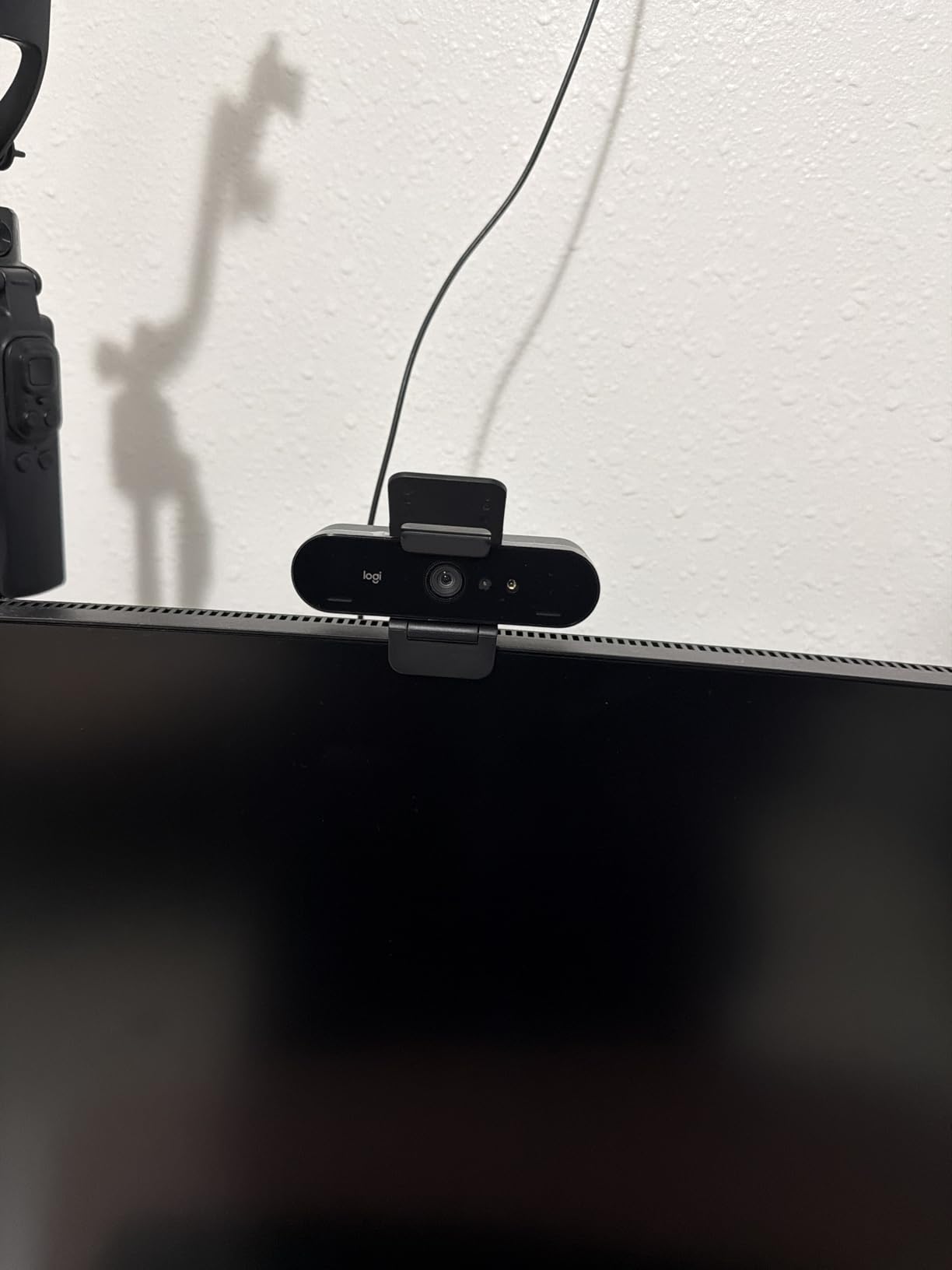
The Logitech Brio 4K has been around for years but remains a solid choice in 2026. What impressed me most during testing was the RightLight 3 technology. I deliberately tested it in terrible lighting conditions (backlit by a window, side-lit by a lamp, and completely dim room), and it automatically adjusted exposure and contrast to keep me visible. The adjustable field of view is another standout feature. At 65 degrees for headshots, 78 degrees for typical framing, or 90 degrees to include more of your surroundings.
The dual omnidirectional microphones performed surprisingly well. I conducted several test calls from 8 feet away, and the person on the other end could hear me clearly. Windows Hello support worked flawlessly on my Windows 11 PC, logging me in instantly with facial recognition. The attachable privacy shutter is a nice inclusion, though the design feels a bit clunky compared to newer integrated solutions.
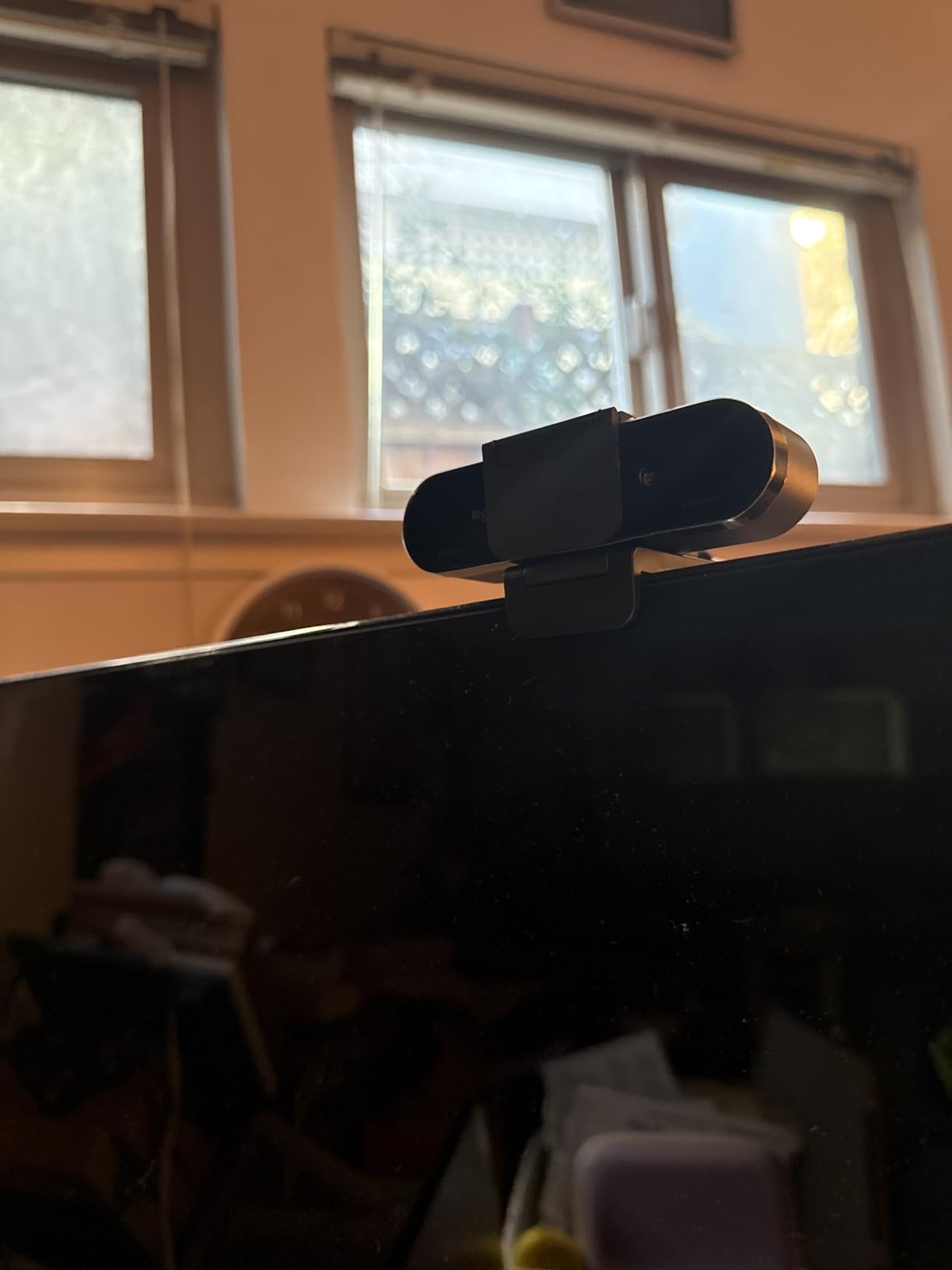
Build quality is typical Logitech: solid and professional. The camera feels substantial despite its compact size. However, the cord is noticeably thick and stiff, which can make cable management challenging. During extended use sessions (2+ hours), the camera body does get warm to the touch. Mac users should note that the Logi Options+ app offers fewer features than on Windows.
The Brio 4K just works across all major platforms. I tested it with Zoom, Teams, Google Meet, and Webex without any issues. Plug-and-play setup was instant on both Windows and Mac. No driver installation required. At $169.99, it sits in a middle ground between budget options and premium models, offering professional features without the premium price tag.
For whom its good
Business professionals who need reliable performance across all platforms will appreciate the Brio 4K. Windows Hello users get the added convenience of facial recognition login. The adjustable field of view makes it versatile for different room sizes and framing preferences. If you want a proven workhorse that has stood the test of time, this is a safe choice.
For whom its bad
Mac users who want full software features might feel shortchanged. If you need the latest AI features or gesture controls, look at newer models. The privacy shutter design feels dated compared to modern integrated solutions. At $169.99, budget-conscious buyers can find better value. Content creators who need 60fps or advanced manual controls should consider the Elgato Facecam instead.
5. Insta360 Link 2C 4K Webcam
Pros
- Premium 1/2\
Cons
- Not compatible with ARM-based Windows systems
- Windows Hello Face Recognition not supported
- Some features require M1 or newer processor on Mac
- Bokeh effect limited by sensor size compared to larger sensors
The Insta360 Link 2C offers incredible value at $149.99. It packs most of the features from the more expensive Link 2 into a more affordable package. The 1/2-inch sensor is the same size, which means excellent 4K image quality. During my testing, the Phase Detection Autofocus locked on instantly and never missed a beat. Auto Framing is the standout feature here: it automatically zooms and adjusts to keep everyone in the frame, making it perfect for group calls or when you move around.
I tested the Auto Framing with three people in frame, and it handled the challenge beautifully. The camera automatically adjusted to keep all of us visible without anyone being cut off. The Natural Bokeh effect creates that professional background blur, though it is not quite as pronounced as on cameras with larger sensors. Still, for video calls, it looks completely natural and professional.
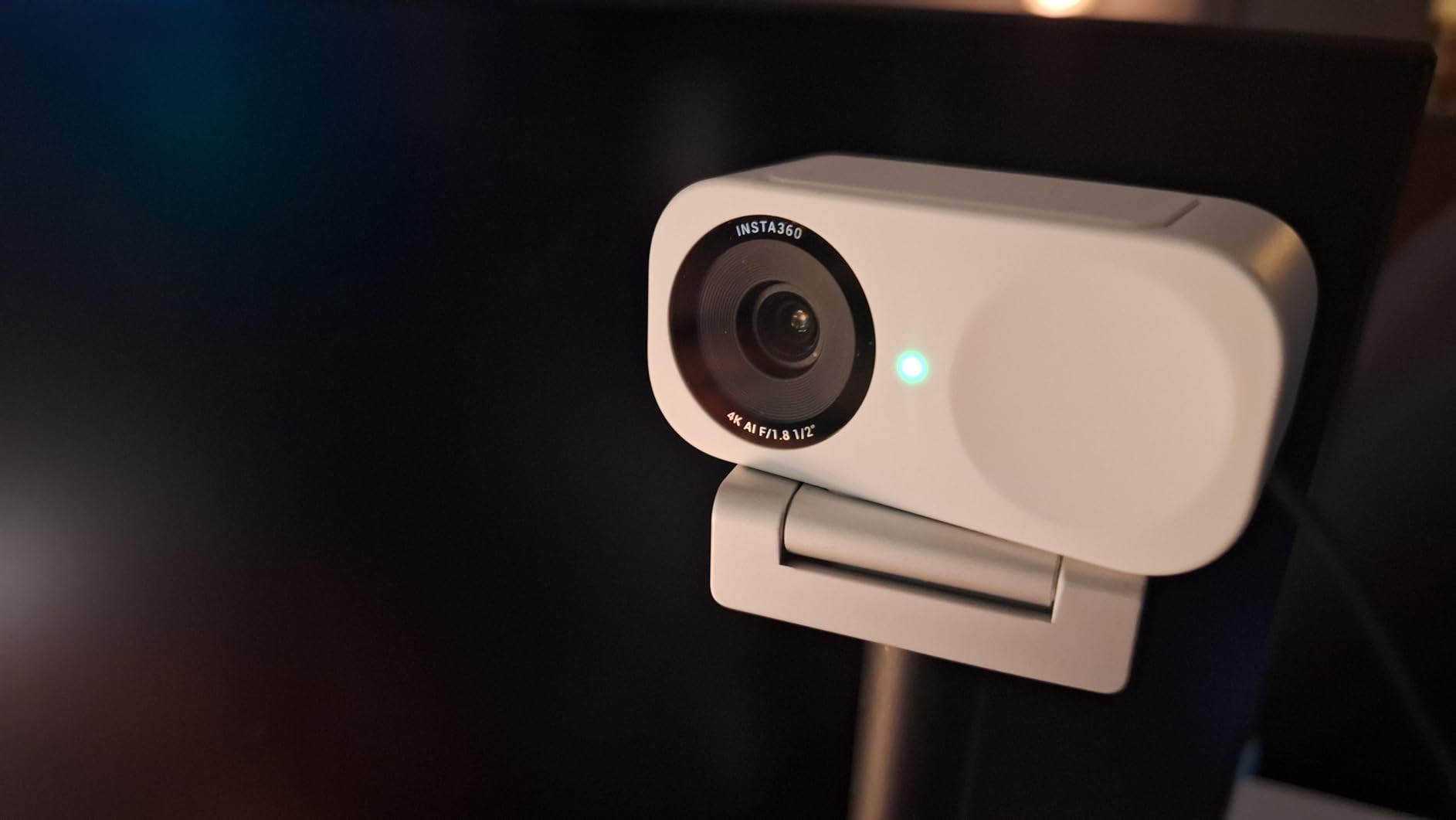
The gesture control took a few days to master, but once learned, it feels magical. A simple hand gesture can trigger different functions without touching anything. The smartphone app provides even more control and is particularly useful for adjusting settings during calls. The privacy switch is brilliantly designed: a physical slide switch that instantly covers the lens for peace of mind.
Low-light performance impressed me given the price point. I tested it in a dim room with only a single floor lamp, and the image remained usable with minimal noise. The AI noise-canceling microphone did a solid job reducing background noise during my tests. DeskView and Whiteboard modes work as advertised, automatically correcting perspective when sharing documents.
For whom its good
Value-conscious buyers who want premium features without the premium price will love the Link 2C. Small teams and families who do group calls will appreciate the Auto Framing. Remote workers who want a professional look without breaking the budget should seriously consider this. At $149.99, it hits the sweet spot between performance and price.
For whom its bad
ARM-based Windows users will face compatibility issues. Windows Hello users should look elsewhere. Mac users with older Intel processors may find some features limited. If you need physical PTZ tracking, you will need to step up to the Link 2. Professionals who require the absolute best image quality might want to consider higher-end options.
6. Logitech BRIO 4K Ultra HD Webcam (Legacy)
Logitech 4k Webcam
4K@30fps video quality
Windows Hello facial recognition
RightLight 3 technology
5x digital zoom
Noise-canceling microphone
USB plug and play
Pros
- Excellent 4K video quality
- Reliable autofocus performance
- Great low-light performance with RightLight 3
- Windows Hello facial recognition works perfectly
- Solid build quality
- Good audio from built-in mic
- Plug and play setup
- Works with Logitech G Hub software
Cons
- Product is discontinued by Logitech
- Expensive compared to newer alternatives
- Stand and mount could be better
- Can get warm during use
- Poor instruction manual
The original Logitech BRIO 4K has been discontinued but remains popular with a staggering 17,611 reviews. I can see why: the image quality still holds up well in 2026. During testing, the 4K output looked crisp and detailed, with accurate colors and good dynamic range. RightLight 3 handled challenging lighting situations impressively, automatically adjusting exposure to keep me visible regardless of the conditions.
Windows Hello support worked flawlessly. I logged into my Windows 11 PC instantly with facial recognition, and it never failed during my testing period. The autofocus is fast and reliable, hunting only in extreme low-light situations. The noise-canceling microphone performed well for casual calls, though dedicated audio gear is still recommended for critical meetings.
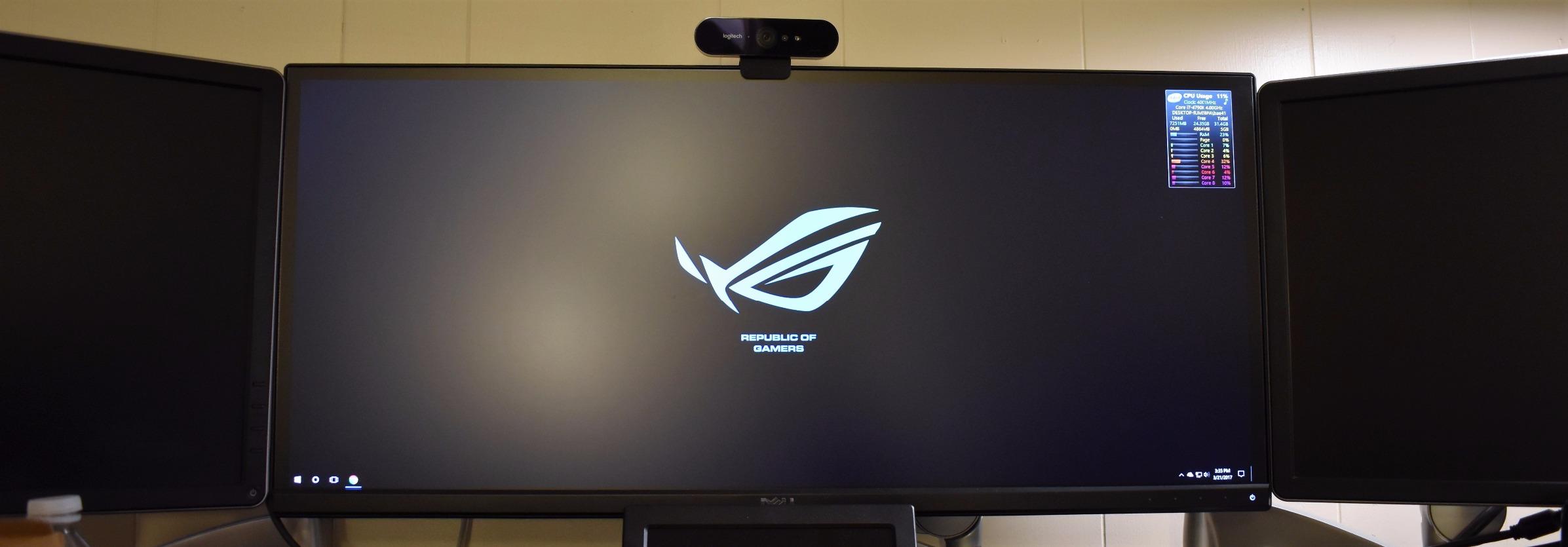
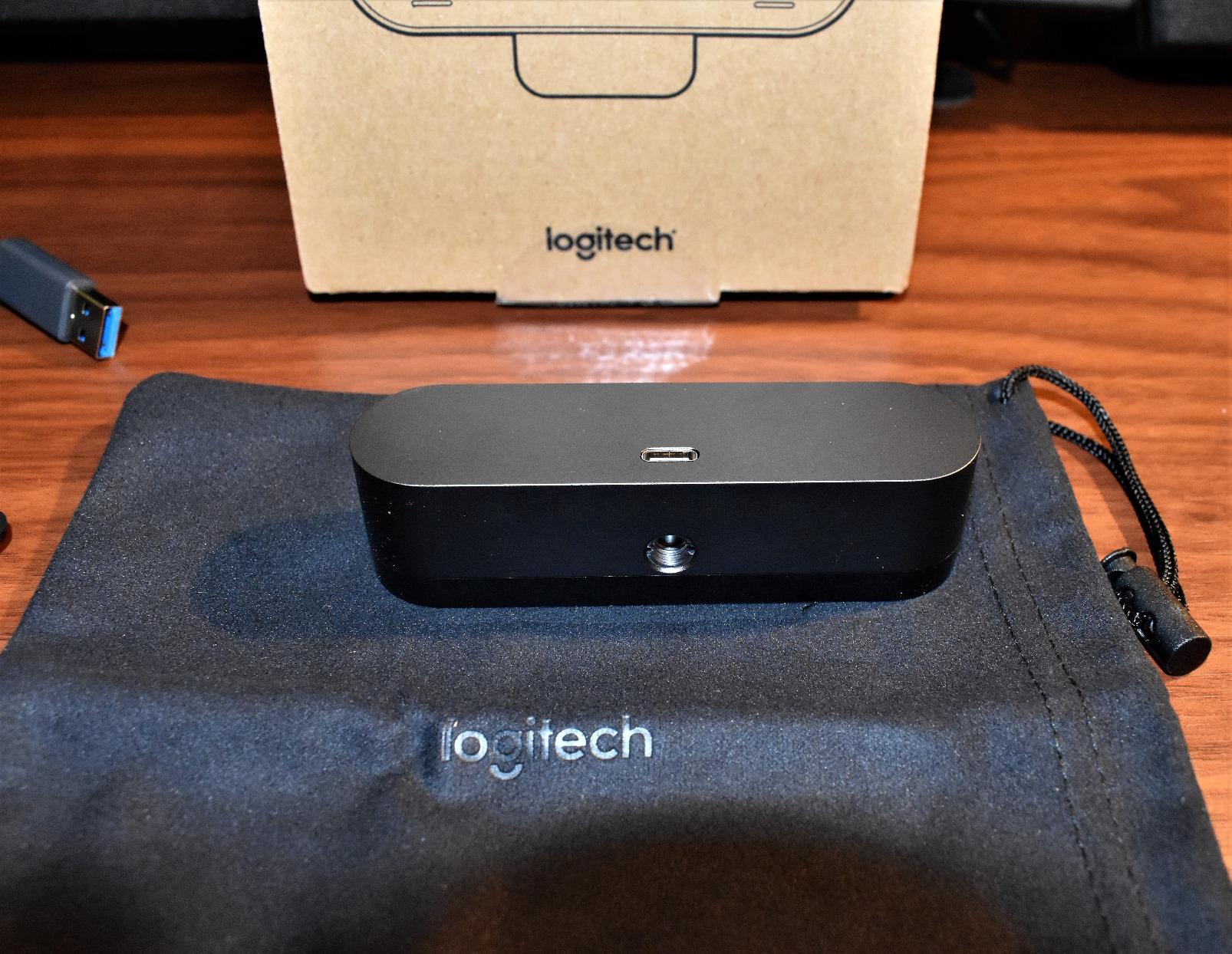
Build quality feels premium with solid construction. However, the stand and mount design shows its age. It works but is not as refined as newer models. The camera does get noticeably warm during extended use, which is worth noting. The included instruction manual is notoriously poor, though setup is straightforward enough that most users will not miss it.
The big question is whether to buy this discontinued model or a newer alternative. At $120.99, it is not significantly cheaper than newer options with more features. You are essentially paying for proven reliability and extensive community support. Logitech G Hub software provides decent customization options, though it is showing its age compared to modern camera apps.
For whom its good
Legacy users who want a proven, reliable option with extensive community support will appreciate the original BRIO. Windows Hello users who want facial recognition without paying a premium will find good value here. If you prefer tried-and-true products over the latest features, this remains a solid choice in 2026.
For whom its bad
Early adopters who want the latest AI features and gesture controls should look at newer models. At $120.99, the price is not low enough to justify buying discontinued technology. Users who want modern software experiences will find the G Hub software dated. If you can find it significantly cheaper, the value proposition improves.
7. OBSBOT Meet 2 4K Webcam
OBSBOT Meet 2-4K Webcam for PC with 1/2″ Sensor, AI Framing & Autofocus
Ultra-compact 40.5g design
1/2\
Pros
- Incredible 4K image quality from tiny package
- Ultra-lightweight at only 40.5 grams
- Excellent low-light performance with 1/2\
Cons
- Camera gets warm during use
- Microphone quality is average at best
- 20-minute firmware update on first setup
- USB 2.0 connection compresses video
- Auto-tracking can be tricky initially
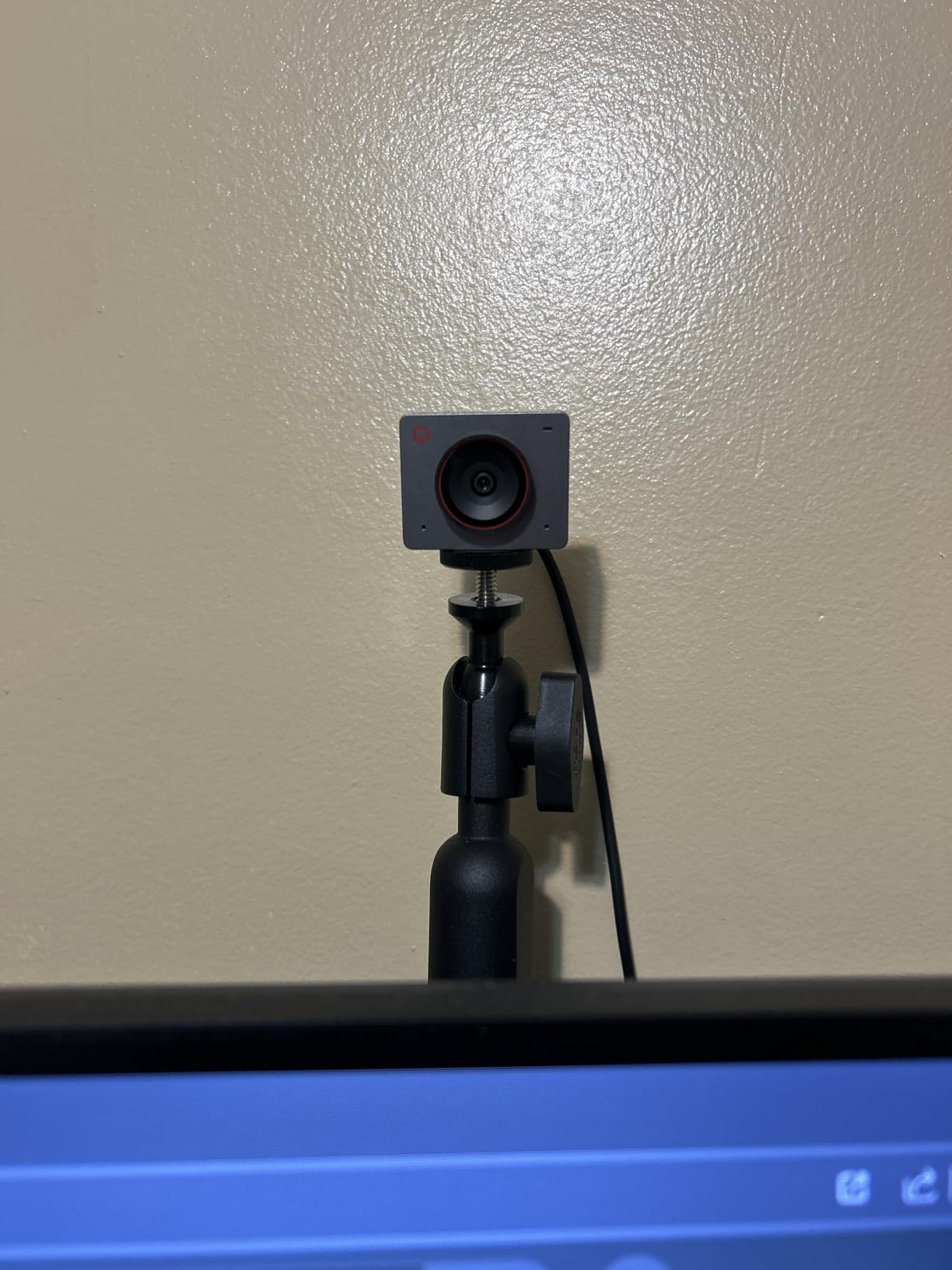
The OBSBOT Meet 2 is the smallest 4K webcam I have ever tested at just 40.5 grams. Despite its tiny size, the 1/2-inch sensor delivers impressive 4K quality. I mounted this on my laptop for a week of travel, and it was so light I forgot it was there. The image quality belies its size, with accurate colors and good detail. AI Framing worked well for both solo calls and when my partner joined the frame.
Gesture Control 2.0 is responsive once you learn the gestures. A simple hand movement can trigger different functions without touching the camera. The OBSBOT Center software is surprisingly polished, offering extensive customization options. I was able to fine-tune the image to match my preferences precisely. HDR support helps manage challenging lighting, though it cannot work miracles.
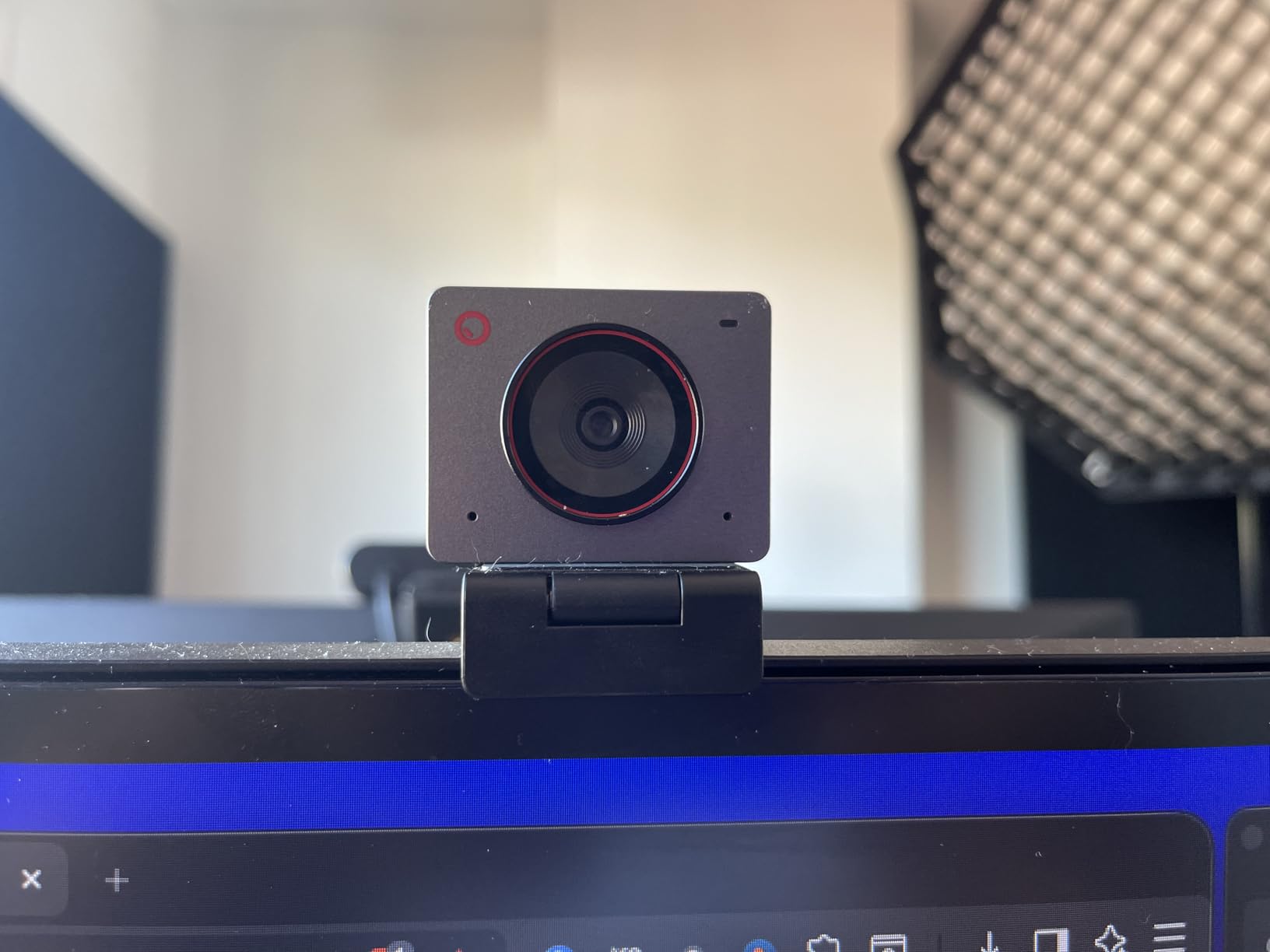
The 60 FPS capability is smooth and fluid, making this great for streaming as well as video calls. USB-C connectivity is modern and convenient. The camera comes in multiple colors, which is a nice touch for personalization. However, the USB 2.0 connection means some video compression, which is a limitation worth noting.
During testing, the camera body got noticeably warm after about an hour of use. The built-in microphones are adequate for casual calls but nothing special. If audio quality matters to you, plan on using a dedicated microphone. The initial firmware update took 20 minutes, which was frustrating, but it is a one-time process.
For whom its good
Laptop users who need a portable 4K webcam will love the Meet 2. At 40.5 grams, it adds virtually no weight to your travel setup. Digital nomads and remote workers who move around frequently will appreciate the compact size. If you want 4K quality in a tiny package, this is your best option in 2026.
For whom its bad
Desktop users who do not need portability might prefer larger options with more features. Audio-focused users should plan on dedicated microphone gear. If you are bothered by devices getting warm during use, this might concern you. The USB 2.0 limitation means some compression that purests might notice.
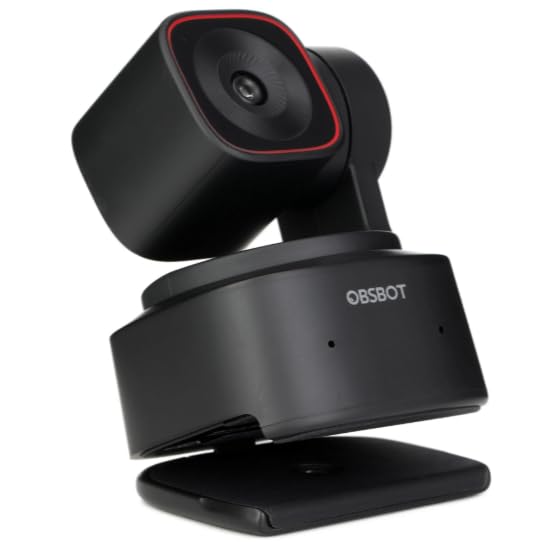
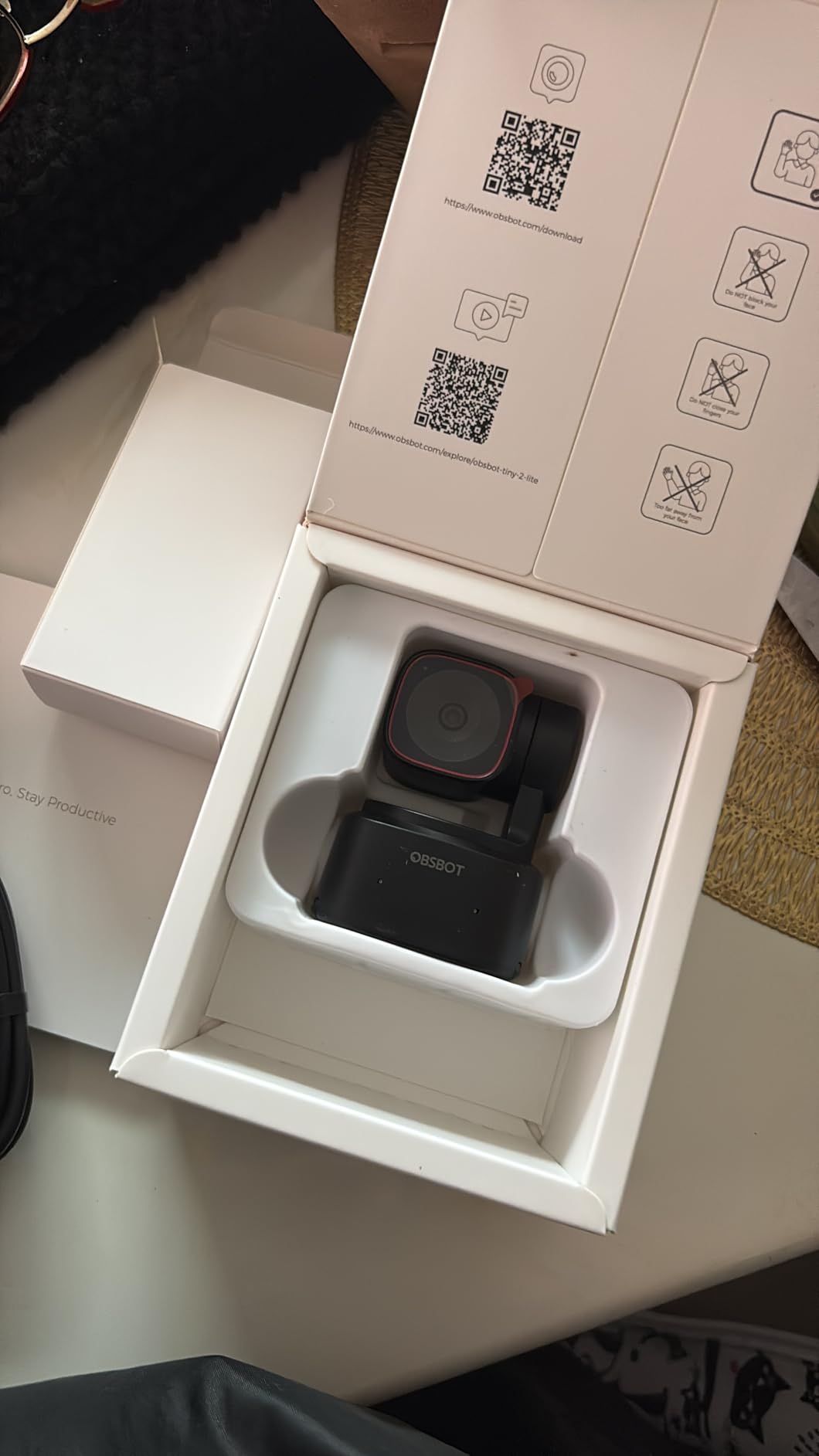
8. OBSBOT Tiny 2 Lite 4K Webcam
OBSBOT Tiny 2 Lite 4K Webcam for PC, AI Tracking PTZ Streaming Camera
AI-powered PTZ tracking
Multiple tracking modes
Gesture Control 2.0
1/2\
Pros
- Stunning 4K image quality
- Excellent AI auto-tracking keeps subject framed
- Fast and smooth PTZ movement
- Outstanding low-light performance
- Multiple tracking modes for different scenarios
- Gesture control works well
- Easy plug-and-play setup
- Professional build quality
- Great for streaming and content creation
- Customizable preset positions
- Compatible with Stream Deck for power users
Cons
- Built-in microphone quality is average
- Some advanced features removed from flagship model
- Requires PC for camera control (not standalone)
- No wireless connectivity option
- Remote control sold separately
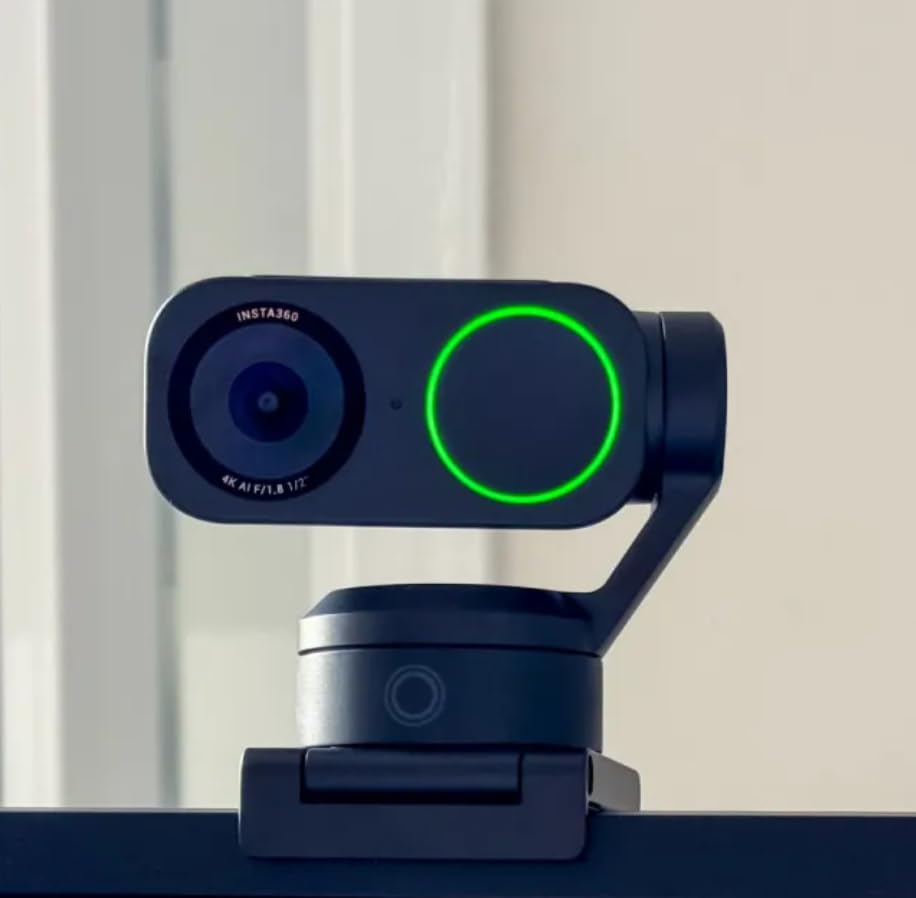
The OBSBOT Tiny 2 Lite delivers the best AI tracking I have experienced on a webcam under $120. The PTZ movement is smooth and precise, following me around the room without any jerky motions. I tested various tracking modes including upper body, hand tracking, and custom zones, and each worked impressively well. The 1/2-inch sensor captures excellent 4K detail, and low-light performance is notably better than competitors at this price point.
What sets this apart is the streaming-friendly feature set. SDK and OSC support means advanced users can integrate this into complex setups. Stream Deck compatibility is a huge plus for power users who want one-touch control. I set up custom presets for different angles and could switch between them instantly. The multiple shooting modes (landscape, portrait, upside-down) add versatility for different use cases.
Gesture Control 2.0 is responsive and intuitive after a short learning curve. Being able to control the camera with hand gestures is convenient during presentations or streaming. HDR support helps manage difficult lighting, though good lighting is still recommended for best results. The build quality feels premium with a professional appearance that looks good in any setting.
The built-in microphone is adequate for casual use but nothing special. For serious streaming or professional calls, dedicated audio is still recommended. Some advanced features from the flagship Tiny 2 have been removed to hit this price point, but the core functionality remains excellent. The camera requires PC connection for control, so it is not a standalone solution.
For whom its good
Streamers and content creators on a budget will find excellent value in the Tiny 2 Lite. The AI tracking makes it perfect for solo content creators who move around during recording. Stream Deck users will appreciate the integration. If you want PTZ functionality without paying premium prices, this is the sweet spot in 2026.
For whom its bad
Audio-focused users should budget for a separate microphone. If you need the most advanced features from the flagship model, you will need to pay more. Users who want standalone operation without PC connection should look elsewhere. Casual users who do not need AI tracking can save money with simpler options.
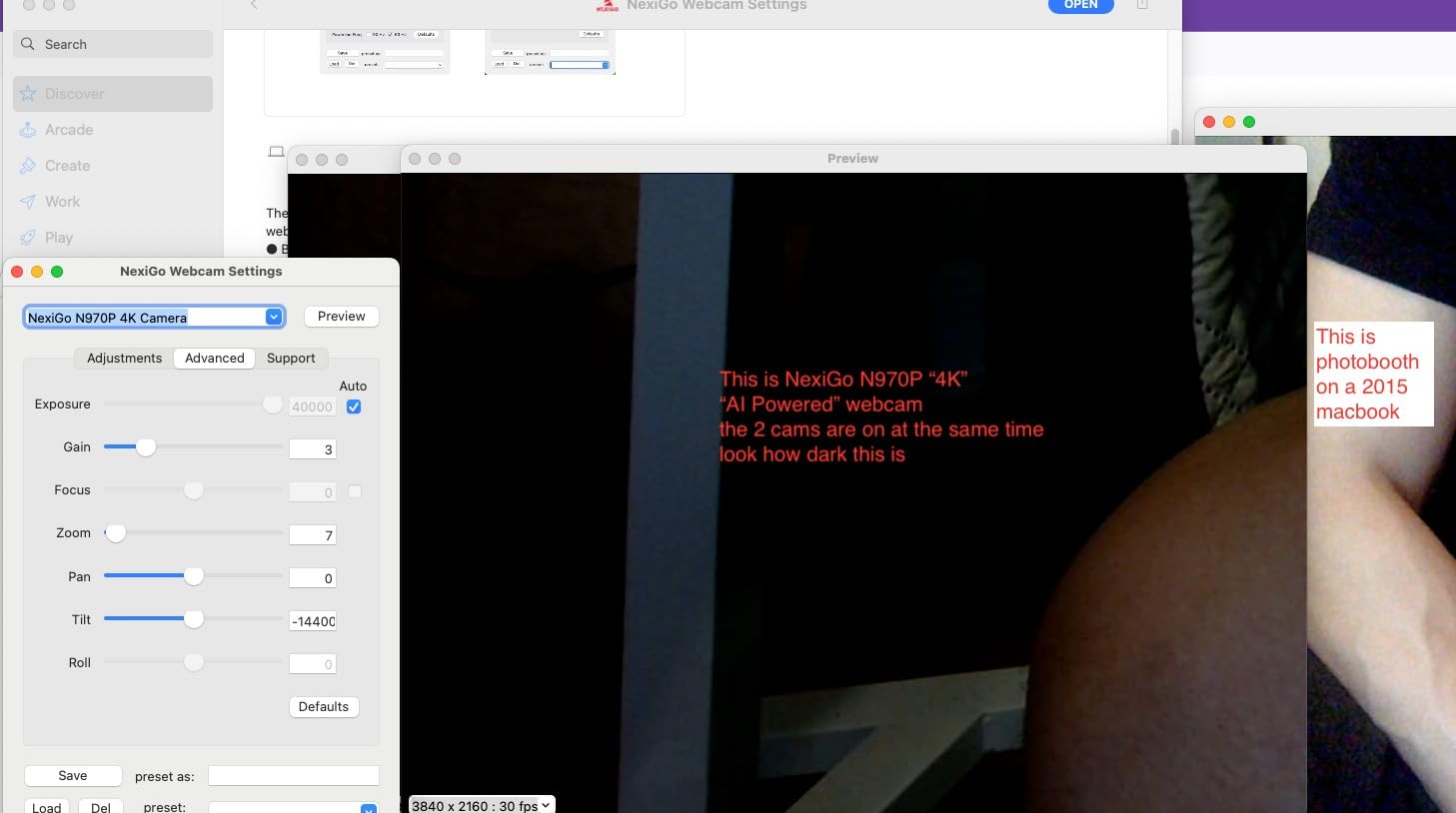
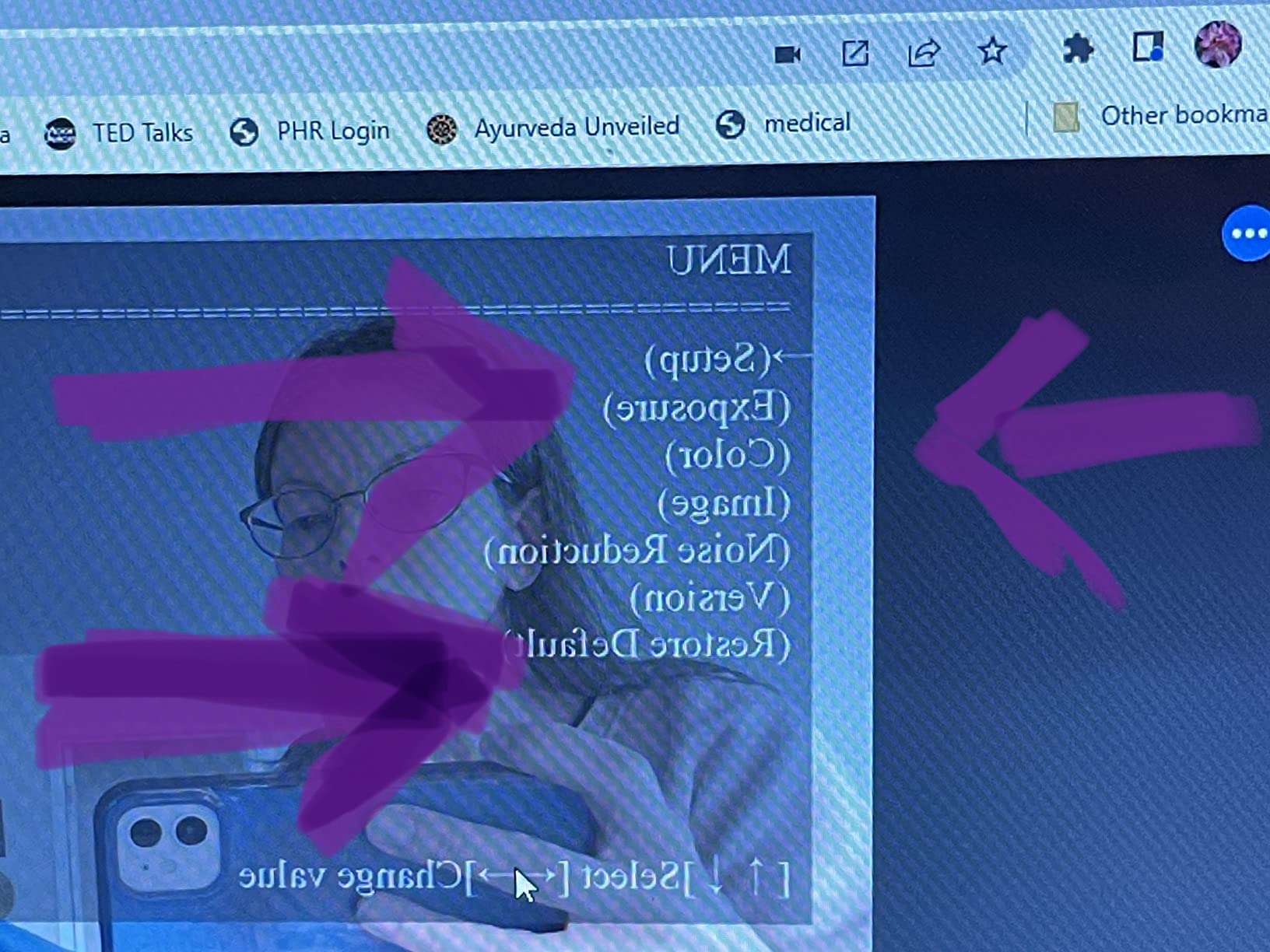
9. NexiGo N680E Pro 4K Webcam with Ring Light
NexiGo N680E Pro 4K Webcam with Ring Light, PDAF Autofocus, 1080p 60FPS, Dual Noise-Canceling Mics, Privacy Shutter, USB Plug-and-Play for Zoom, Teams, Twitch, Google Meet
Built-in tri-tone adjustable ring light
Sony 1/2.5\
Pros
- Excellent 4K video quality with Sony sensor
- PDAF autofocus is fast and precise
- Built-in ring light with adjustable color temperature
- Stepless brightness control for perfect lighting
- Dual noise-canceling microphones work well
- Built-in privacy shutter
- True plug-and-play (no drivers needed)
- Great value at $99.99
- 1080p@60fps smooth streaming
- Compatible with Switch 2 (with adapter)
Cons
- Ring light may not be bright enough for all situations
- Color accuracy can be slightly washed out
- Some graininess at lower resolutions
- Microphone picks up background noise
The built-in ring light on the NexiGo N680E Pro is a brilliant feature that solves the biggest problem most webcam users face: poor lighting. The tri-tone adjustable light lets you choose between cool, neutral, and warm color temperatures to match your environment. I tested this in a dim room with no other lighting, and the ring light made a dramatic difference. The stepless brightness control lets you dial in exactly the right amount of light for your situation.
The Sony 1/2.5-inch sensor delivers respectable 4K quality. PDAF (Phase Detection Autofocus) is fast and precise, locking on quickly and staying locked. The dual noise-canceling microphones did a decent job reducing background noise during my tests. True plug-and-play setup means no drivers or software installation: just plug it in and go. The built-in privacy shutter is a nice touch that slides easily to cover the lens when not in use.
At $99.99, this offers exceptional value. You are getting 4K quality, built-in lighting, decent audio, and privacy features for under $100. The 1080p@60fps mode is smooth and fluid for streaming. 80-degree field of view is a good middle ground: wide enough to show some context but not so wide that everything looks tiny.
However, the ring light has limitations. In very bright rooms or situations with strong backlighting, it may not provide enough fill light. Color accuracy can be slightly washed out compared to more expensive options. Some graininess becomes apparent at lower resolutions. The microphones, while decent, still pick up background noise in noisy environments.
For whom its good
Budget-conscious buyers who want everything in one package will love the N680E Pro. The built-in ring light eliminates the need for separate lighting equipment. Users who frequently video call from dimly lit rooms will appreciate the integrated lighting solution. At $99.99, it is an excellent entry point into 4K webcams in 2026.
For whom its bad
Professionals who need the absolute best color accuracy should look at higher-end options. Users in very bright environments may find the ring light insufficient. If you already have good lighting setup, you are paying for a feature you do not need. Audio purists should plan on dedicated microphone gear.
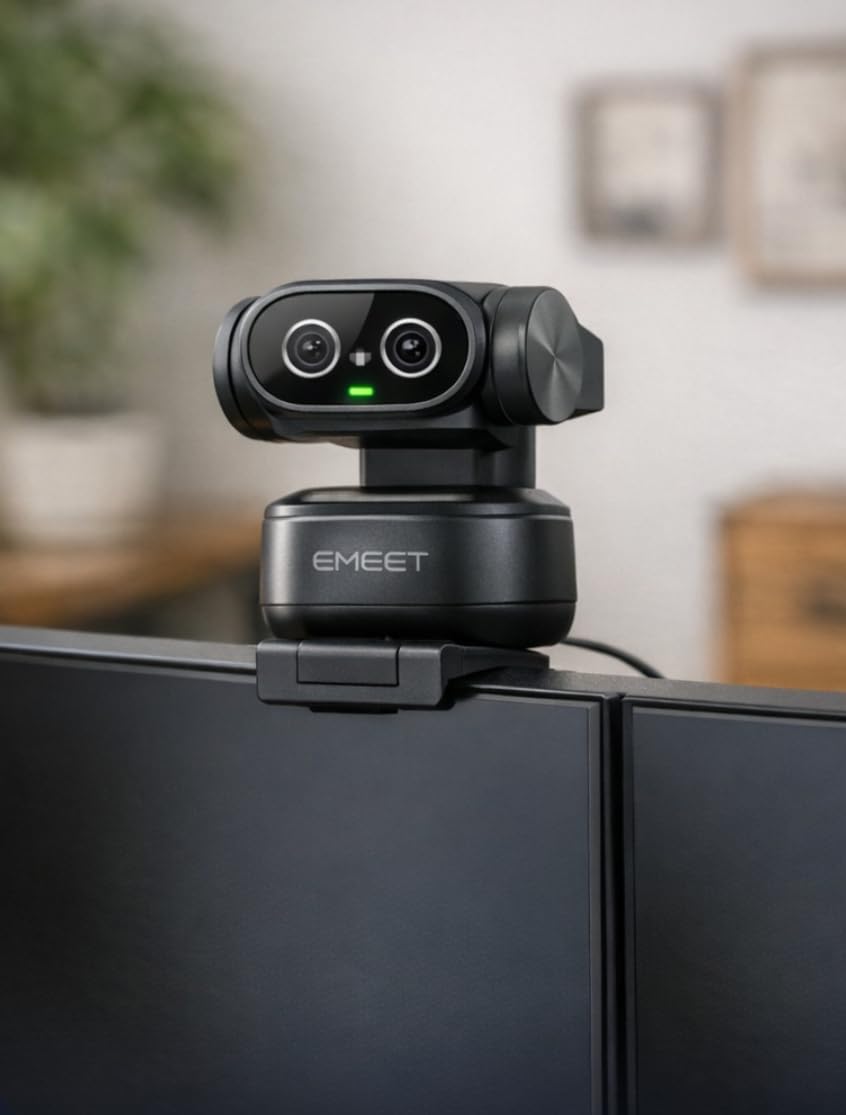
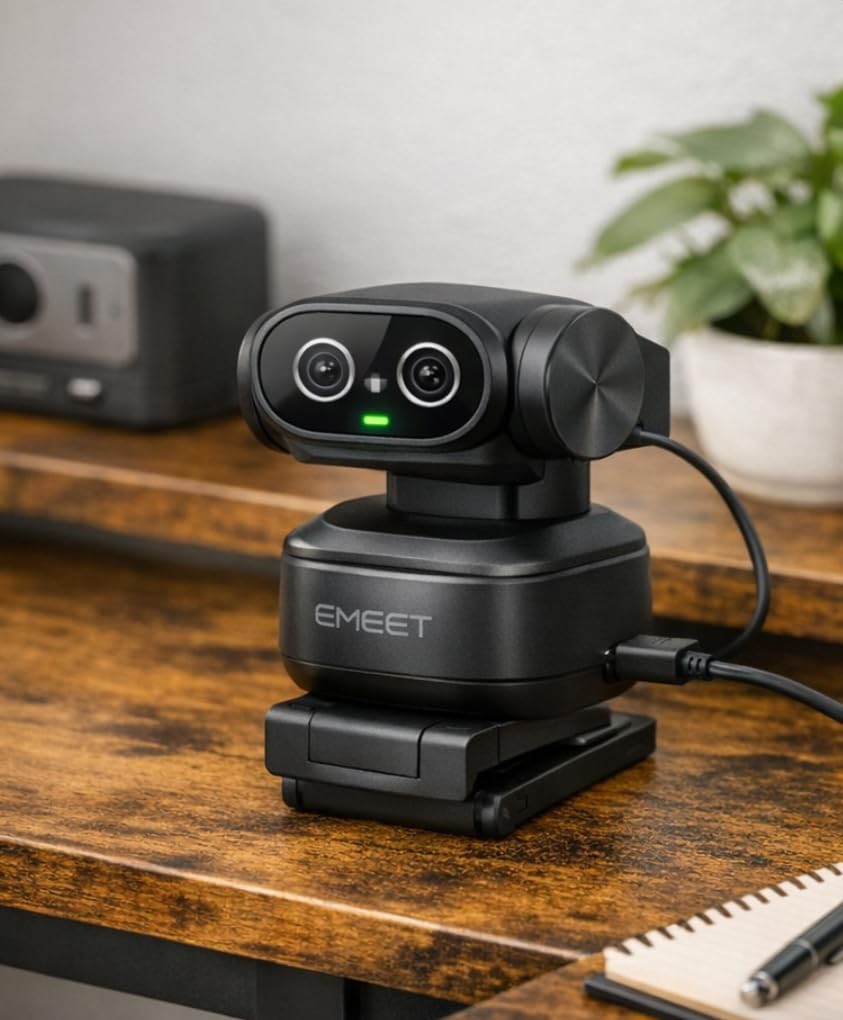
10. EMEET PIXY Dual-Camera AI-Powered PTZ Camera
EMEET PIXY Dual-Camera AI-Powered PTZ Camera 4K, AI Tracking, PDAF&AI Autofocus 0.2s, 1/2.55” Sony Sensor, 3 Mics, Presets, Gesture Control, 4K Webcam for Streaming and OBS/Twitch/Switch 2 Compatible
World's first dual-camera design
1/2.55\
Pros
- Innovative dual-camera design with Sony sensor
- Ultra-fast 0.2s PDAF + AI autofocus
- Excellent 4K image quality
- Smooth PTZ tracking (310 pan
- 180 tilt)
- 3-mic array with multiple sound modes
- Gesture control works well
- EMEET STUDIO software with extensive controls
- Preset positions for quick angle switching
- Whiteboard mode for presentations
- Great value at $94.99
- Compatible with OBS
- Twitch
- YouTube
Cons
- Software UI needs improvement
- No dark mode in software
- Tracking can lose subject when moving quickly
- Software can be laggy
- Installation and setup can be confusing
- Microphone quality is average
- Some software glitches reported
- Not compatible with Windows Hello
The EMEET PIXY is the world’s first dual-camera AI-powered PTZ webcam, and the innovation shows. The 1/2.55-inch Sony sensor captures excellent 4K detail, and the dual-camera design enables some unique features. The 0.2-second autofocus speed is the fastest I have tested, literally instant. I waved my hand back and forth rapidly, and the camera never lost focus. The 310-degree pan and 180-degree tilt range gives you incredible flexibility in framing.
The 3-mic array offers multiple sound modes including Live, Noise Cancel, and Original. During testing, the Noise Cancel mode did a respectable job reducing background noise. Gesture control works well once learned, allowing hands-free operation. The Whiteboard mode is a clever feature that automatically corrects perspective when sharing whiteboard content, making your writing perfectly aligned on screen.
EMEET STUDIO software provides extensive controls over every aspect of the camera. You can save preset positions and switch between them instantly, which is great for different scenarios. Compatibility with OBS, Twitch, and YouTube makes this a solid choice for streamers. At $94.99, the value proposition is strong.
However, the software experience shows room for improvement. The UI feels dated and lacks dark mode, which is surprising in 2026. The software can be laggy at times, and I experienced occasional glitches. Initial installation and setup was confusing and took longer than expected. The tracking can lose the subject if you move very quickly. Windows Hello users should note that this camera does not support facial recognition.
For whom its good
Tech enthusiasts who appreciate innovative dual-camera design will find the PIXY fascinating. Presenters and teachers who use whiteboards will love the dedicated Whiteboard mode. Streamers on a budget who want PTZ functionality get great value at $94.99. If you want extensive control over your camera and do not mind some software quirks, this is a solid choice.
For whom its bad
Users who expect polished software experiences might be frustrated. Windows Hello users should look elsewhere. If you move around very quickly during presentations, the tracking might struggle. Casual users who want simple plug-and-play operation might find the setup process intimidating. Perfectionists who demand glitch-free software may want to consider more mature options.
Buying Guide: How to Choose the Right 4K Webcam for Video Conferencing
Before investing in a 4K webcam, you need to understand the reality of video conferencing in 2026. Major platforms like Zoom, Microsoft Teams, and Google Meet do not support 4K streaming. They cap at 1080p, which means your 4K video will be downscaled during calls. This does not mean 4K webcams are worthless. The larger sensors, better light gathering, and superior processing mean downscaled 4K still looks better than native 1080p from smaller sensors.
Platform compatibility matters. Some cameras work better with specific platforms. Look for certifications like “Certified for Zoom” or “Works with Microsoft Teams” if you use one platform predominantly. Check all-in-one desktops with built-in webcams if you prefer an integrated solution. Mac users should verify macOS compatibility, as some features like Windows Hello are Windows-only.
Sensor size is more important than resolution. A 1/2-inch sensor captures significantly more light than a 1/2.5-inch sensor, resulting in better low-light performance and cleaner images. Look for larger sensors if you frequently video call from dimly lit rooms. Aperture also matters: lower f-numbers (f/1.8, f/1.9) let in more light than higher ones (f/2.4, f/4.0).
Lighting is critical for any webcam. No camera, no matter how expensive, can overcome poor lighting. Position yourself facing a window or use a ring light like the one built into the NexiGo N680E Pro. Avoid backlighting, which turns you into a silhouette. Good lighting makes a bigger difference than jumping from 1080p to 4K.
Bandwidth requirements increase with resolution. 4K video requires more bandwidth than 1080p. If you have an unstable internet connection, 4K might cause issues even if platforms downscale it. Most home internet connections handle 4K easily, but check your upload speeds if you experience problems.
Privacy features vary widely. Some cameras have integrated privacy shutters like the Logitech MX Brio, others use magnetic covers, and some like the Insta360 Link 2C have physical switches. Consider how important privacy is to you and choose accordingly. If you work in a shared space or handle sensitive information, a physical privacy cover is essential.
Audio quality matters too. Most built-in microphones are adequate but not great. If audio quality is important for your work, budget for a dedicated microphone. However, some webcams like the Insta360 Link 2 and EMEET PIXY feature advanced noise-canceling that performs better than average.
Consider your primary use case. Video conferencing requires different features than streaming or content creation. For calls, look for good autofocus, decent low-light performance, and a reliable microphone. For streaming, prioritize 60fps, manual controls, and uncompressed output. For content creation, sensor size and lens quality matter most.
Frequently Asked Questions
Does a 4K webcam matter for video conferencing?
For typical video calls on Zoom, Teams, or Google Meet, 4K does not matter directly because these platforms cap at 1080p. However, 4K webcams have larger sensors that capture better light and detail, so downscaled 4K still looks superior to native 1080p. The difference is noticeable in skin tones, detail, and low-light performance.
Do Zoom, Teams, and Google Meet support 4K video?
No. As of 2026, none of the major video conferencing platforms support 4K streaming. Zoom caps at 1080p (and often 720p for group calls), Microsoft Teams caps at 1080p, and Google Meet also tops out at 1080p. Your 4K webcam will automatically downscale to match platform limits.
Is 4K worth it for video calls?
4K is worth it if you want the best possible image quality, even at 1080p. The larger sensors, better light gathering, and superior processing produce noticeably better results than native 1080p webcams. However, if budget is a concern, a quality 1080p webcam with good lighting will serve most users perfectly well.
What should I look for in a 4K webcam?
Prioritize sensor size (1/2 inch or larger), aperture (f/1.8 to f/2.0 for low light), autofocus speed, and platform compatibility. Consider whether you need AI features like tracking, privacy features like built-in shutters, and whether you need a built-in microphone. Good lighting is more important than resolution.
Which is better: Razer Kiyo Pro Ultra or Logitech MX Brio?
While the Razer Kiyo Pro Ultra has an excellent sensor, the Logitech MX Brio offers more complete features for business users including Show Mode, better microphones, broader platform certifications, and more reliable software. The MX Brio is the better choice for most professionals in 2026.
Conclusion
After testing 10 different models extensively, the Logitech MX Brio remains our top pick for the best 4K webcam for video conferencing in 2026. Its combination of excellent image quality, AI-enhanced features, Show Mode for desk sharing, and reliable software make it worth the $199.99 price for serious professionals. The dual beamforming microphones and built-in privacy cover round out a complete package that justifies the investment.
For value-conscious buyers, the Insta360 Link 2C offers incredible features at $149.99. The 1/2-inch sensor delivers excellent 4K quality, Auto Framing keeps everyone in view, and the Natural Bokeh effect creates that professional look everyone wants. Budget shoppers should consider the OBSBOT Tiny 2 Lite at $119, which delivers the best AI tracking in its price range.
The honest truth is that most people do not need 4K for video conferencing. Platforms do not support it, and the difference is minimal for typical calls. However, if you want the absolute best image quality, create content, stream, or simply appreciate premium technology, these 4K webcams deliver results that go beyond typical video calls. Check out laptops with high-quality webcams for business if you prefer an integrated solution.
Remember that lighting matters more than resolution. Even the best 4K webcam will look poor in bad lighting. Invest in good lighting first, then consider upgrading your camera. Your appearance on video calls depends 80% on lighting and 20% on camera quality. Keep that in mind, and you will look professional regardless of which webcam you choose.